Issues Caused by Tracking-Number Input Mistakes and How to Prevent Them
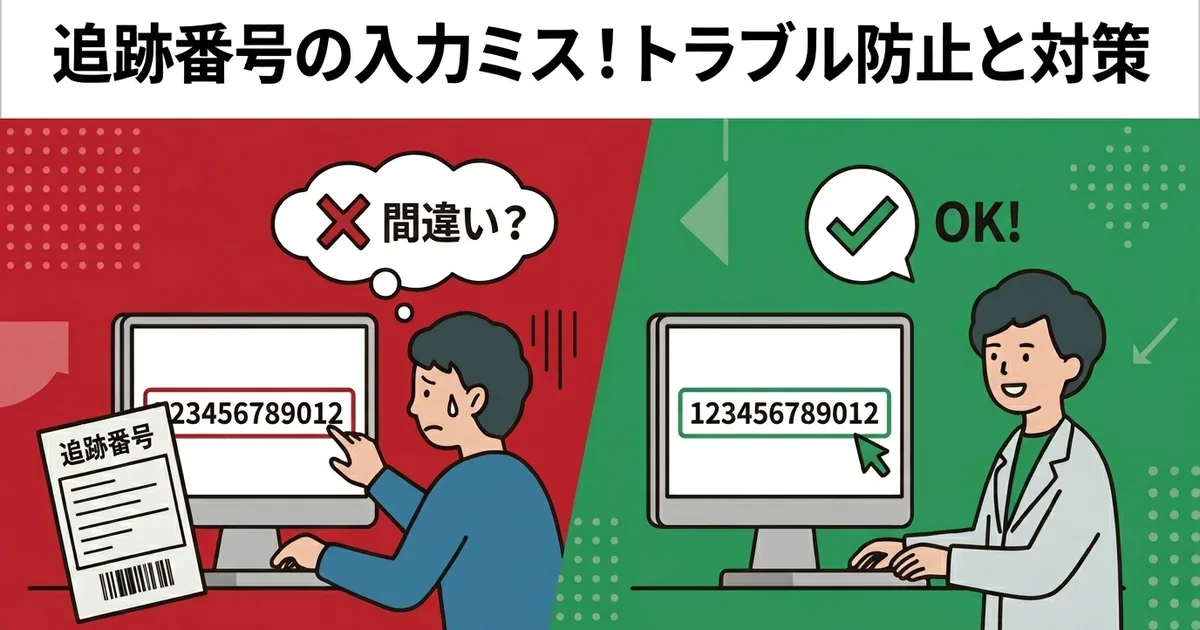
Are you still typing Click Post tracking numbers into Shopify by hand after shipping?
A tracking number is just a 12-digit string, but even a one-digit mistake can send the customer incorrect tracking information. That leads directly to “I can’t track my order” inquiries and can damage trust in your store.
This article explains why these mistakes happen, what kind of trouble they cause, and how to reduce the risk as close to zero as possible.
Why Tracking-Number Mistakes Happen
It is hard to keep entering 12-digit numbers perfectly
Click Post tracking numbers are long enough that fatigue matters. A single order may not feel risky, but after entering several in a row, even careful people make mistakes.
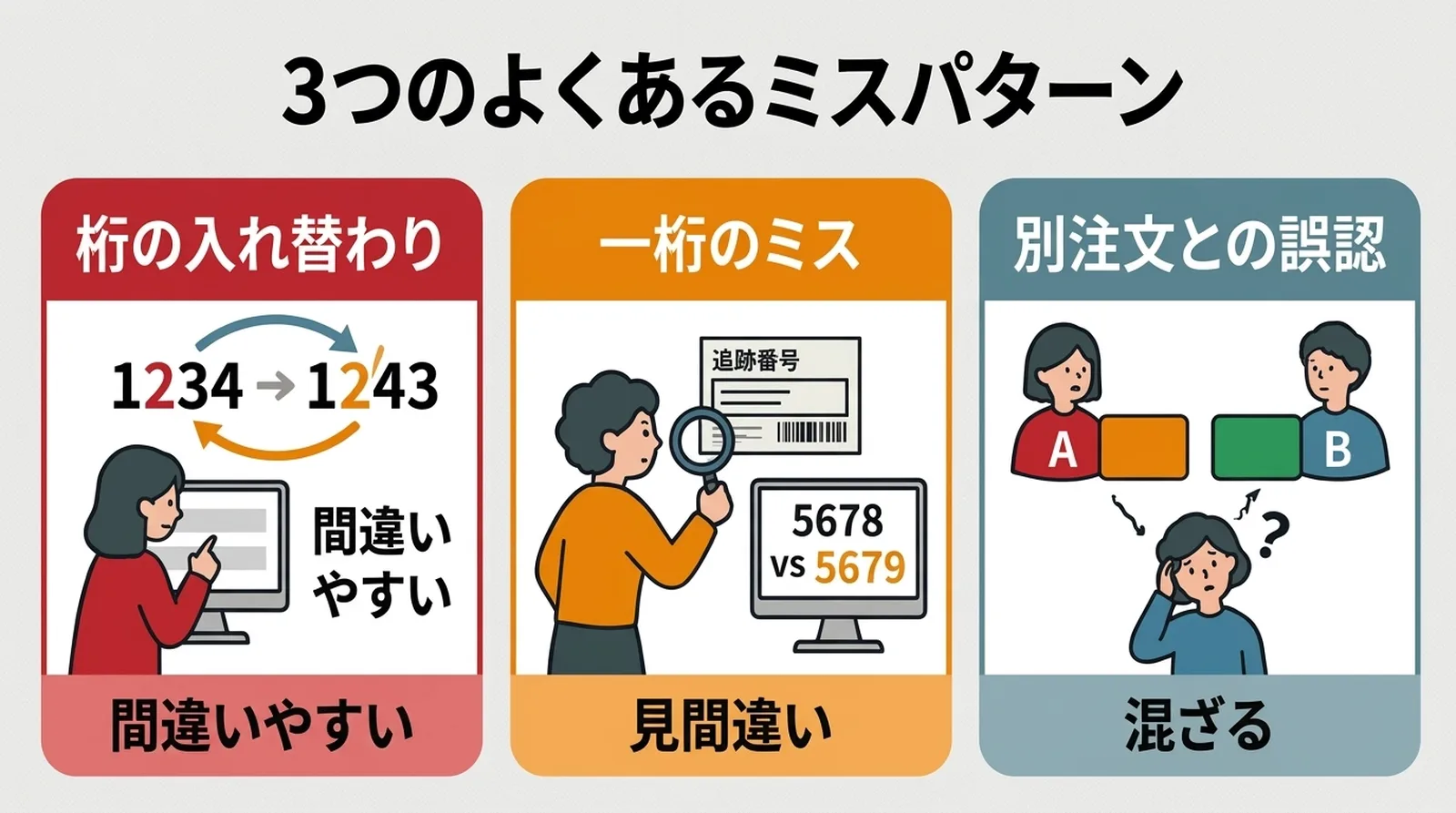
The three most common mistake patterns
| Pattern | Example | Typical cause |
|---|---|---|
| Digit order swap | 1234 -> 1243 | Attention drops during repeated input |
| One-digit typo | 5678 -> 5679 | Small printed labels or simple reading mistakes |
| Wrong number assigned to the wrong order | Order A gets Order B’s tracking number | Working with multiple labels at once |
The third one is especially dangerous because the tracking number may still be valid, just linked to the wrong package.
What These Mistakes Cause
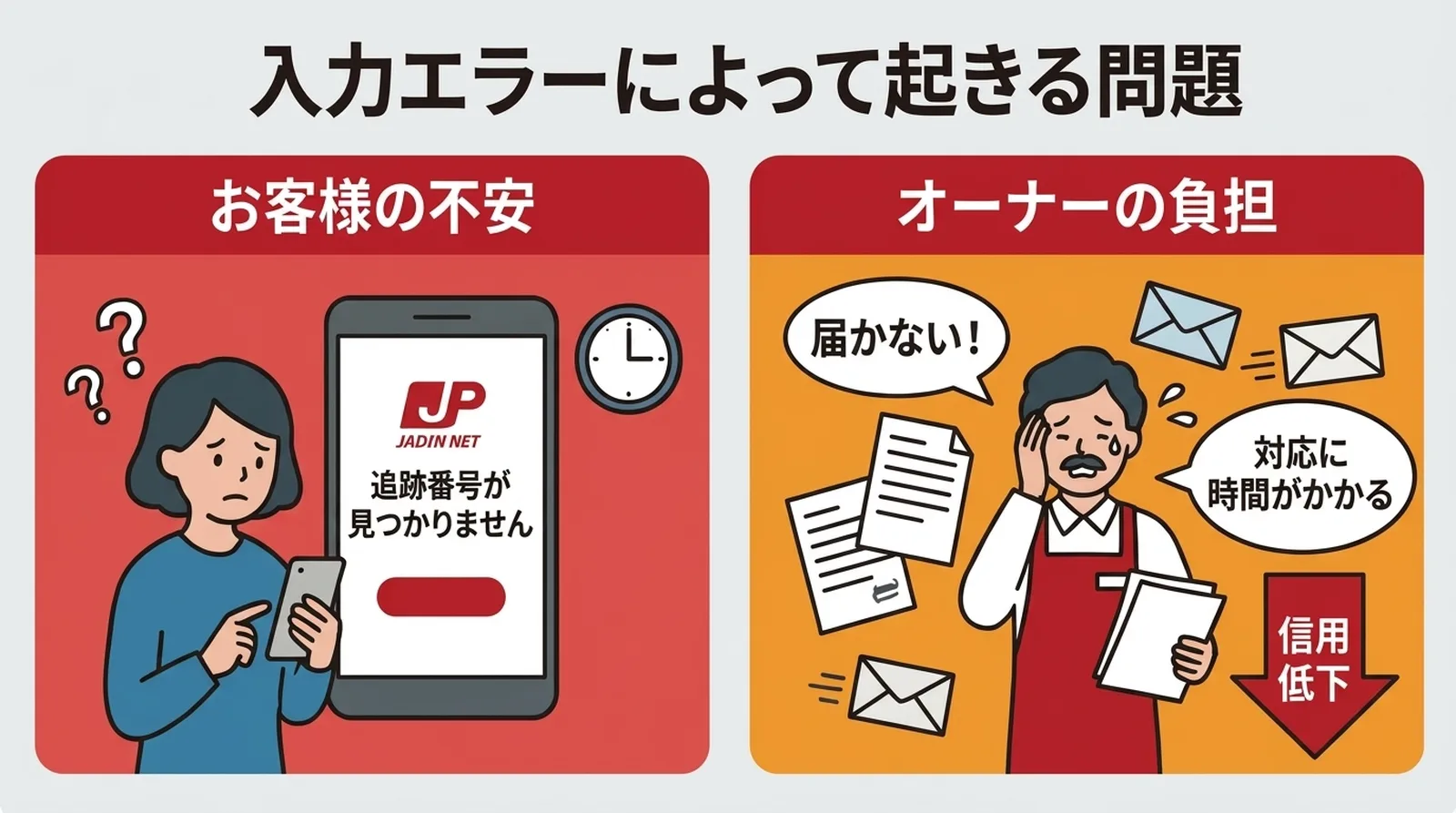
Customers receive the wrong tracking information
When Shopify marks an order as fulfilled, it sends the shipping notification email automatically. If the tracking number is wrong, the customer sees either an invalid result or someone else’s shipment status.
That creates immediate uncertainty.
Customer support work increases
Once the customer asks about the problem, you need to:
- Find the correct tracking number
- Compare it against the shipping label
- Correct the Shopify order
- Send an apology and the correct information
That turns a tiny typo into a support task that can easily take 10 to 15 minutes.
Trust is affected
Even when the product itself is fine, inaccurate shipping information makes customers wonder whether your store’s operations are reliable.
A one-digit mistake can create support work, confusion, and trust damage all at once. Tracking-number entry looks small, but it is a high-risk task.
The Best Ways to Prevent Mistakes
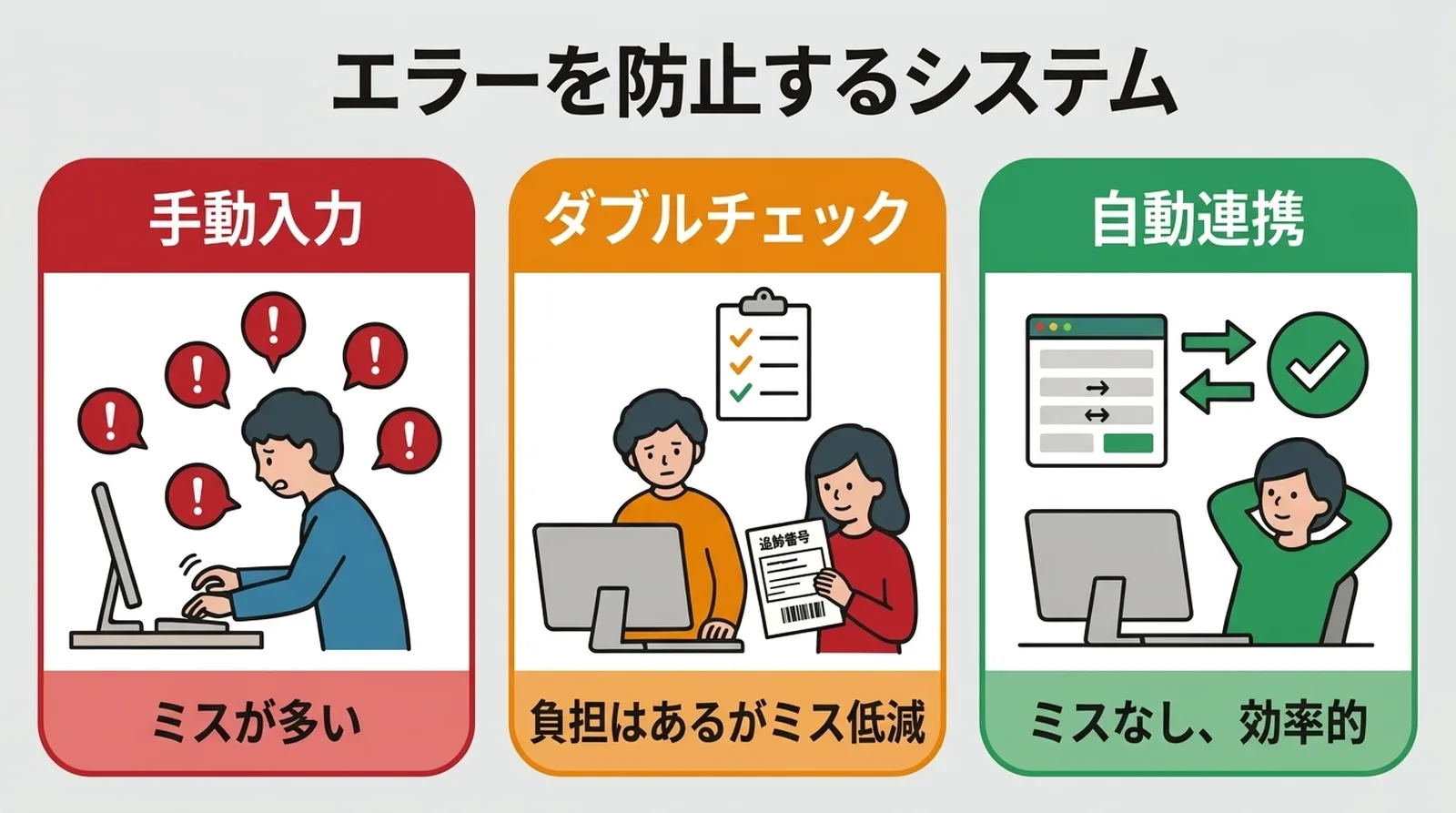
The most reliable answer is to stop typing by hand
Trying to “be more careful” is not enough once shipping volume grows. A safer workflow removes manual input wherever possible.
There are two practical improvements:
- Copy and paste instead of typing
- Automatically extract the tracking number from the shipping label and match it by order number
Copy and paste prevents most digit-entry errors, but it still leaves the risk of pasting the right number into the wrong order. Full extraction and matching is more reliable because it also reduces order-assignment mistakes.
If manual work remains, build in a check step
If you cannot fully automate yet, at least add a verification step:
- Check the tracking number visually after entering it
- Confirm that the number is valid on the Japan Post tracking page
- If possible, separate input and checking between two people
This helps, but it still becomes burdensome at scale.
Be careful even with copy and paste
Copy and paste is safer than typing, but still watch out for:
- Leading or trailing spaces
- Full-width digit conversion
- Pasting the correct number into the wrong order
| Method | Digit-entry errors | Order-assignment errors | Suitability for larger volume |
|---|---|---|---|
| Manual entry | Not prevented fully | Not prevented fully | Weak |
| Copy and paste | Mostly prevented | Still possible | Better |
| Automatic extraction and matching | Prevented | Prevented | Strong |
What to Do If a Mistake Has Already Happened
- Identify the correct tracking number from the shipping label or Click Post
- Edit the Shopify order and replace the incorrect number
- Notify the customer with the corrected tracking information
- Record what kind of mistake it was so the workflow can be improved
The goal is not only to fix the individual case, but also to prevent the same pattern from happening again.
Common Questions
Q. If I correct the tracking number in Shopify, can the customer be notified again?
Yes. Shopify can resend the updated shipping information if you choose to notify the customer.
Q. Does “tracking number not found” always mean I entered it incorrectly?
No. Sometimes the issue is simply timing. If the postal system has not reflected the package yet, even the correct number may not appear immediately.
Q. At what daily shipment volume should I stop relying on manual entry?
There is no fixed threshold, but once tracking entry starts to feel repetitive or stressful, that is already a sign. If you ship several orders a day on a regular basis, it is worth moving away from manual entry.
Conclusion
Tracking-number mistakes may look minor, but they have direct consequences for customer experience, support workload, and trust.
The safest solution is to stop depending on manual input. Copy and paste is already better than typing, but the strongest approach is automatic extraction and order matching.
If you want to eliminate this class of error from your workflow, try Instant Shipping! for Click Post, which extracts tracking numbers from shipping labels and reflects them in Shopify automatically.