What to Do When a Customer Requests an Address Change After Shipping
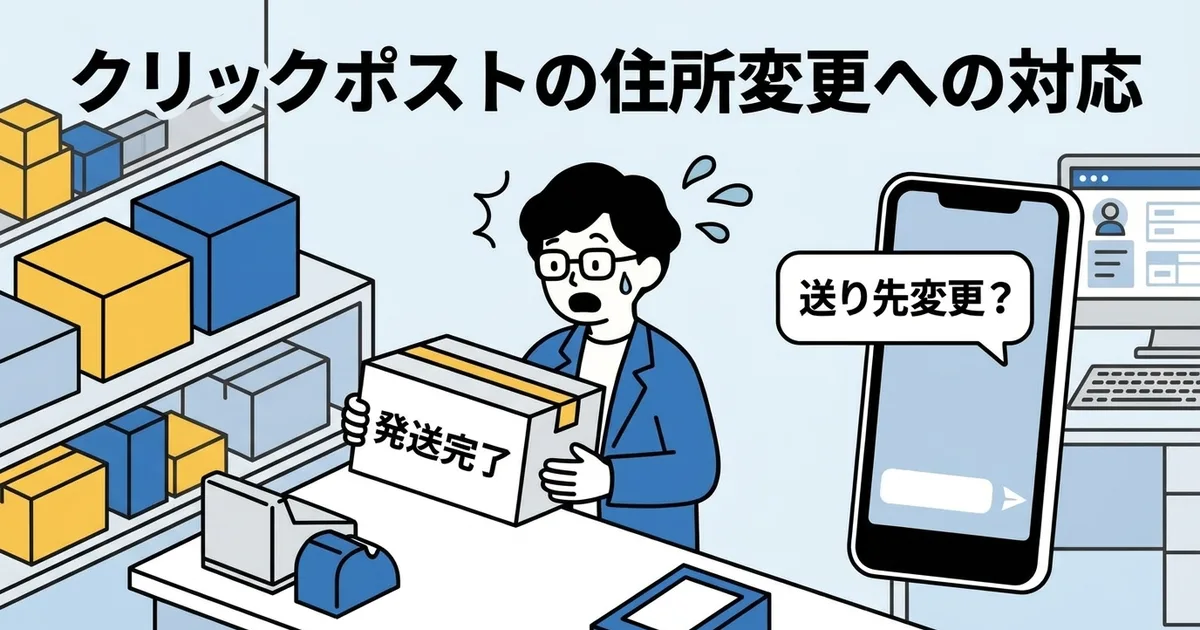
Have you ever sent the shipping confirmation and then immediately received a message saying, I entered the wrong address. Can you change it?
With Click Post, the difficult part is that the answer is basically no. Once shipped, the address cannot realistically be edited in transit the way some courier services handle redirection.
This article explains the practical response flow, what to tell the customer, and how to reduce these requests before they happen.
Why Address Changes Are Hard After Shipping
Click Post does not offer redirect-style support
Click Post is designed as a low-cost mailbox-delivery service. That price comes with fewer post-shipment options. In practice, you cannot just update the delivery address once the parcel is already moving.
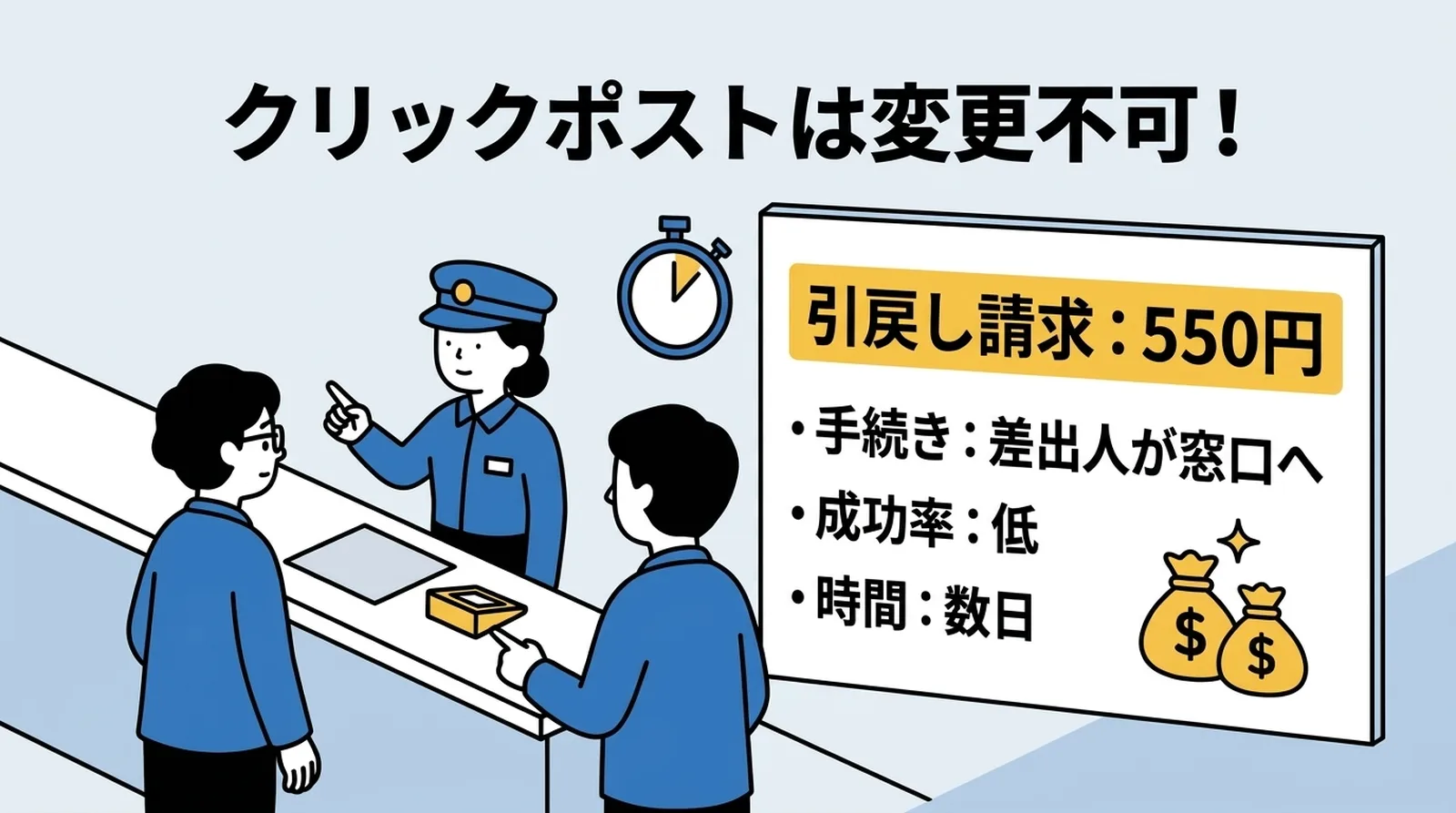
Retrieval requests exist, but rarely help in daily operations
Japan Post has a retrieval request procedure, but for Click Post it is usually a last resort rather than a normal solution.
| Item | Reality |
|---|---|
| Fee | Additional fee applies |
| Procedure | The sender must contact the post office |
| Timing risk | The parcel may already be delivered or out for delivery |
| Speed | Return handling can still take days |
Because Click Post often arrives within one to three days, the parcel may be delivered before the retrieval attempt catches up.
In most cases, waiting for return and then reshipping is more realistic than trying to redirect the parcel in transit.
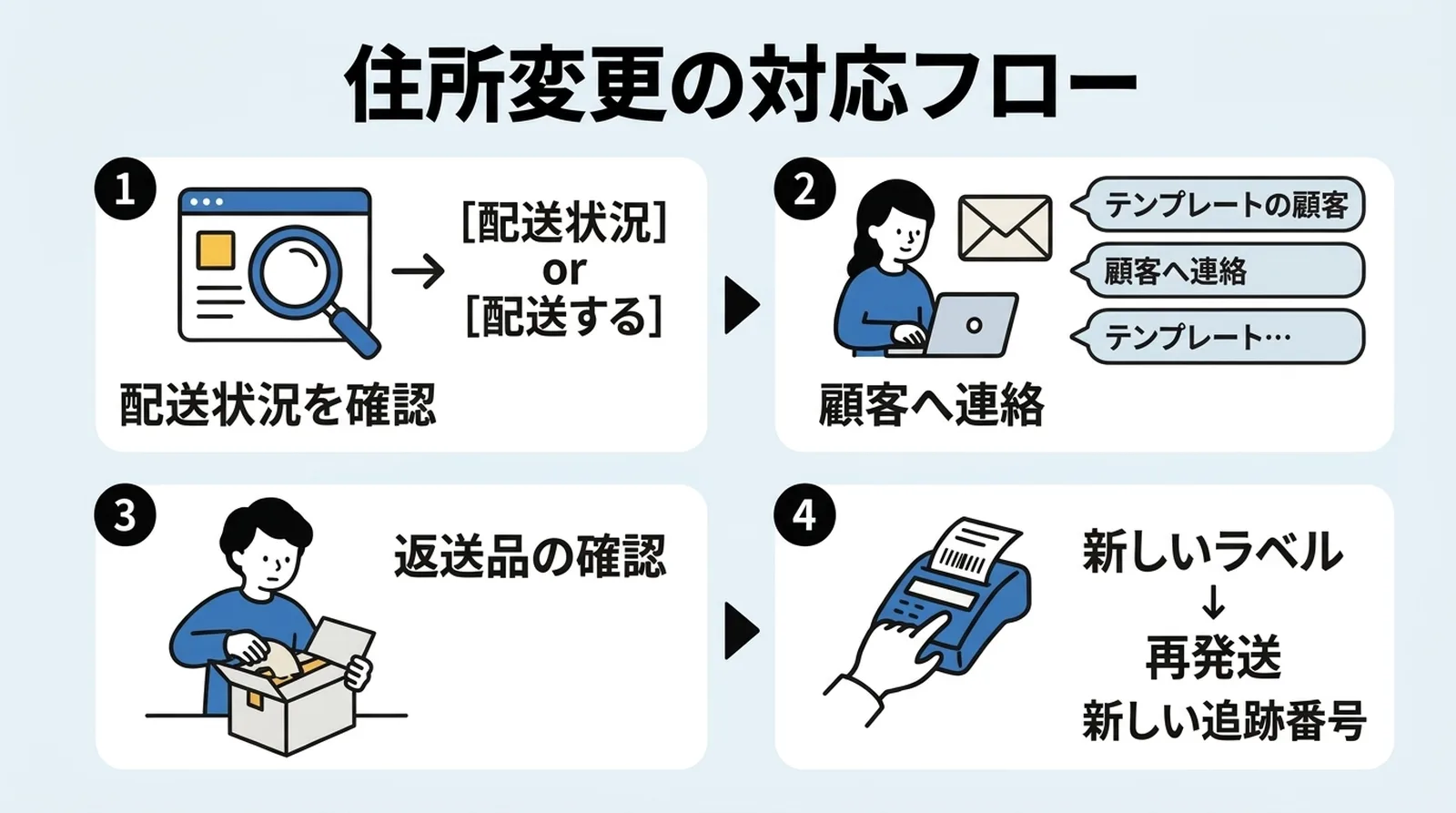
The Response Flow
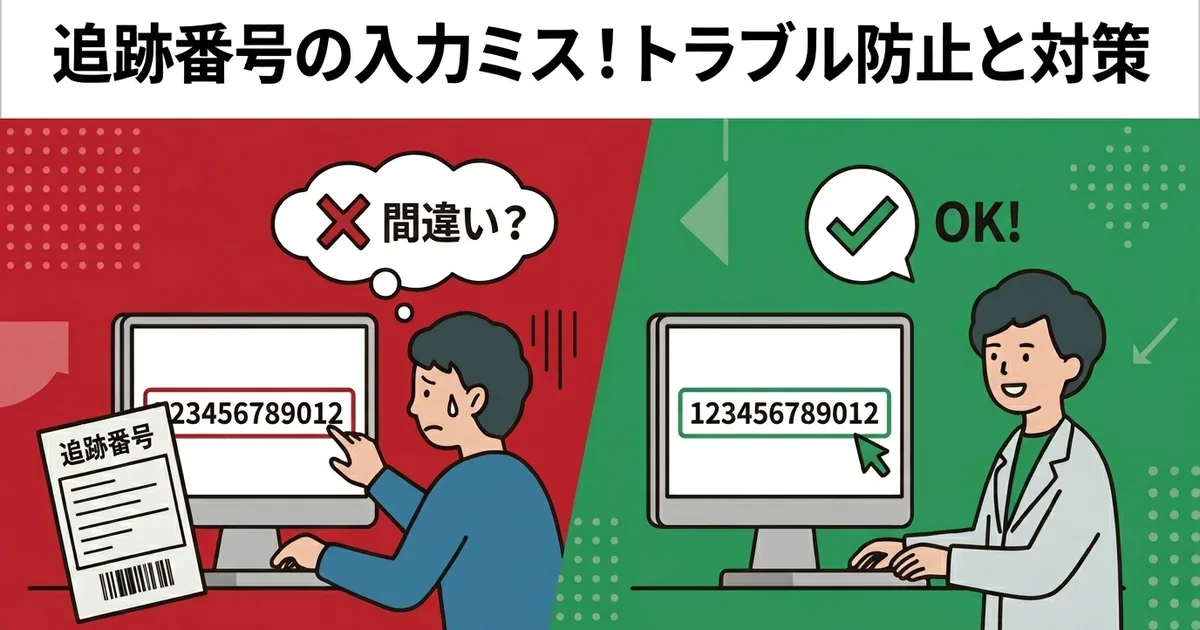
Step 1: Check the tracking status
Look up the current status through Japan Post tracking first.
- If the parcel is still early in transit, delivery has not happened yet
- If tracking shows delivered, the parcel has already reached the original address
This tells you which explanation to give the customer.
Step 2: Explain both the limitation and the next step
Customers usually react better when you pair the constraint with a concrete plan.
If the parcel is not yet delivered, the core message is:
Click Post does not support address changes after shipment. If the address is invalid, the parcel may return to us, and we can resend it once it arrives back.
If the parcel is already delivered, the message changes:
Tracking shows delivery to the registered address. If you can still access that mailbox or building, please check there first.
Step 3: Wait for the return if delivery fails
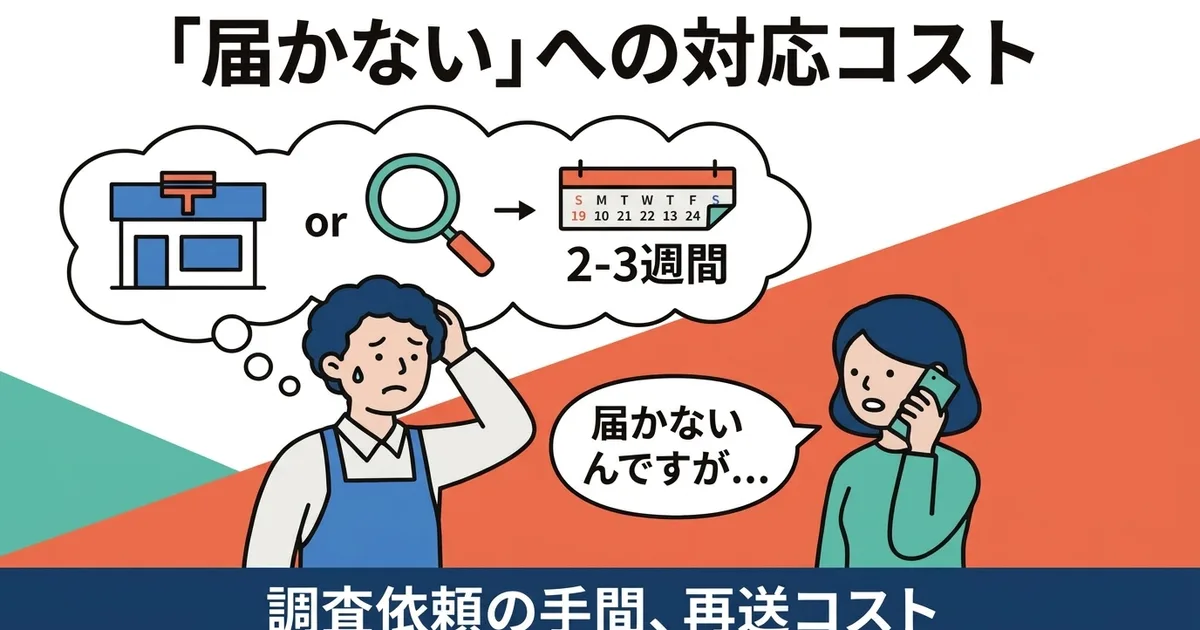
If the address is incomplete or invalid, the parcel may come back to you in about one to two weeks. Once it returns, inspect the item and prepare a new shipment.
Step 4: Resend using a new label
The original Click Post label cannot be reused. You need:
- A new label
- A new shipping fee
- A new tracking number in Shopify
- A new customer message confirming the resend
Whether you charge the customer for reshipping depends on your policy. In practice, many small shops simply absorb the 185-yen cost to finish the issue quickly.
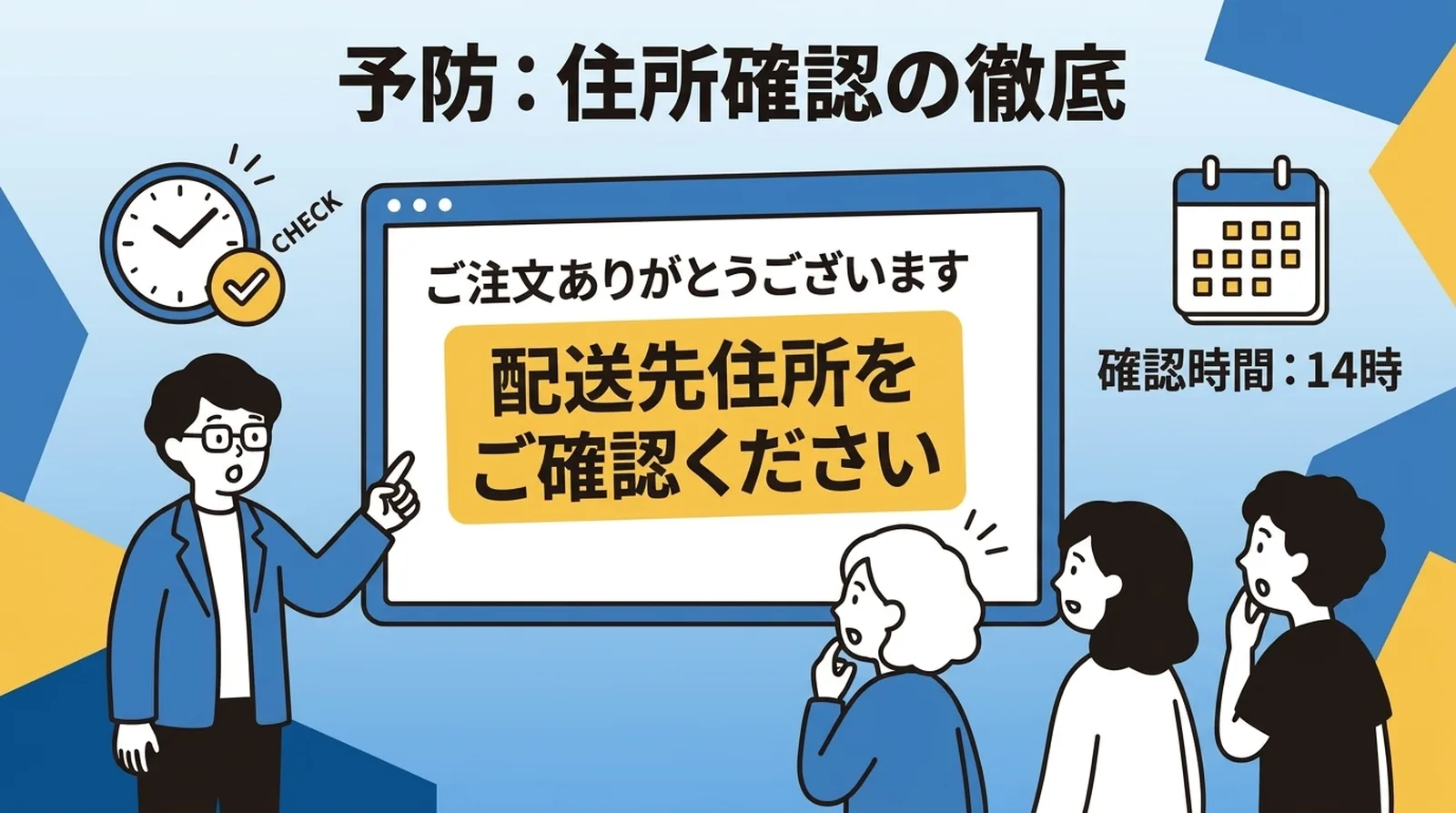
How to Prevent Address-Change Requests
Make the shipping address noticeable in the order confirmation email
Shopify already includes the address in the order confirmation email, but it is often visually buried. Adding a short sentence such as Please review your shipping address carefully makes customers more likely to catch mistakes immediately.
Add a short pre-shipping inbox check
If you ship once per day, build in one small habit before exporting or packing:
- Check recent customer messages
- Review order notes for correction requests
- Confirm there is no address-change email waiting
Even one minute of checking can prevent a lot of back-and-forth later.
If your shipping notifications already include tracking numbers, customers can also confirm status more easily. See How Shipping Notification Emails Work with Click Post Tracking.
Address Change vs Address Error
These two issues look similar, but they are not the same.
- Address change: The customer knows the correct address but entered the wrong one
- Address error: The stored data itself is incomplete, too long, or formatted badly
Address errors can often be reduced earlier in the workflow through better CSV handling and field splitting. For that side of the problem, read How to Prevent Returns Caused by Address Errors.
Common Questions
Can Click Post delivery addresses be changed after shipment?
No. In normal operation, Click Post does not provide an address-change feature after shipment.
How long does it take for an undeliverable parcel to come back?
It varies, but one to two weeks is a reasonable expectation in many cases.
Can I resend the returned parcel with the same label?
No. Once used, that label and tracking number are finished. Reshipping requires a new label and a new shipping fee.
Summary
Click Post is not built for post-shipment address changes. Once the parcel is on the way, the practical response is usually to wait for return and resend to the corrected address.
The better long-term fix is prevention: clearer address confirmation in the order email, a short pre-shipping message check, and a consistent workflow for handling exceptions before labels are created.
If you want the rest of your Click Post workflow to feel lighter, including tracking-number sync back to Shopify, you can also try Instant Shipping for Click Post.