A Response Template for “My Order Still Hasn’t Arrived” and How to Reduce These Inquiries
Have you ever received a message saying, “My order still hasn’t arrived,” and immediately felt pressure?
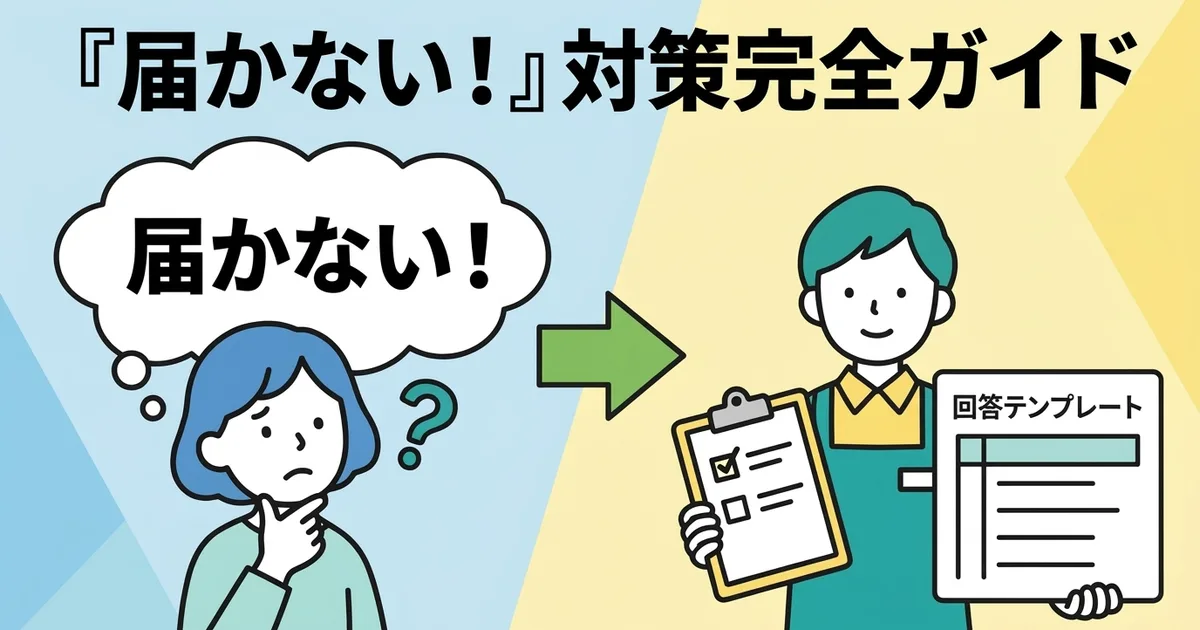
The good news is that the response patterns are usually limited. Once you have a clear template and a simple investigation flow, these situations become much easier to handle.
This article explains both how to respond and how to reduce the number of these inquiries in the first place.
Why These Inquiries Happen
The customer cannot check the delivery status easily
Most “it hasn’t arrived” messages happen because the customer does not have an easy way to confirm the current situation for themselves.
Typical causes include:
- The shipping email did not arrive
- The shipping email did not include a tracking number
- The email included a tracking number but no clear link
- The customer checked the tracking page and saw “tracking number not found”
In other words, many of these inquiries can be prevented by giving the customer a simple self-check path.
Support time adds up quickly
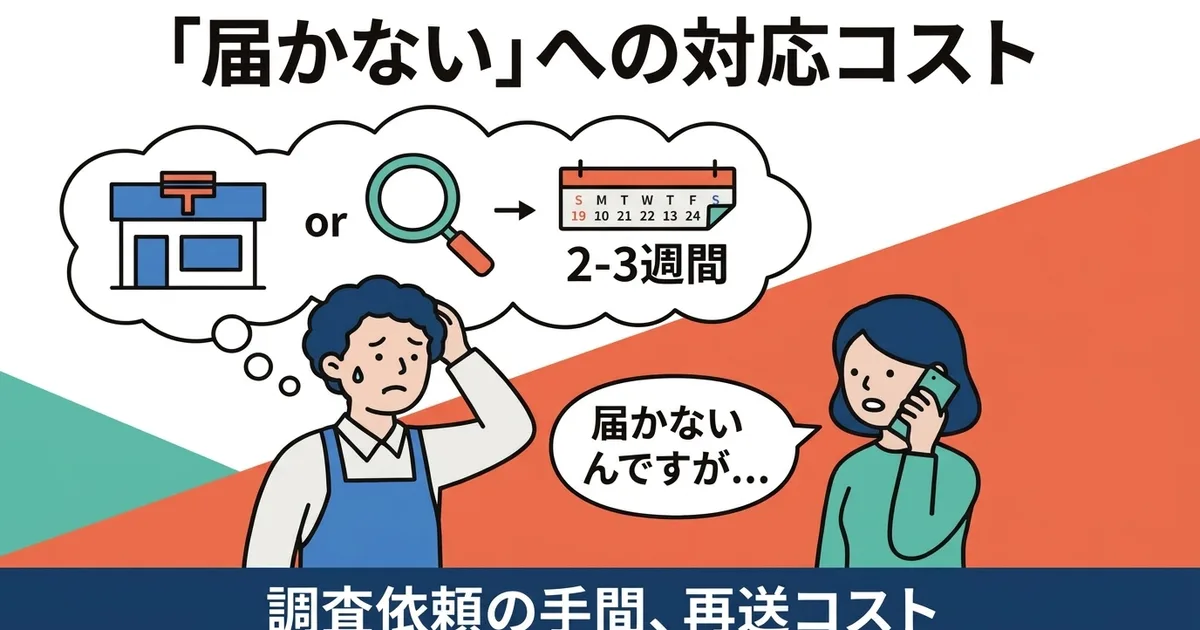
One case may take only 10 to 15 minutes, but several in a short period can consume a large part of the day for a solo operator.
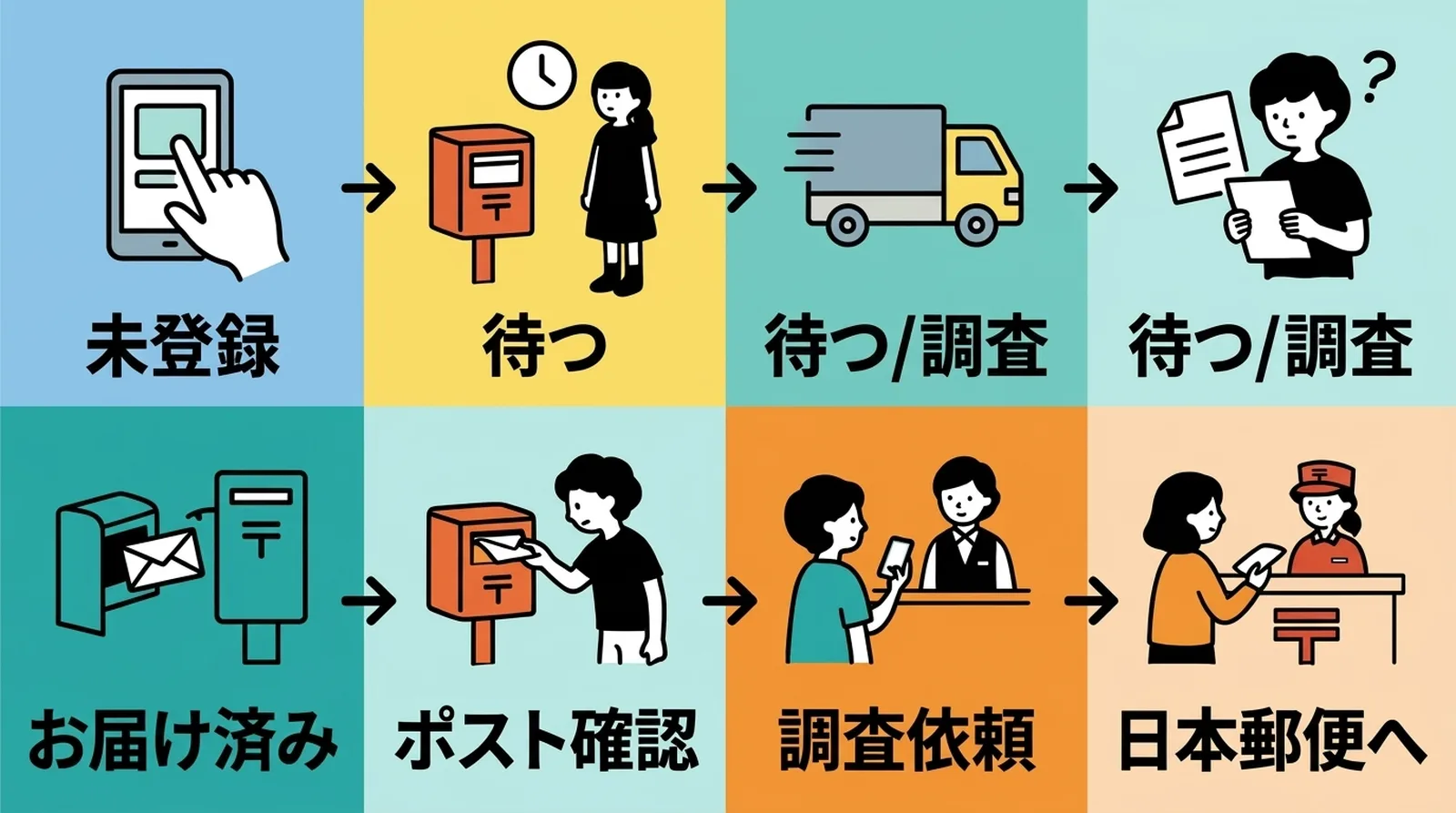
The First Thing to Do When the Inquiry Arrives
Check the tracking number and current status
Before replying, confirm three things:
- Is the tracking number itself correct?
- Has the package been accepted into the postal system yet?
- What is the latest tracking status?
A simple status-based interpretation
| Tracking status | Meaning | Basic response |
|---|---|---|
| Tracking number not found | Not yet reflected or incorrect | Check timing and confirm the number |
| Accepted and in transit | Moving through delivery | Ask the customer to wait a little longer |
| At destination area | Near final delivery | Explain that delivery is likely soon |
| Delivered | Delivery completed | Ask the customer to check the mailbox or household |
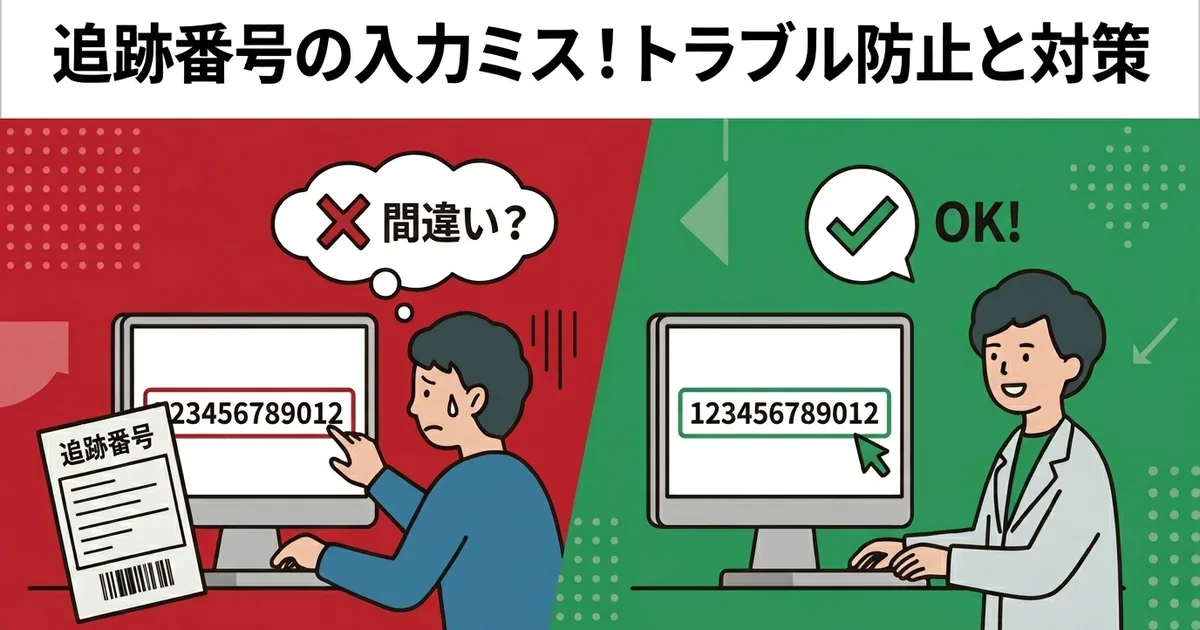
Tracking-number mistakes are another possible cause, which is why tracking-number input mistakes matter so much.
Practical Response Templates
Template 1: The package is still in transit
Subject: Update on your order delivery status

Hello [Customer Name],

Thank you for reaching out.
I checked the tracking information for your order.

Tracking number: [tracking number]
Tracking page: [tracking URL]

The current status is “[status],” which means the package is still in transit.
Click Post deliveries usually arrive in about 1 to 3 days after shipment, though this can vary by region and season.

If the package has still not arrived by [date], please contact me again and I will look into it further.
Template 2: Tracking shows delivered
Subject: Update on your order delivery status

Hello [Customer Name],

Thank you for your message.
According to the tracking information, the package was marked as delivered on [date].

Because Click Post is delivered to the mailbox, could you please check your mailbox once more?
If possible, please also check with anyone else in the household.

If you still cannot find it, let me know and I will look into the next step.
Template 3: Tracking is not reflected yet
Subject: Update on your tracking information

Hello [Customer Name],

Thank you for reaching out.
At the moment, the tracking information has not appeared yet.

With Click Post, tracking is reflected after the package is accepted into the postal system.
If the item was dropped in a mailbox, there can be a delay before it appears online.

Please check again on the following day using this tracking number:
[tracking number]
The structure is simple: explain the current situation, tell the customer what to expect next, and give a clear time point for follow-up if needed.
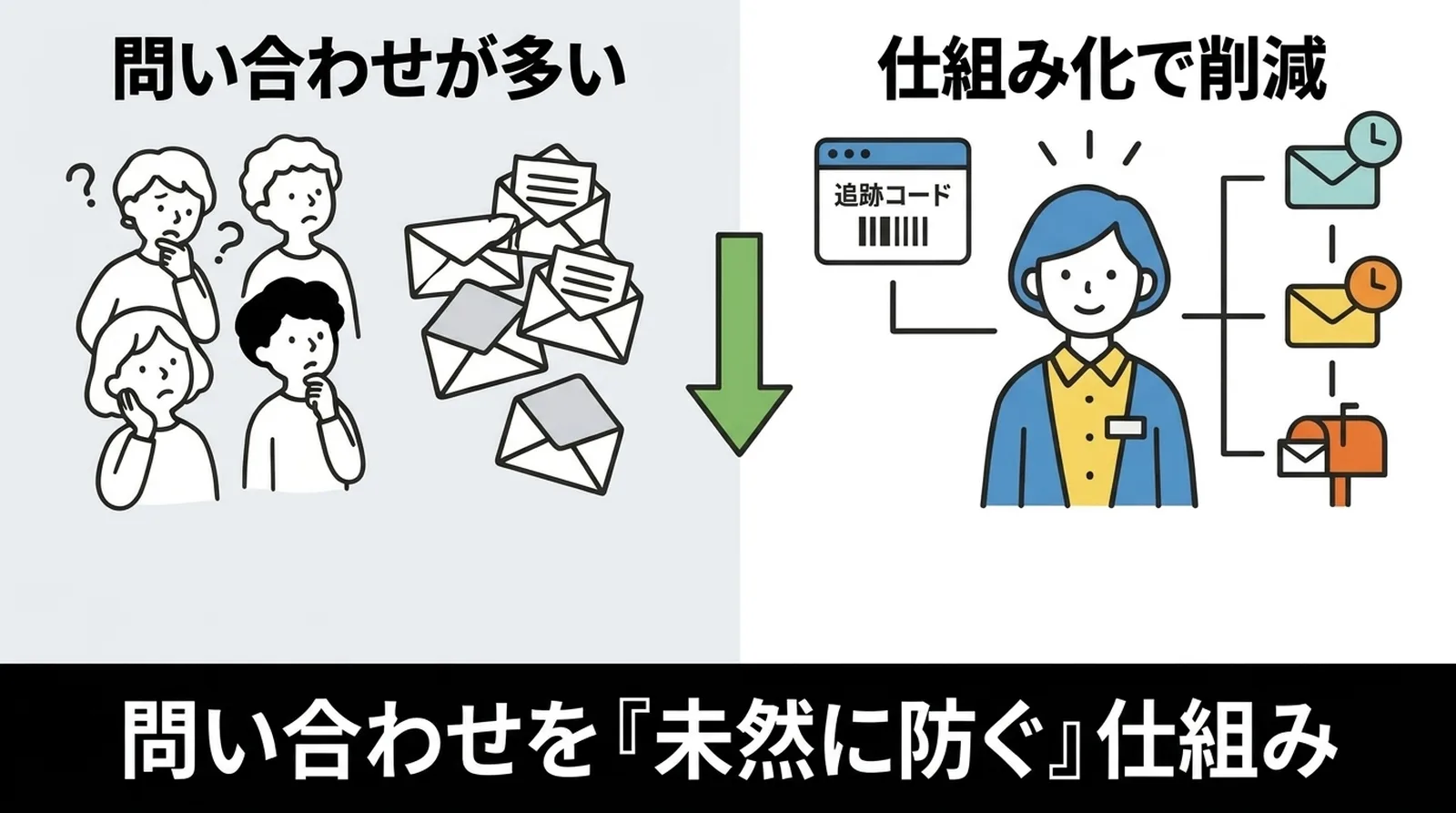
How to Reduce These Inquiries Before They Happen
The best support reply is the one you do not have to send.
Always include the tracking number in the shipping email
If the order is fulfilled in Shopify with tracking information, the customer receives a shipping email that lets them check the package on their own.
For more on how that works, see how shipping notification emails work when tracking numbers are synced to Shopify.
Add a short explanation to the shipping notification template
In Shopify’s notification settings, it helps to add:
- When tracking information usually appears
- Expected delivery time
- A reminder that Click Post is mailbox delivery
Those three small details prevent a surprisingly large number of questions.
Use a tracked shipping method
If the shipment itself is untracked, then there is no reliable self-check path for the customer and no efficient investigation path for you. That is why tracked shipping generally reduces support work overall.
For more on that, see why tracked shipping matters for ecommerce.
Common Questions
Q. After how many days should I consider the shipment delayed?
That depends on the service and season, but if it is still unresolved well beyond the normal delivery window, then it makes sense to escalate and investigate.
Q. How do I contact Japan Post for an investigation?
Japan Post provides inquiry options for missing or delayed mail. Having the tracking number makes this much easier.
Q. What if tracking shows delivered but the customer says it is missing?
Ask them to check the mailbox, any family members, and nearby delivery areas first. If it still cannot be found, follow up through the postal investigation path and your store policy.
Conclusion
“My order hasn’t arrived” inquiries become much easier once you treat them as a repeatable workflow rather than as one-off emergencies.
If customers receive a shipping email with the tracking number, tracking link, delivery estimate, and a note about reflection timing, many inquiries disappear before they begin. And when they do happen, a simple status-based template lets you respond calmly and efficiently.
If you want your tracking information to reach Shopify and your customers without manual work, try Instant Shipping! for Click Post.