Click Post FAQ: Quick Reference for CSV, Addresses, and Tracking
This guide is a targeted quick-reference FAQ designed to give you pinpoint answers whenever you get stuck shipping with Click Post. Rather than an exhaustive manual, use it as a practical reference to quickly look up answers to specific questions.
Having shipped more than 2,200 orders over three years, I have compiled answers to over 20 questions frequently encountered in practice—covering everything from CSV character corruption and address errors to exceeding the 3 cm thickness limit, tracking number sync timing, and post-dispatch address change requests.
If you want to understand the complete workflow first, refer to Streamlining Shopify & Click Post Fulfillment. This article serves as a quick-reference guide when you need immediate answers to specific issues.
Troubleshooting CSV Issues
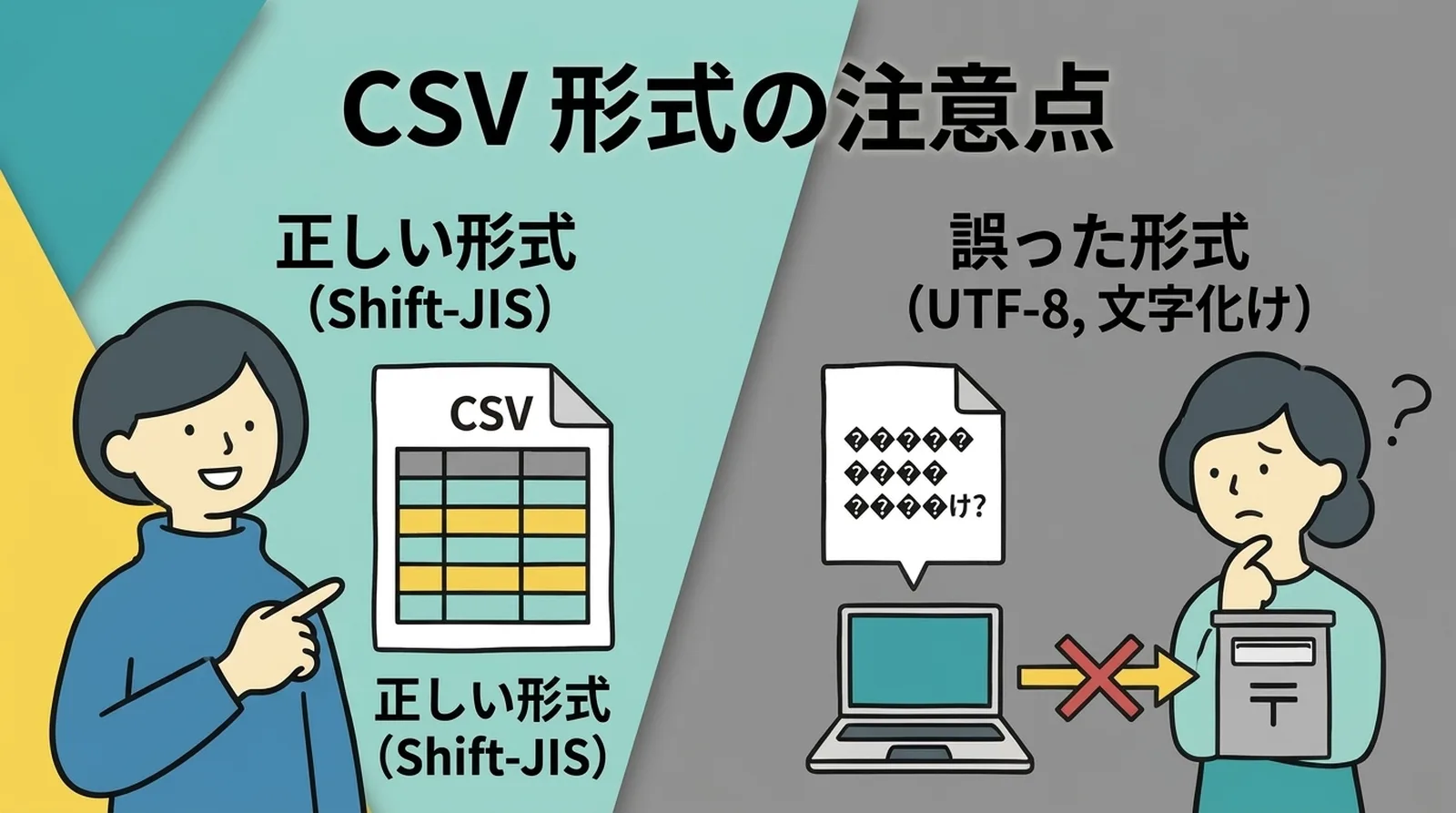
Q. My CSV file has garbled text after uploading to Click Post
Click Post's bulk application feature only accepts CSV files encoded in Shift-JIS. If you upload a CSV exported in UTF-8, names and addresses will become garbled and trigger an error.
The most reliable solution is to set your CSV export encoding to Shift-JIS or use an app that supports it. Opening and re-saving the file in Excel can alter its character encoding, so I recommend uploading the exported CSV directly without opening it.
For step-by-step export instructions, see The Optimal Workflow for Exporting Shopify Orders to Click Post CSV.
Q. What is the maximum number of orders I can upload in a bulk application CSV?
You can upload up to 40 orders per batch. If you have more than 40 orders, split your CSV into multiple files and upload them across several batches.
Tips on splitting orders efficiently are covered in How to Bulk-Ship Using Click Post's Bulk Application Feature.
Q. My CSV format doesn't match Click Post's specifications
Click Post's bulk application requires a specific column layout. Shopify's default export format does not match this structure. You will either need to edit the CSV columns manually or use an app that can export orders directly into the Click Post format.
Troubleshooting Address Issues
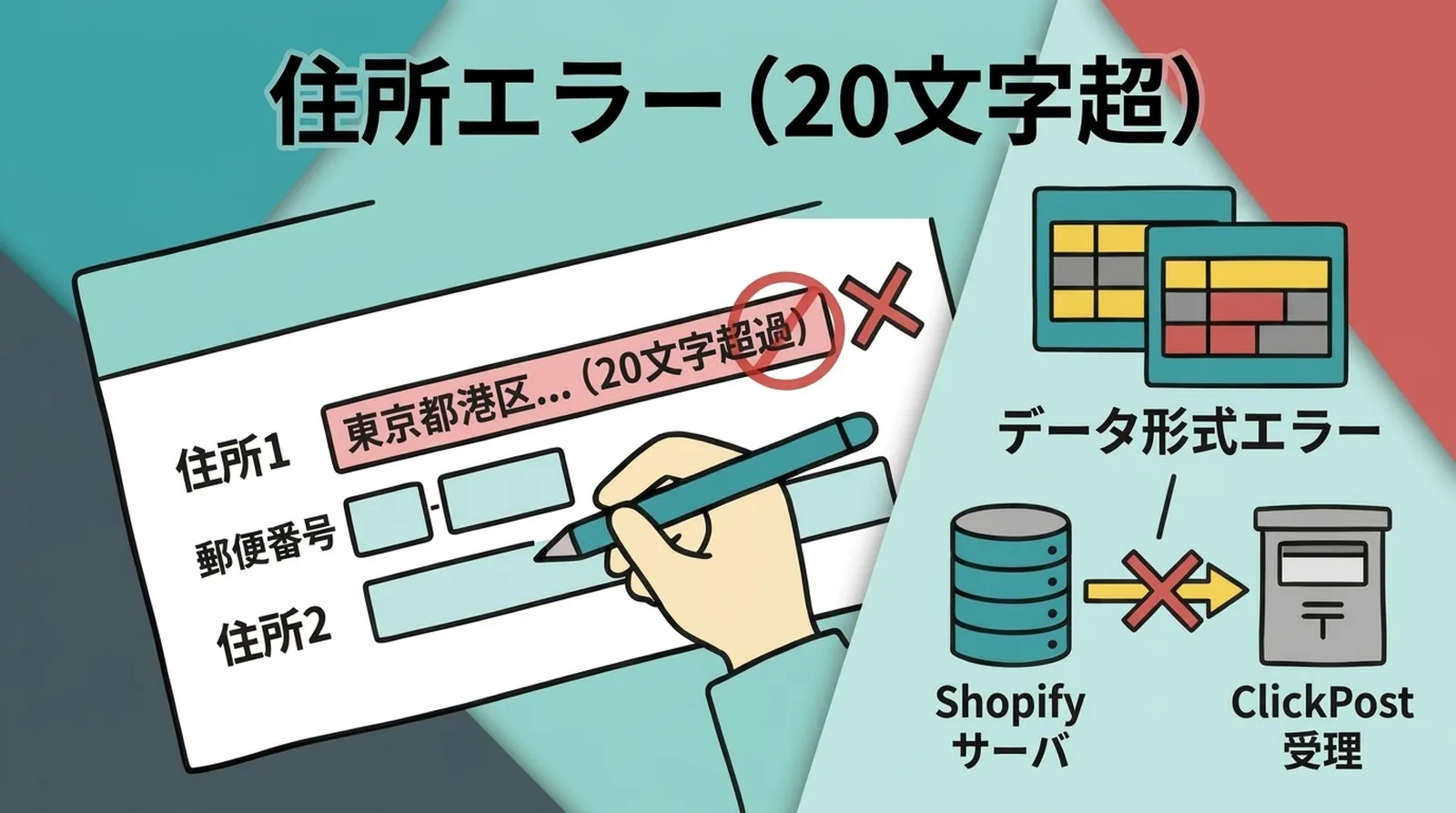
Q. Why is my CSV import failing with an address error?
The most common error when importing CSVs into Click Post is exceeding the address character limit. Click Post splits addresses across up to four fields, and each field is strictly limited to 20 full-width characters.
Addresses easily exceed this limit when building names are long or followed by floor and room numbers. When an error occurs, check the address in the affected row and adjust where the address is split across fields.
For strategies to prevent address errors, check out Preventing Returned Shipments: Handling Character Limits and Formatting Variations in Address Data.
Q. Why am I getting a postal code error?
Postal code errors typically happen when full-width numbers are entered, or when full-width and half-width hyphens are mixed. Postal codes must be entered as 7 half-width digits (either without a hyphen or with a single half-width hyphen).
Q. Why is the customer's address getting cut off?
Shopify stores address details in a single continuous field, whereas Click Post requires addresses to be split into four separate fields. Parts of an address can get cut off during this splitting process.
To stay safe, make it a habit to visually inspect the address fields before uploading your CSV. If an address looks like it might exceed the character limit, manually adjust the split points.
Troubleshooting Size and Packaging Issues
Q. What if the package exceeds the 3 cm thickness limit?
Click Post's maximum package dimensions are 34 cm × 25 cm × 3 cm thick (valid through September 30, 2026; starting October 1, the limit becomes a total of 60 cm across three dimensions with the longest side within 34 cm, provided it can be dropped into a post box). Thickness is measured with all packaging materials included. Even if the product itself is under 3 cm, wrapping it in cushioning can push it over the limit.
For packaging techniques when handling products close to the 3 cm limit, as well as alternatives if you exceed it, see Overcoming the 3 cm Thickness Barrier: Packaging Tips and Shipping Alternatives.
Q. What happens if the package exceeds the 1 kg weight limit?
Click Post has a weight limit of 1 kg (increasing to 2 kg starting October 1). This includes the weight of packaging materials such as envelopes, bubble wrap, and shipping label paper. Even if an item feels light, thorough packaging can make it surprisingly heavy. Getting into the habit of weighing packages on a kitchen scale before dispatch will give you peace of mind.
If your parcel exceeds the limit, consider alternative shipping services such as Yu-Packet or Letter Pack. For a side-by-side comparison of delivery options, refer to Comparing Small Parcel Shipping Services.
Troubleshooting Tracking Numbers and Shipping Notifications
Q. When is the tracking number issued?
The tracking number is issued the moment you complete the payment process in Click Post. The number printed on the shipping label is your tracking number. This means the tracking number is already issued before you actually drop the package in a post box.
Q. Updating tracking numbers back to Shopify takes too much time
Syncing tracking numbers back to Shopify is one of the most tedious steps in Click Post fulfillment. If done manually, you have to open each order one by one in your Shopify admin and enter the tracking number. That takes about 30 seconds per order, or around 5 minutes for 10 orders.
For more on the burden and error risks of manual entry, read How to Eliminate Manual Tracking Number Entry.
Q. Why is the tracking status stuck on "Accepted"?
Click Post tracking information updates when the parcel is scanned at the post office. If you drop it in a collection post box, the status remains as is until it is collected and processed at the postal branch; usually, "Accepted" appears by the day after mailing.
If there is still no change in the tracking status after 1 to 2 days, see Response Templates for 'My Order Hasn't Arrived Yet' and How to Reduce Customer Inquiries for steps to take.
Q. When is the shipping confirmation email sent to customers?
When you add a tracking number to a Shopify order and update its status to "Fulfilled," Shopify automatically sends a shipping confirmation email to the customer. In other words, the customer receives the email at the exact moment you update the tracking number in Shopify.
To learn more about how shipping notifications work, see How Shipping Confirmation Emails Work When Updating Tracking Numbers in Shopify.
Troubleshooting Payment and Label Printing
Q. What payment methods does Click Post support?
Click Post supports two payment methods: Yahoo! Wallet and Amazon Pay. Rather than registering a credit card directly on Click Post, you pay using a card linked to either of these accounts.
Q. Can I pay for all shipments in a single bulk payment?
No, you cannot. Bulk application is strictly a feature for batch-registering destination addresses via CSV; payments must still be completed individually for each shipment. If you upload 40 orders, you must complete the payment process 40 times. However, each payment takes only a few seconds, so even 40 shipments can be completed within a few minutes.
Q. How many shipping labels can I print at once?
Batch label printing is limited to 20 labels per run. If you upload 40 orders, you will download and print the labels in two separate batches. Labels are printed four to an A4 sheet, so 20 shipments require 5 sheets, and 40 shipments require 10 sheets.
Q. Do shipping labels have an expiration date?
Yes. You must mail the package by the dispatch expiration date printed on the label. Once expired, the label becomes invalid, and you must complete the payment process again from scratch. If a weekend is involved, check the date printed on the label to make sure your planned dispatch date falls within the validity window.
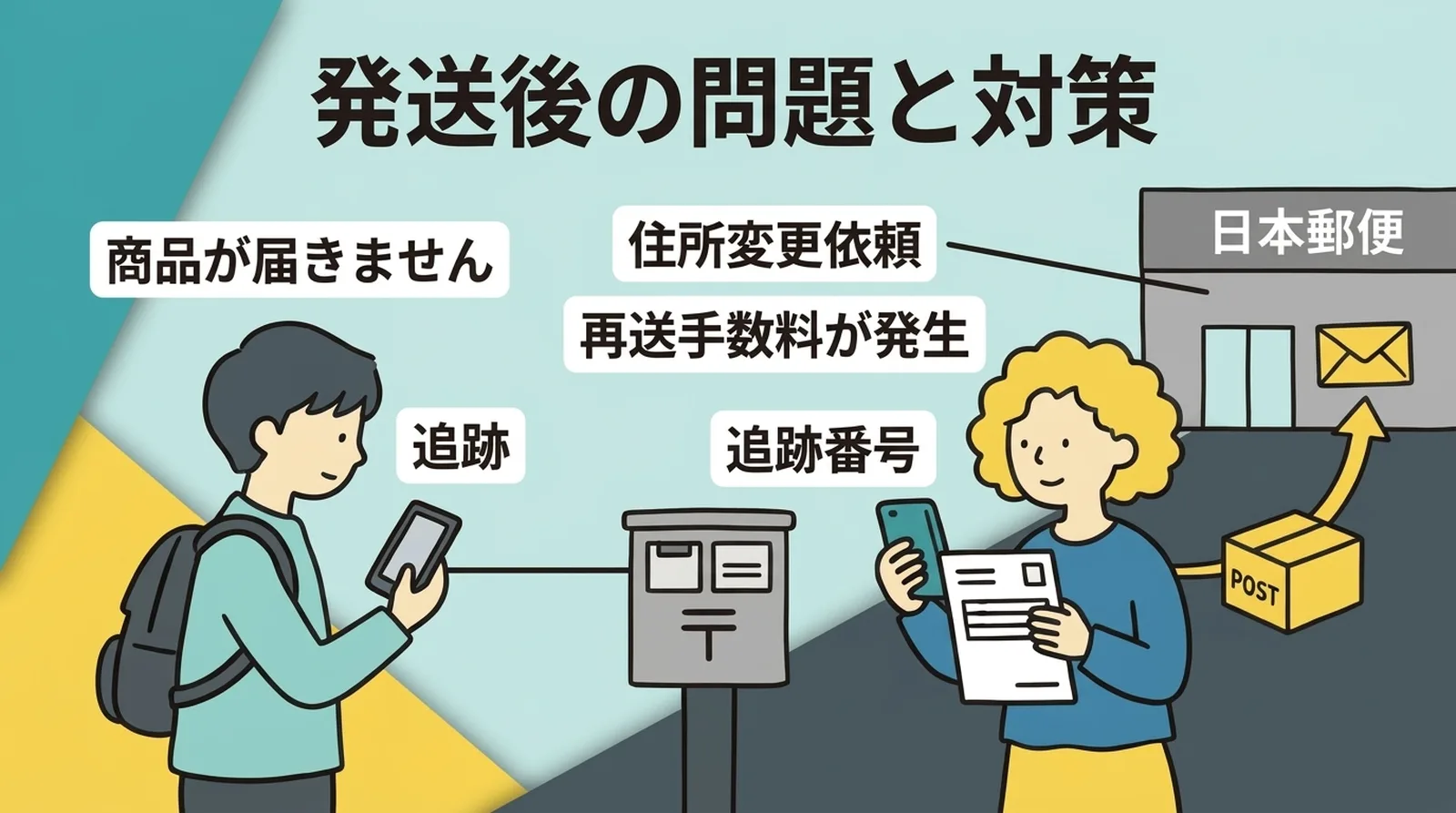
Troubleshooting Post-Shipping Issues
Q. What should I do if a customer requests an address change after dispatch?
Because Click Post is delivered directly to the mailbox, options for changing the delivery destination after dispatch are very limited. If the parcel has not yet been delivered, the sender may be able to retrieve it by filing a package retrieval request (claim for return) with Japan Post, but this incurs a fee (550 yen if requested at the delivery post office, or 750 yen at any other post office).
The detailed step-by-step workflow is explained in How to Handle Post-Shipping Address Change Requests from Customers.
Q. What should I do if a customer reports that their parcel hasn't arrived?
First, check the delivery status using the tracking number. If it indicates "Delivered," the parcel has been placed in the mailbox. Ask the customer to check shared apartment mailbox banks or parcel delivery boxes. If the tracking status has not moved for several days, you can submit an investigation request at a Japan Post counter.
For customer service response templates and methods to minimize delivery inquiries, check out Response Templates for 'My Order Hasn't Arrived Yet' and How to Reduce Customer Inquiries.
Q. What should I do if a parcel is returned to sender?
If an address is incorrect or the parcel cannot fit into the mailbox, it will be returned to the sender. Once received, contact the customer to confirm the correct address and reship the order. Reshipping requires paying the postage fee again (185 yen, or 240 yen starting October 1).
For details on managing return costs and prevention measures, see Managing Shipping Costs When Handling Returns and Exchanges.
Summary
Most common obstacles when pairing Shopify with Click Post come down to three causes: CSV formatting, address field character limits, and size/weight restrictions. Once you understand how the system works, you will rarely repeat the same errors.
Each topic covered in this article is explored in greater detail in a dedicated guide. Whenever you hit a roadblock, refer back to the relevant guide for comprehensive solutions.
If you want to streamline your entire fulfillment process—from exporting CSVs to syncing tracking numbers—give Instant Shipping! for Click Post a try.