How to Handle Online Shipping Around Events and Pop-Ups
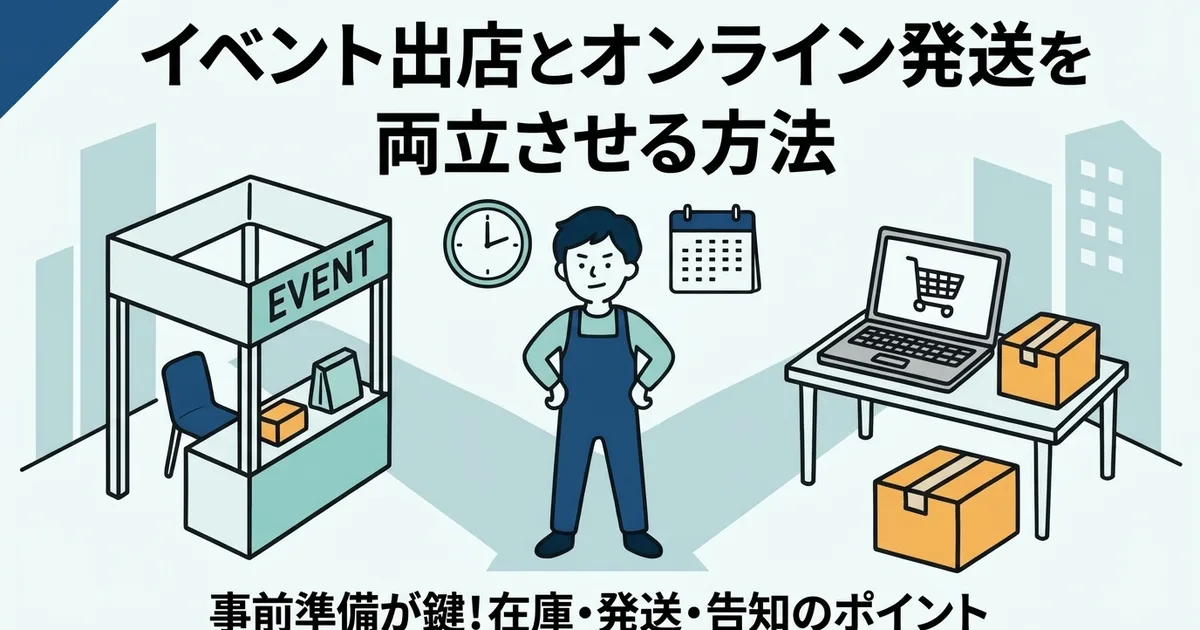
If you sell both online and at in-person events, the hardest part is rarely the event day itself. It is the week around it.
Preparation, inventory movement, travel, setup, and face-to-face sales all compete with the normal online shipping routine. This article breaks the problem into three phases: before the event, during the event, and after the event.
Why Events Disrupt Online Shipping So Easily
Events divide both time and inventory across two sales channels. That creates two recurring risks:
- online orders keep arriving while you are preparing or attending the event
- inventory available online may no longer match what is physically on hand
Without a plan, shipping backlog and stock mistakes build up quickly.
What to Do Before the Event
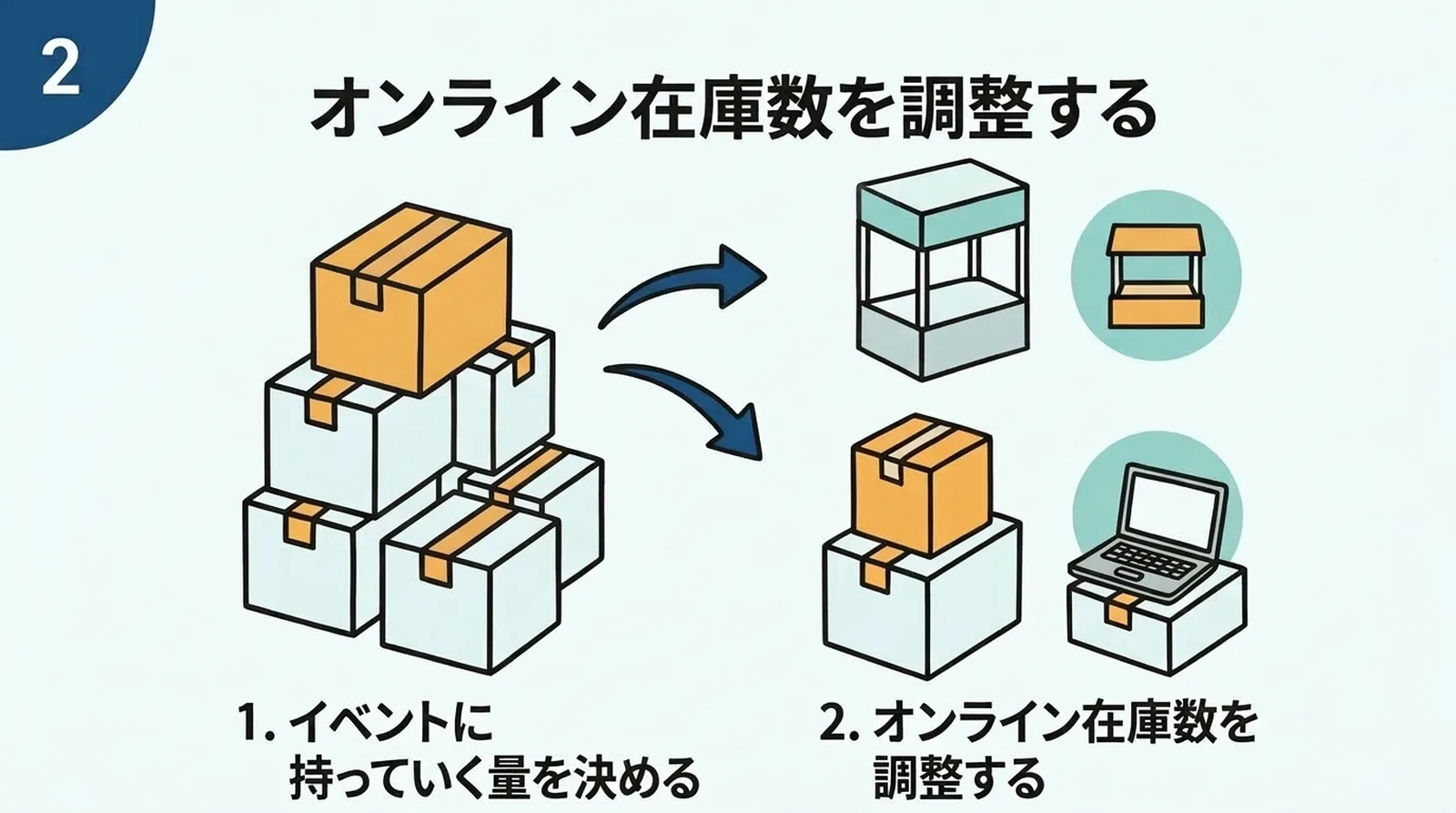
Split inventory in advance
Decide how much stock is going to the event and reduce Shopify's online stock count accordingly. That lowers the chance of overselling.
Ship ahead of schedule if possible
A good target is reaching event day with zero outstanding shipments. That usually means shipping early for two or three days before the event.
Add a clear notice to the store
Customers do not usually mind slower shipping if they understand it beforehand.
Include:
- the dates affected
- when normal shipping resumes
- whether orders are still being accepted
If you need a deeper framework for lead-time messaging, How to Set Realistic Shipping Lead Times for a Side Business is the companion article.
What to Do During the Event
Keep the online store open if possible
In most cases, it is better to keep taking orders and simply delay fulfillment than to close the store entirely.
Do not try to fulfill from the venue
Trying to print labels and ship from an event venue usually creates more stress than value. It is usually better to focus fully on the event and resume fulfillment afterward.
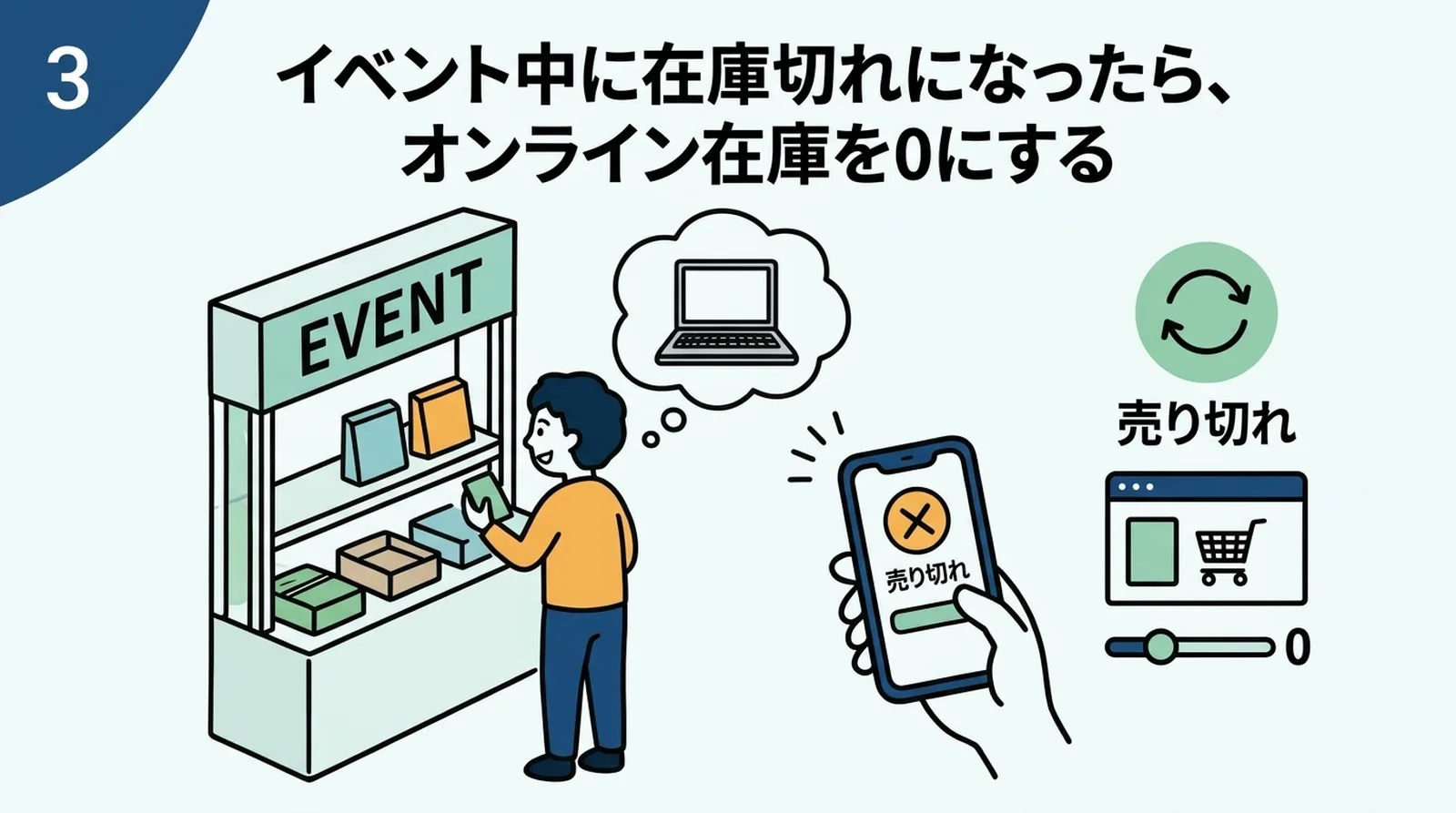
Update stock when needed
If event sales are stronger than expected, reduce online stock from your phone as soon as possible. Acting early is better than apologizing for oversold items later.
What to Do After the Event
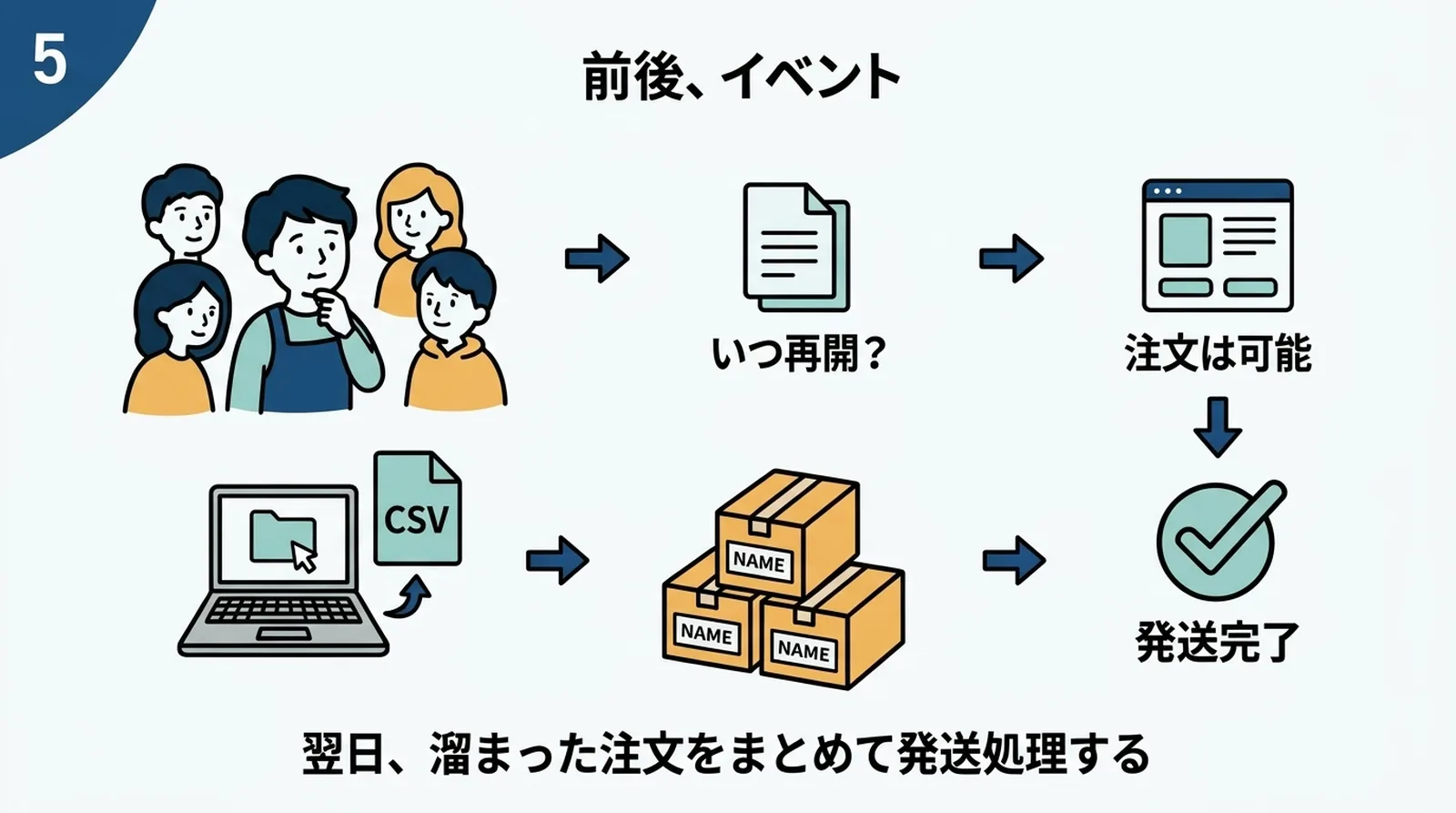
Process the shipping backlog in one batch
The day after the event is usually the right time to:
- Export unfulfilled orders
- Create Click Post labels
- Pack and label the backlog
- Sync tracking numbers
If the backlog is large, How to Handle Busy-Season Click Post Shipping is the better operational guide.
Reconcile inventory quickly
Event sales do not automatically update Shopify unless you recorded them there. Adjust online inventory as soon as possible so your product availability is accurate again.
If Events Happen Frequently
If you attend events regularly:
- build more buffer into your normal shipping promise
- consider made-to-order or partial made-to-order stock strategy
- prepare event inventory workflows that are repeatable
The more often events happen, the more important it becomes to make the event-shipping cycle a system rather than a one-off effort.
Common Questions
Should I ship orders that come in right before I leave for the event?
If you can do it without rushing, yes. If not, it is better to ship later than to make mistakes in a panic.
Should I temporarily close the online store during the event?
Usually no. A delay notice is often enough.
Should I tell event visitors they can also buy online?
Yes. That is especially helpful when event stock sells out on site.
Summary
Balancing events and online shipping mostly comes down to preparation: split stock ahead of time, ship early before the event, and communicate the temporary delay clearly.
Once you are back, process the backlog in one clean batch and reconcile inventory immediately. If you want that recovery workflow to be lighter, you can also try Instant Shipping for Click Post.