
How to Choose Shopify Apps for a Small Store
The Shopify App Store is full of tools that look useful. That abundance is exactly what makes it easy to install too much, pay too much, and complicate the store without solving the right problem.
This article explains a simple way to evaluate apps as a small merchant.

Decide the Problem Before Looking at Apps
The best first question is not Which app is popular? but What specific problem am I trying to solve right now?
Examples:
- shipping takes too long
- inventory updates are too manual
- I need product reviews
If the problem is unclear, every app starts to look necessary.
Before installing anything, also check whether Shopify's built-in features already solve the issue. For example, A Shopify Shipping Settings Guide for Small Stores covers what Shopify can already handle without an app.

The Main Evaluation Checklist
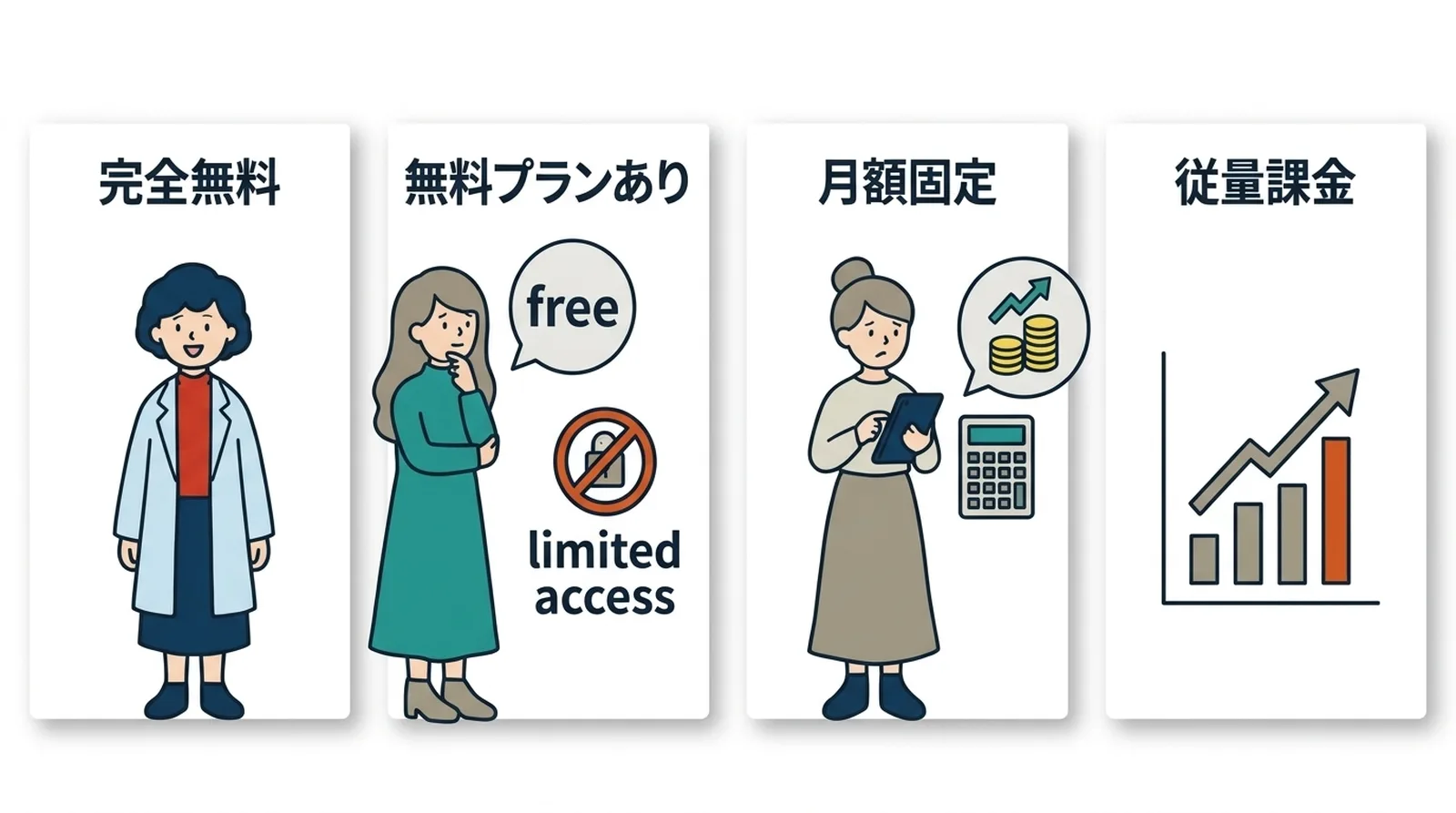
Understand the pricing model
Common patterns include:
| Model | What to watch for |
|---|---|
| Free | Whether it may later become paid |
| Freemium | What features are actually locked |
| Flat monthly fee | Whether it fits your store size |
| Usage-based billing | Whether costs spike when orders grow |
| Free trial | Whether billing starts automatically after trial |
Usage-based billing is especially important to model in advance.
Look for a real trial period
A free trial lets you confirm:
- Whether the app solves the problem in practice
- Whether the interface is easy to use
- Whether it works cleanly with your theme and store setup
Check language and support
Many Shopify apps are built for a global audience and do not provide Japanese-language support. If that matters to your team, verify both the UI language and the support path before installing.
Read reviews properly
Do not only look at the star average. Read:
- low-rating reviews
- developer responses
- recent reviews, not only old ones
That usually tells you more than the average score.
Check theme compatibility
Apps that add UI to product pages, carts, or other storefront elements can conflict with your theme. The safest pattern is:
- Duplicate the theme
- Test the app there first
- Apply it to the live theme only after confirming behavior
What Small Stores Actually Need
For most small stores, the best apps are not the ones with the most features. They are the ones that remove a repeated pain point.
Ask:
- How often does this task happen?
- How much time does it consume?
- Can Shopify already handle it?
- Will this app still feel worth paying for three months from now?
One focused app that solves one repeated problem is often better than a broad app with many features you never touch.
The Risks of Too Many Apps
The main risks are:
- higher monthly fixed cost
- slower storefront performance
- more potential conflicts between apps
Even small monthly fees add up. If you are paying for several apps, it is worth asking whether each one still justifies its place in the stack.
Review Installed Apps Regularly
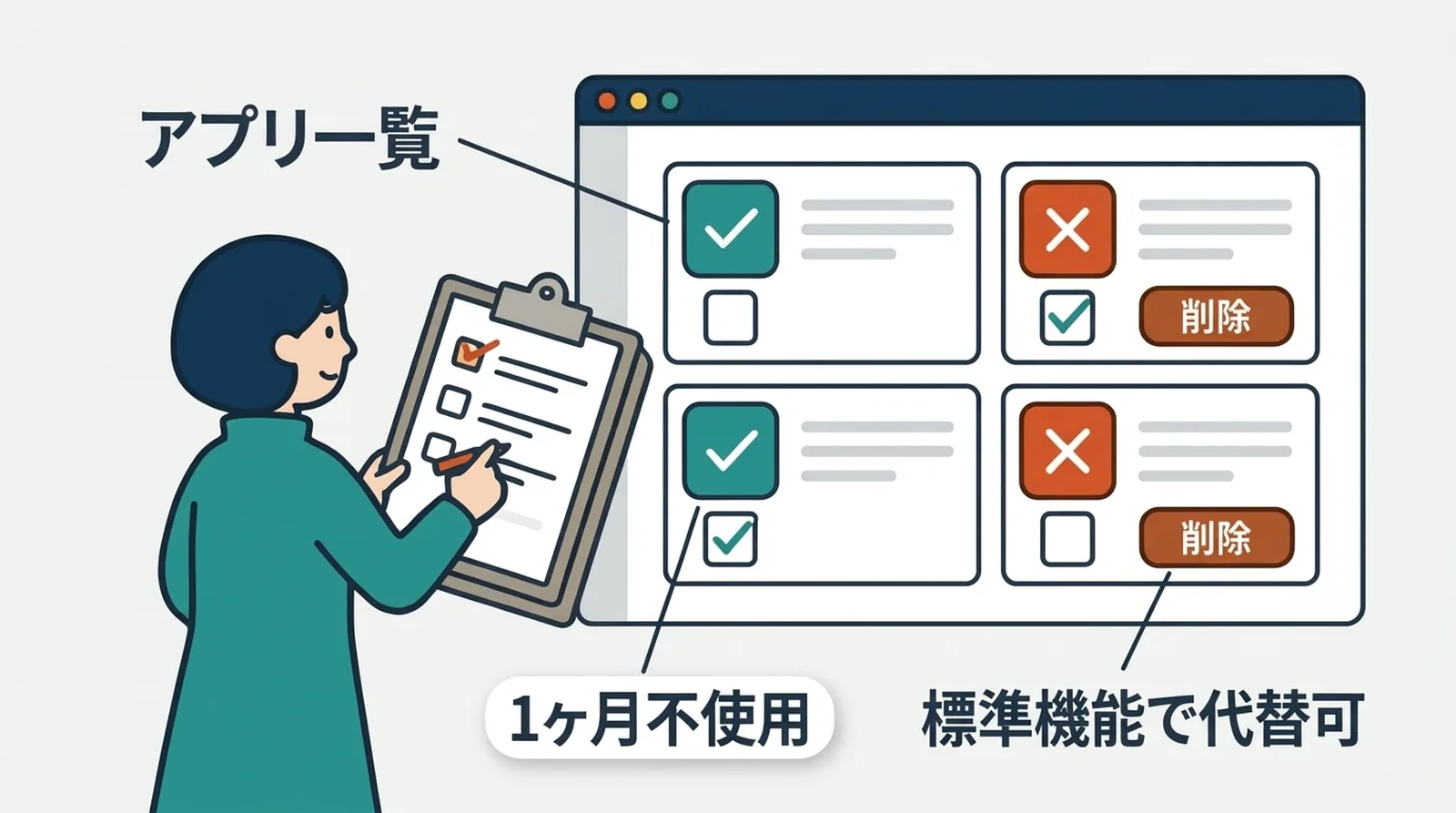
A simple maintenance rule helps:
- check installed apps every three months
- identify anything not used recently
- remove apps that no longer solve an active problem
After uninstalling, confirm that the storefront still behaves correctly. Some apps leave theme code behind.
Common Questions
Can a store run only on free apps?
Yes, especially at the beginning. Paid apps usually become more relevant as order volume and operational complexity grow.
How do I know if I have too many apps?
If several installed apps are rarely used, or if fixed monthly app cost is growing faster than the value you get back, that is a good review signal.
What if an app breaks after a theme change?
Check whether the app requires re-enabling its embed or reinstalling its theme extension, then contact the developer if needed.
Summary
Good app selection starts with a specific problem and ends with periodic review. The goal is not to collect tools. It is to keep the store simple while removing real friction.
If your current pain point is Click Post shipping operations, Instant Shipping for Click Post is one example of a narrow, task-focused app worth evaluating.