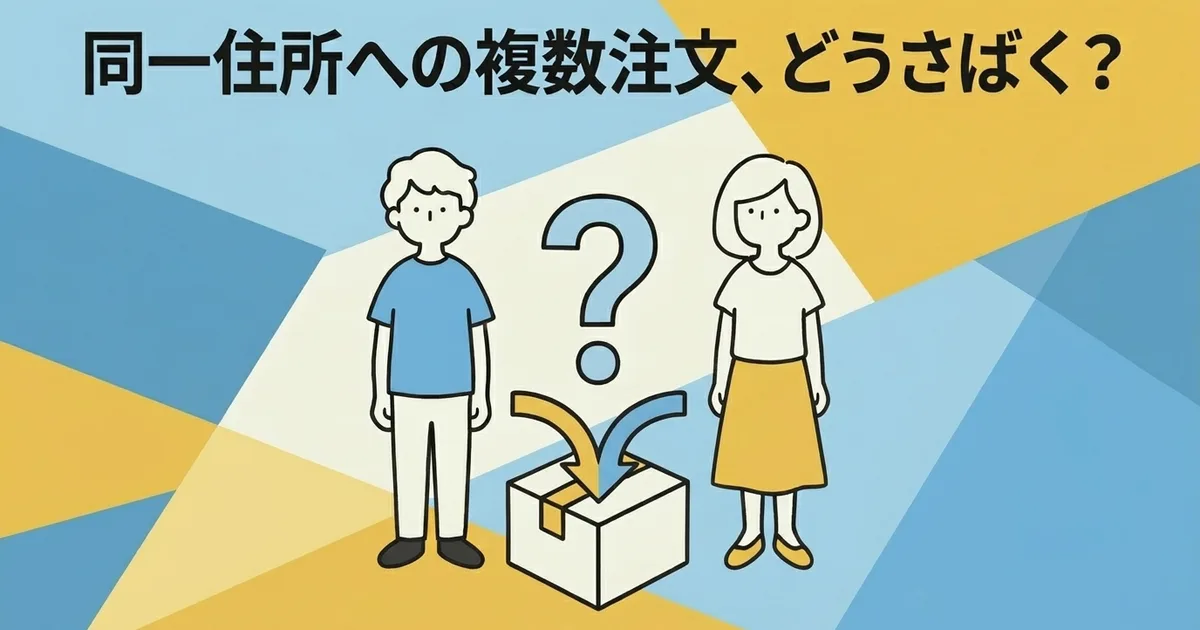
How to Handle Multiple Orders Going to the Same Address
Do you ever get two or more orders from the same customer on the same day?
That happens often with repeat buyers, color variants, and add-on purchases. Bundling them into one shipment can save time and shipping cost, but Click Post still has strict size and weight limits, so you cannot combine everything automatically.
This article explains how to decide when to bundle, when to split, and how to reflect the result in Shopify.
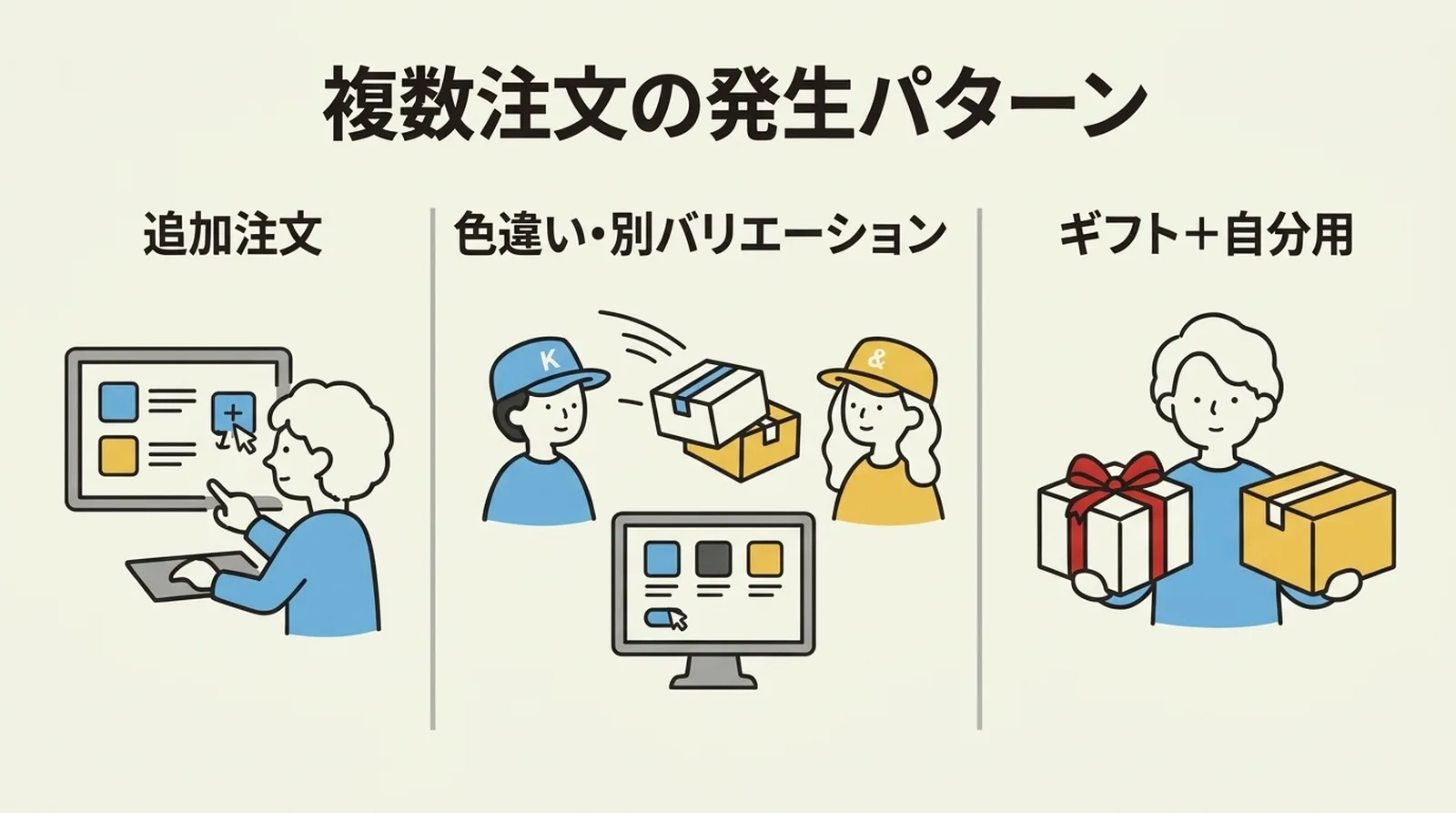
Why Same-Address Multiple Orders Happen
The most common patterns are:
| Pattern | Example | Frequency |
|---|---|---|
| Add-on purchase | I want one more item after checkout | Medium |
| Variant split | Separate orders for different colors | High |
| Gift plus personal use | Same address, different purchase intent | Low |
Customers often assume the shop will combine them if possible. That expectation is reasonable. The challenge is deciding whether bundling is operationally safe.
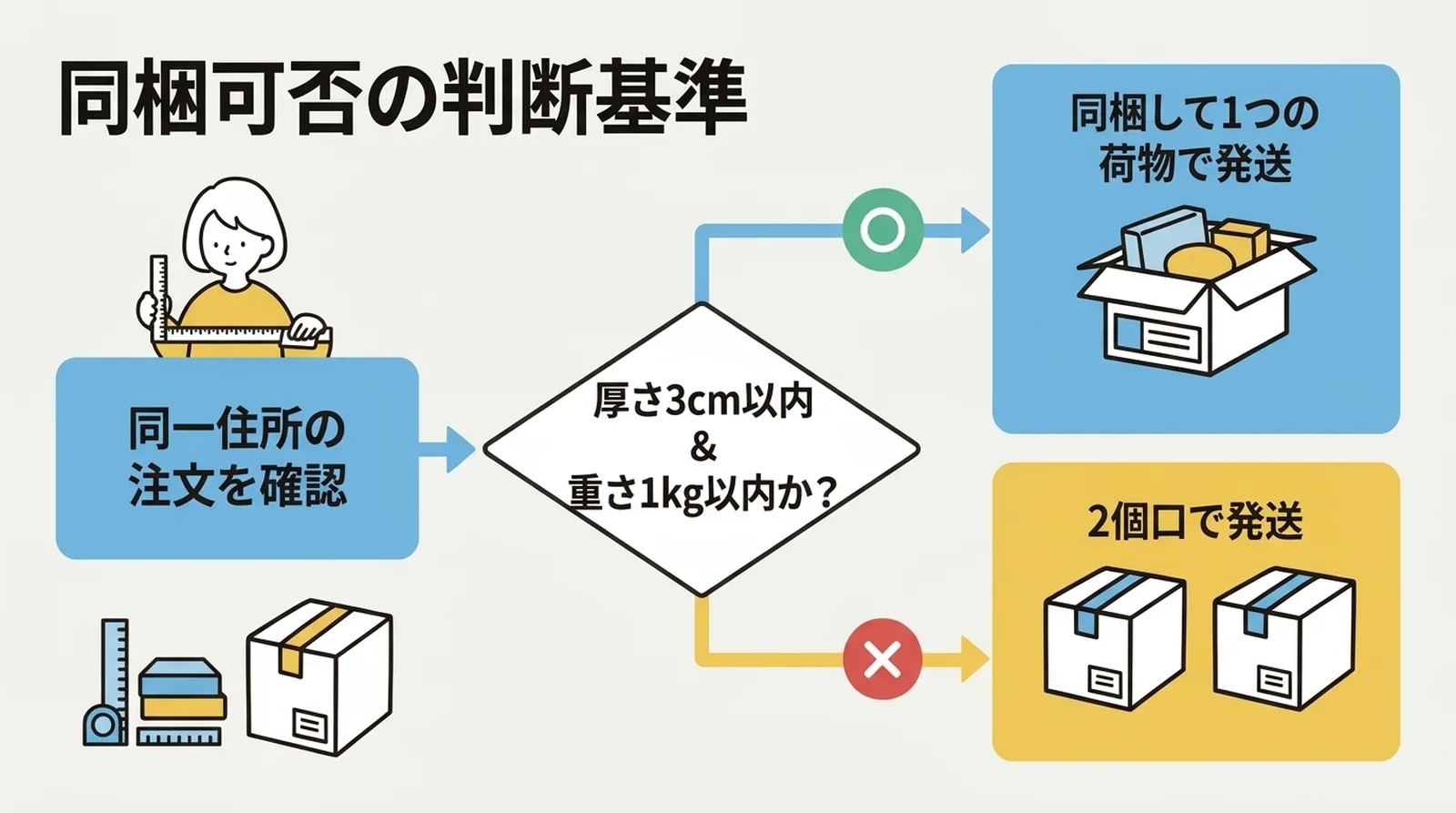
The Bundling Decision Rule
Start with Click Post limits
| Item | Limit |
|---|---|
| Longest side | 34 cm |
| Shortest side | 25 cm |
| Thickness | 3 cm |
| Weight | 1 kg |
In most cases, thickness is the bottleneck. For more on that, see Packing Strategies for the 3 cm Thickness Limit.
Practical decision flow
- Confirm that both orders really go to the same address
- Place the actual items together and measure the packed thickness and total weight
- If the combined parcel stays within 3 cm and 1 kg, bundle them
- If it does not, ship them separately
The point is to measure, not guess.
Product-based rules help
If you repeatedly ship the same products, create simple rules in advance.
| Product example | Packed thickness | Practical bundling rule |
|---|---|---|
| One TRRS cable | About 1.5 cm | Up to two can fit together |
| One resin keycap | About 2.5 to 2.8 cm | Ship one per parcel |
| One cable plus one keycap | Around 4 cm | Split shipment |
Once these rules are written down, you stop rethinking the same cases every day.
How to Handle It in Shopify
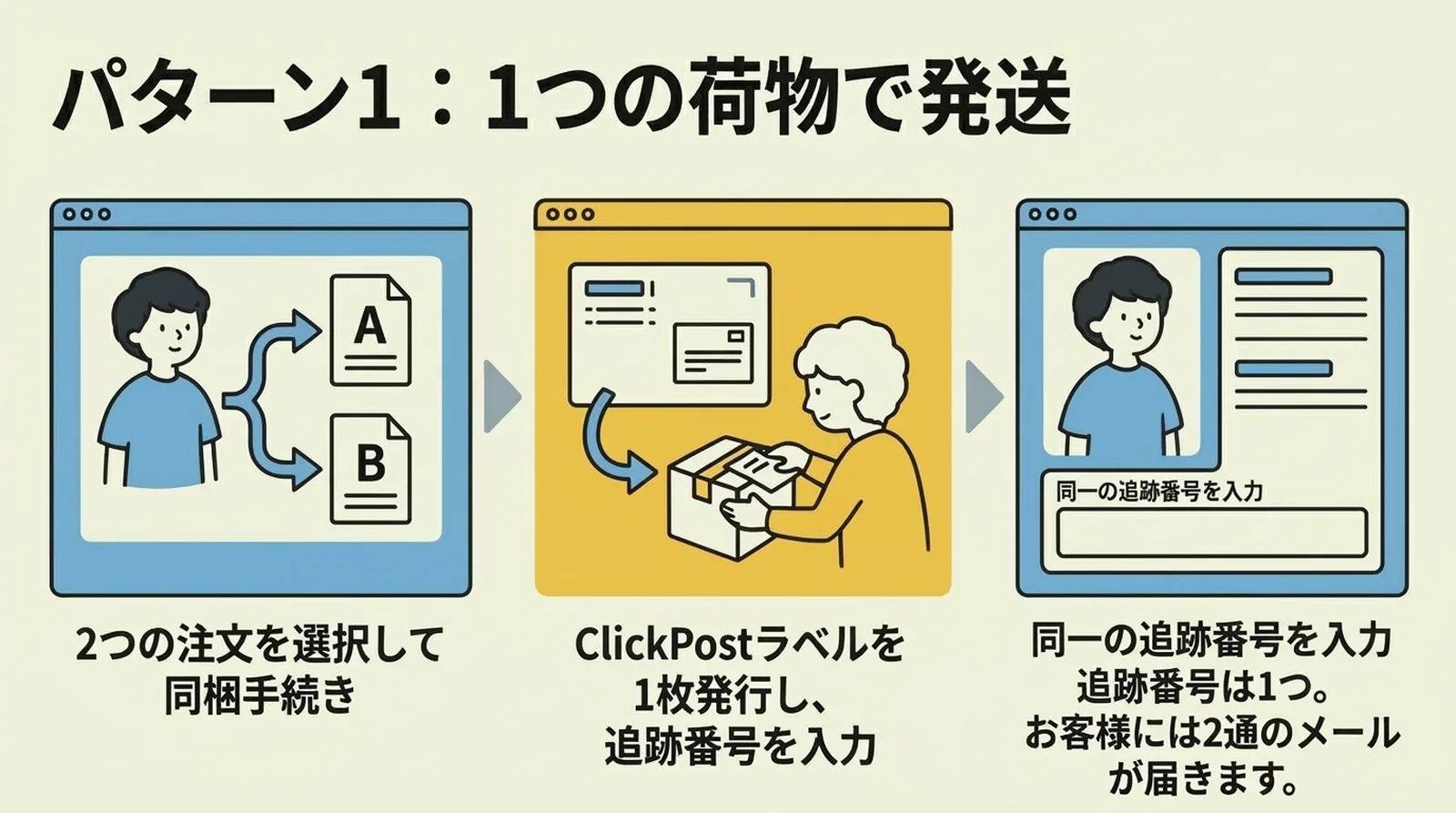
When you bundle into one parcel
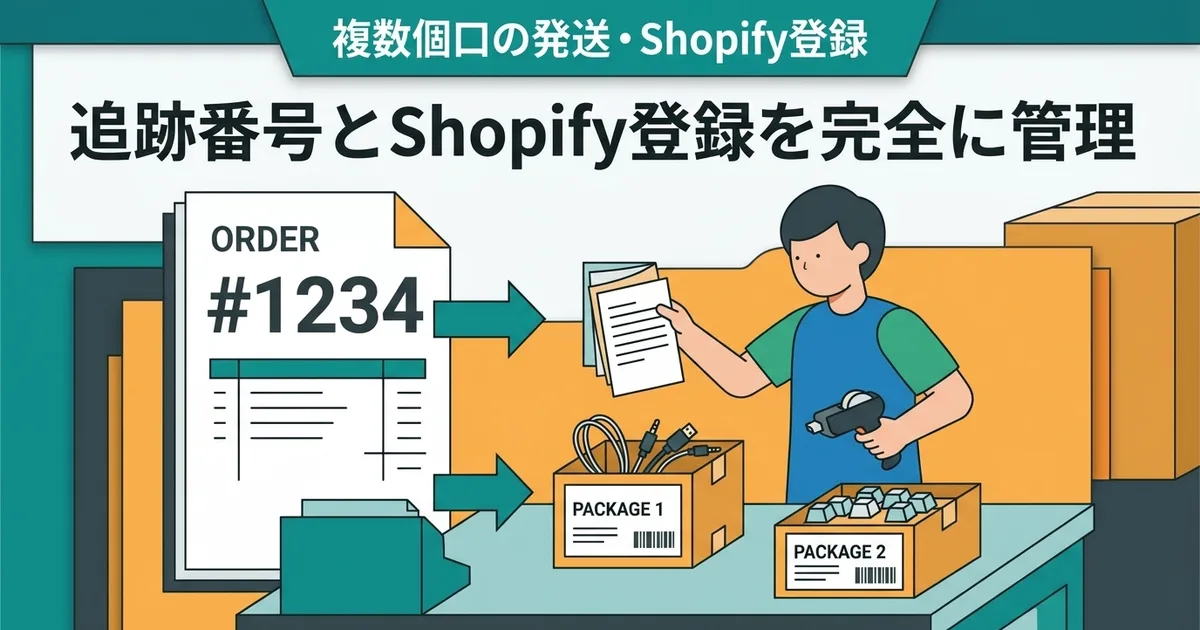
If you ship two orders together in one Click Post parcel, you still only have one label and one tracking number.
The basic flow is:
- Pick one order as the main shipping order
- Create the Click Post label for that order
- Mark the second order as fulfilled too, using the same tracking number
This way, both orders show as shipped and the customer can track both through the same parcel.
When you split into multiple parcels
If the size limit is exceeded, create one label per order and ship them separately. That part is simple, but you should tell the customer that the order is arriving in multiple parcels so they are not confused by multiple tracking numbers.
If you regularly deal with multi-parcel orders, How to Manage Tracking Numbers for Multiple Packages covers that workflow in more detail.
A short customer message helps
For bundled orders:
We combined your two orders into one shipment. Both orders are linked to the same tracking number.
For split orders:
Your items were shipped in separate parcels due to size constraints. Each parcel has its own tracking number.
That one note prevents a surprising number of support questions.
Benefits and Risks of Bundling
Benefits
- Save on shipping cost
- Reduce label printing and packing work
- Make delivery simpler for the customer
Risks
- Exceed the 3 cm thickness limit and trigger a return
- Make later cancellation handling more complicated
- Reduce cushioning quality if too much is forced into one parcel
Bundling only makes sense when it is clearly safe. Saving 185 yen is not worth creating a return, complaint, or repacking job.
Common Questions
Should I refund extra shipping if I bundle the orders?
That depends on your store policy. If you charge shipping per order, bundling may create a difference between collected shipping and actual shipping cost. Some stores refund it, while others offset it through free-shipping logic or store credit.
Does Shopify have a built-in order merge feature?
Not in the way most merchants expect. In practice, you usually handle this manually by fulfilling both orders with the same tracking number when bundled.
Should I bundle orders placed on different days?
Only if the earlier order has not already reached the shipping cutoff and the extra wait does not create a worse customer experience. Do not delay an almost-ready shipment just to force a bundle.
Summary
For multiple orders going to the same address, the best rule is simple: bundle them when the combined parcel fits within Click Post limits, and split them immediately when it does not.
The easiest way to stay consistent is to record the packed size of your common products in advance. That turns a fuzzy judgment call into a repeatable shipping rule.
If you want the CSV export, tracking sync, and daily shipping flow around Click Post to feel lighter, you can also try Instant Shipping for Click Post.