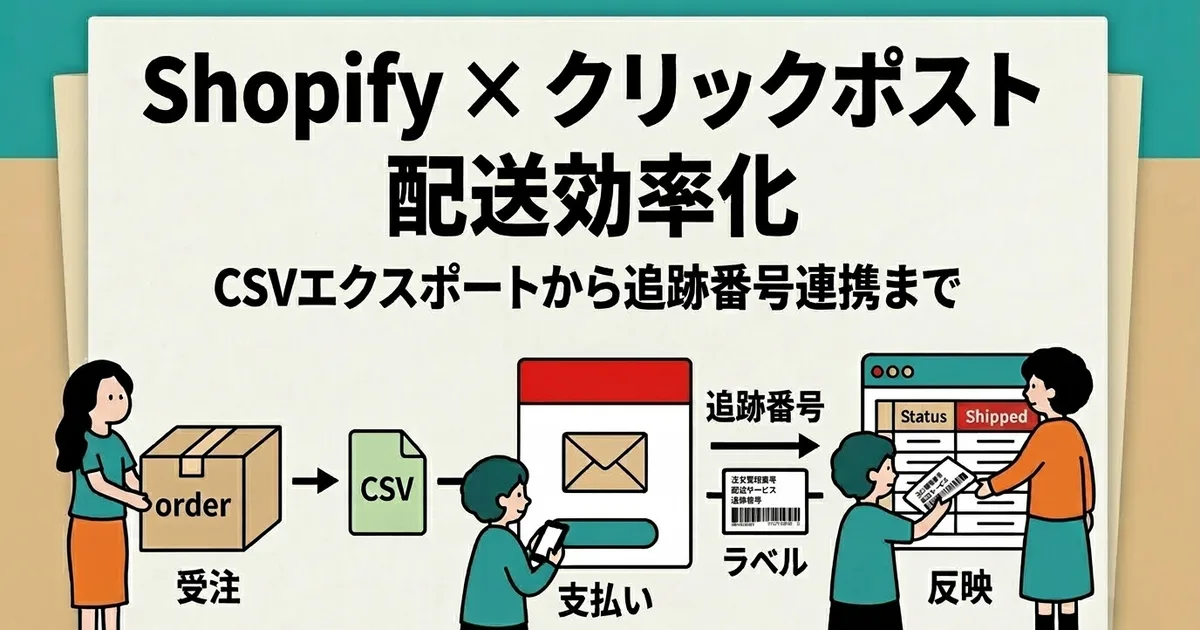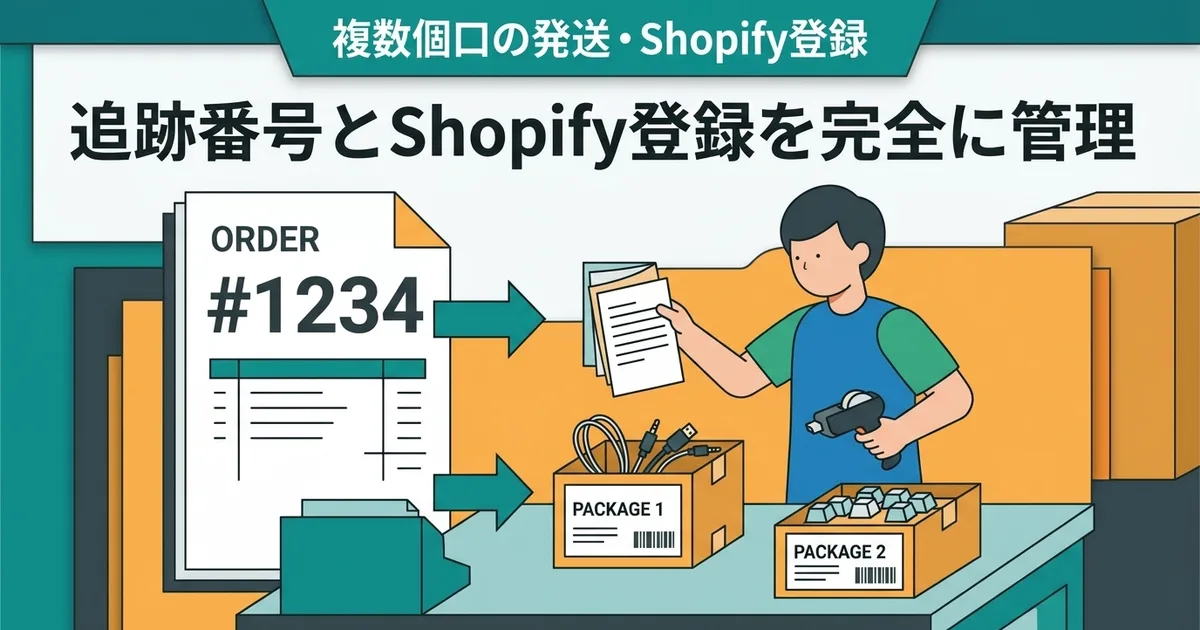
How to Manage Tracking Numbers for Multi-Package Shipments and Register Them in Shopify
Have you ever needed to split one Shopify order into two or more packages?
When that happens, tracking management becomes more complicated. One order no longer equals one tracking number, so you need a clear system for connecting packages, labels, and Shopify fulfillment records.
This article explains when multi-package shipping happens, how to manage the tracking numbers, and how to register them cleanly in Shopify.
Why Orders Get Split Into Multiple Packages
Because of size or weight limits
Click Post has strict size and weight limits. If a combined order exceeds them, splitting it into multiple packages is the only realistic option.
Because of inventory timing or made-to-order items
Sometimes one order includes both in-stock items and made-to-order items. In those cases, part of the order may ship first and the rest later.
Because the customer requests part of the order early
Some customers ask for urgent items to be sent first. That also creates a multi-shipment order.
| Reason for split shipment | Example | Shipping timing |
|---|---|---|
| Size or weight limit | A combined package exceeds Click Post limits | Multiple packages on the same day |
| Inventory or production timing | Some items are ready and some are not | Days or weeks apart |
| Customer request | Part of the order is urgent | Based on the customer’s request |
How to Manage Tracking Numbers Across Multiple Packages
Keep a mapping between order number and tracking number
The biggest risk is losing track of which package belongs to which order and which tracking number belongs to which package.
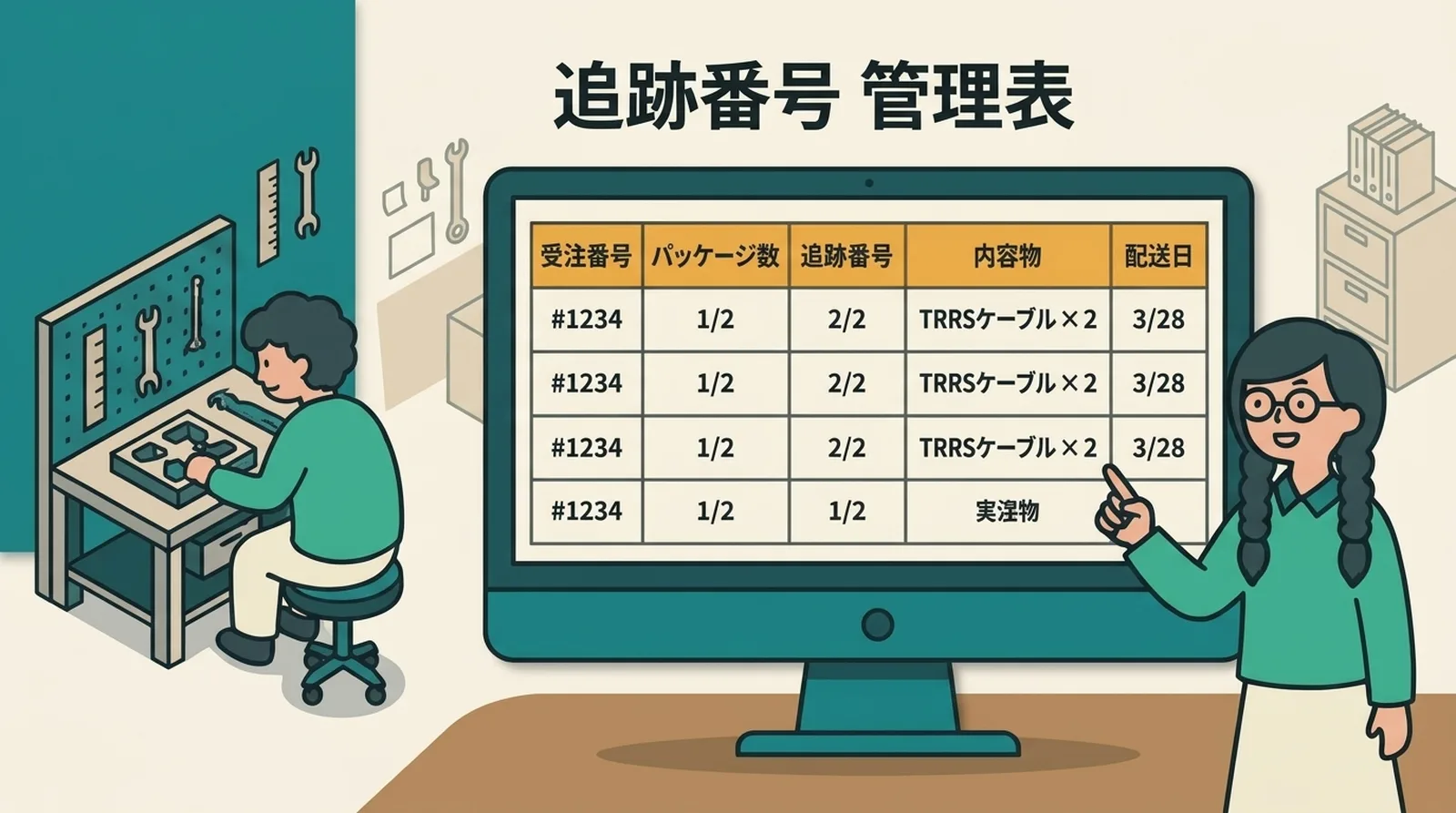
A simple spreadsheet or note table works well:
| Order number | Package | Tracking number | Contents | Ship date |
|---|---|---|---|---|
| #1234 | 1/2 | 1234-5678-9012 | TRRS cable x 2 | 3/28 |
| #1234 | 2/2 | 1234-5678-9013 | Resin keycap x 3 | 3/28 |
Even a simple note is better than relying on memory.
Decide which label goes with which package during packing
The safest time to assign tracking numbers is during packing, not afterward. Once labels are printed, decide immediately which label goes on which package and record it.
That prevents later confusion.
How to Register Multi-Package Shipping in Shopify
Use partial fulfillment
In Shopify, do not force everything into one fulfillment if the order is actually going out in multiple packages. Instead, use partial fulfillment so each package can have its own tracking information.
Step 1: Open the order and choose the items shipping first
In the order page, select the specific items that belong in the first package.
Step 2: Fulfill that portion with its tracking number
Enter the tracking number, select the carrier, and complete the fulfillment. Shopify then sends the first shipping notification.
Step 3: Repeat for the remaining items
When the second package ships, repeat the process with the remaining items and the second tracking number.
| Action | Result | Customer notification |
|---|---|---|
| First package fulfilled | Order becomes partially fulfilled | First shipping email sent |
| Second package fulfilled | Order becomes fully fulfilled | Second shipping email sent |
This keeps the structure much clearer than forcing multiple tracking numbers into one ambiguous shipment record.
Checks That Prevent Mistakes
Before shipping:
- Confirm how many packages the order will become
- Confirm which label belongs to which package
- Confirm that every tracking number is registered in Shopify
- Confirm that the appropriate notifications were sent
Tracking-number mistakes are even easier to make in this workflow, so it helps to review tracking-number input mistakes as well.
If multi-package shipping happens often, moving away from manual tracking entry becomes even more valuable.
Common Questions
Q. Can I add another tracking number after an order is already marked fulfilled?
Yes, but the cleanest approach is to use partial fulfillment as soon as you know the order will ship in multiple packages.
Q. What if only one of the packages fails to arrive?
If each package has its own tracking number, you can identify the problem package much more easily and investigate only that part of the shipment.
Q. Is it okay to register the same address twice in Click Post bulk application?
Yes. As long as each row represents a separate package, duplicate destination addresses are fine.
Conclusion
Multi-package shipping is manageable as long as you do three things consistently:
- Record the relationship between order number and tracking number
- Split fulfillments in Shopify instead of treating the whole order as one shipment
- Confirm label-to-package matching during packing
Once multi-package shipping becomes frequent, manual tracking workflows become much easier to break. If you want a safer way to reflect tracking numbers back into Shopify, try Instant Shipping! for Click Post.