What Happens When You Sync a Tracking Number to Shopify: How Shipping Notification Emails Work
After shipping with Click Post, are you registering the tracking number in Shopify?
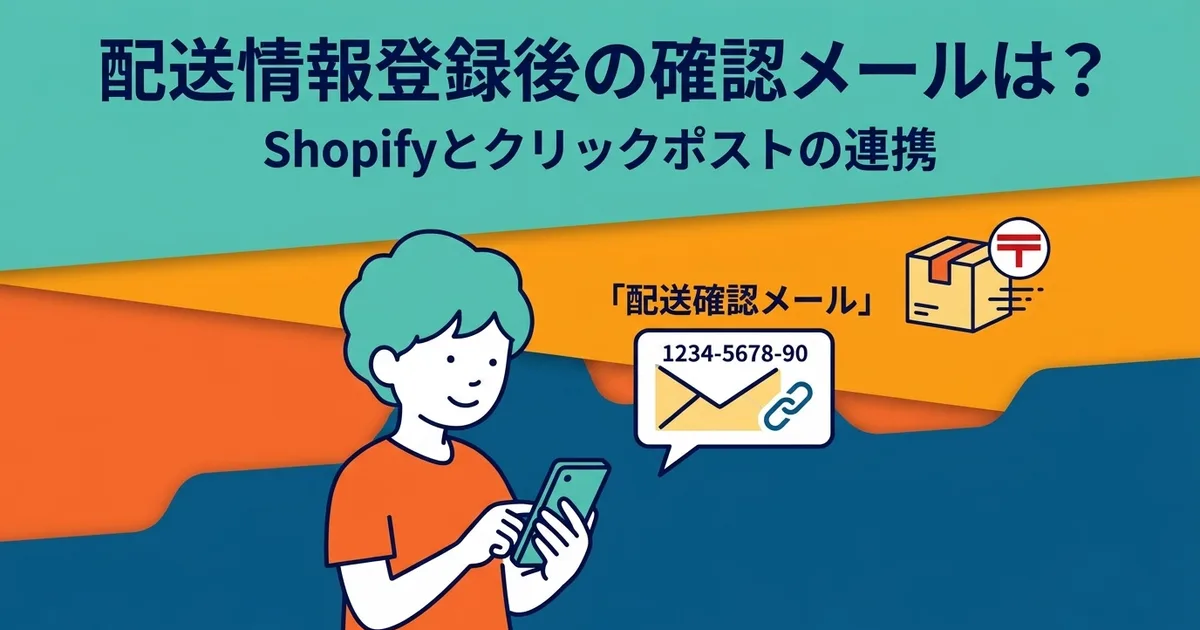
When you add a tracking number and change the order status to Fulfilled, Shopify automatically sends a shipping confirmation email to the customer. That email includes the tracking number and a tracking link, so the customer can check the delivery status on their own.
In this article, I explain how shipping notification emails work and what you can do to reduce the burden of customer support, drawing on my experience making and selling handmade products such as TRRS cables and resin keycaps.
Why Syncing the Tracking Number Matters
Without a tracking number, customers ask "Has it shipped?"
When you fulfill a Shopify order, you can change the status without entering a tracking number. In that case, the customer only receives a simple notification saying the order has shipped.
Without a tracking number, the customer has no way to check where the package is. They do not know whether it has truly been shipped or when it will arrive, so they are more likely to contact you.
With a tracking number, customers can check for themselves
If the shipping email includes a tracking number, the customer can open the tracking link in the email and view the delivery status on Japan Post's tracking page. Statuses such as Accepted and Delivered make it easier for customers to self-serve before contacting the shop.
| Tracking number | Customer behavior | Impact on the shop |
|---|---|---|
| Not included | "Will my package arrive?" inquiries | More support time |
| Included | Customer checks the tracking page themselves | Fewer inquiries |
The small step of syncing tracking numbers has a big effect on customer support. For a solo-run store, the time spent on inquiries comes directly out of the time you could use for making products.
What Is Included in the Shipping Confirmation Email
What Shopify sends automatically
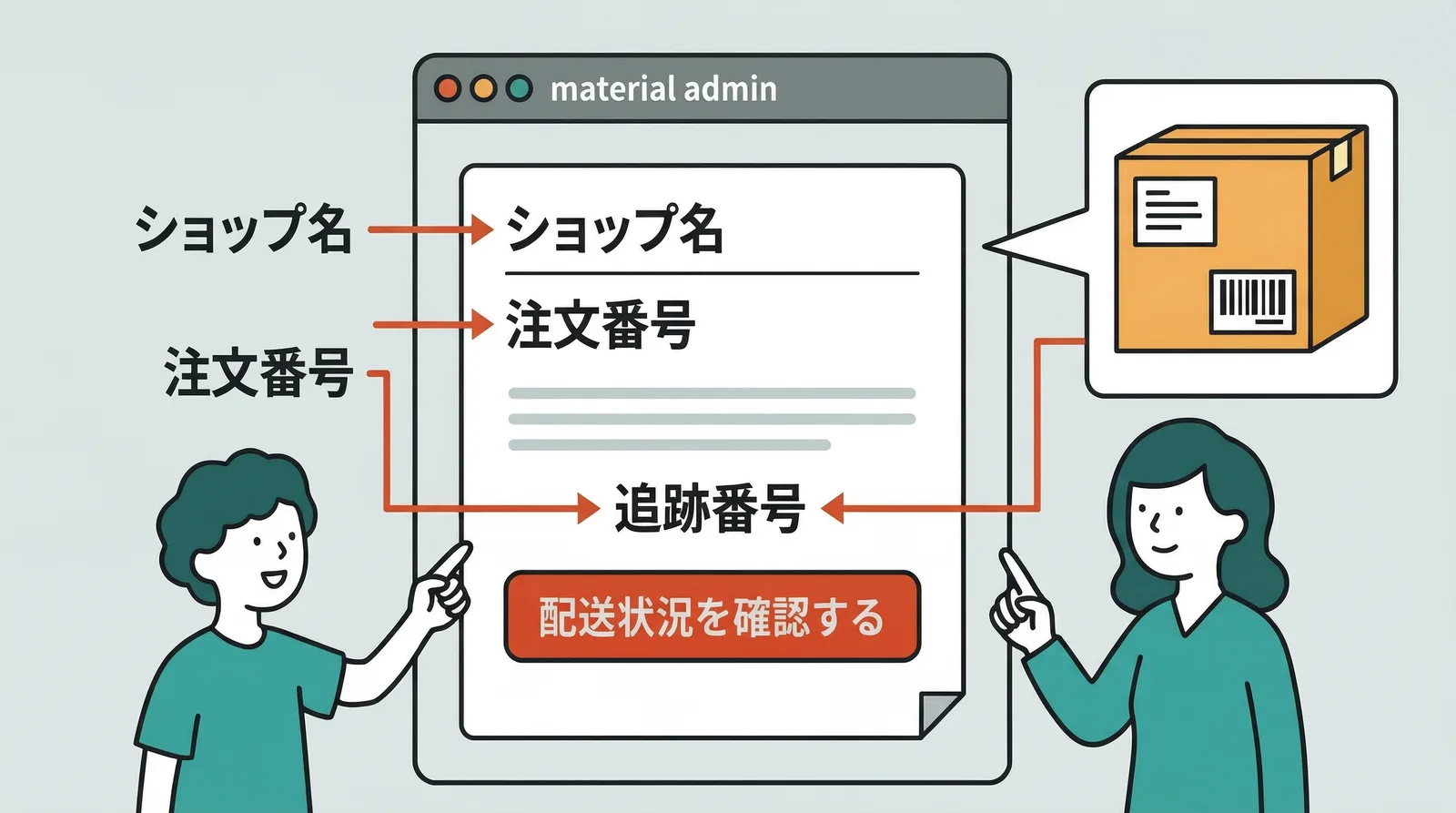
When you fulfill an order in Shopify, the customer receives an email that includes:
- Shop name
- Order number
- Tracking number
- Tracking link to the carrier's tracking page
- A list of ordered items
The subject line is usually something like Your order has shipped, and the email template can be customized from the Shopify admin.
Where does the tracking link go for Click Post?
Click Post tracking numbers are tied to Japan Post's tracking system. If you set the carrier to Japan Post when registering the tracking number in Shopify, the tracking link in the email will point to Japan Post's tracking page for that shipment.
From there, the customer can view statuses such as Accepted and Delivered.
How Tracking Sync Works and When the Email Is Sent
If you reflect the tracking number manually
Open the order in Shopify and click Fulfill item. Enter the tracking number, choose the carrier, and confirm the fulfillment. Shopify sends the email to the customer at that moment.
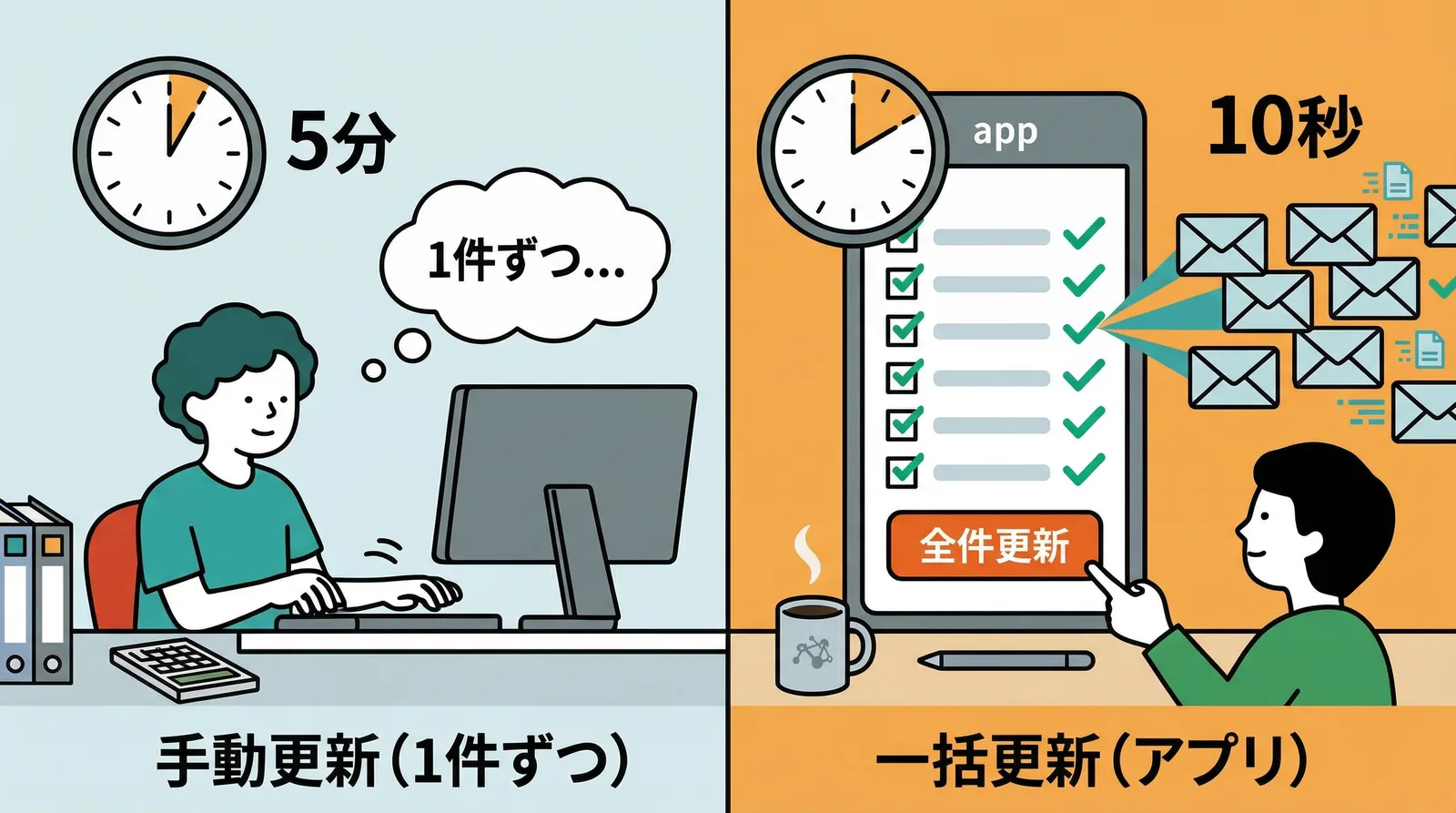
If you do this one order at a time for 10 orders, tracking-number entry alone takes about 5 minutes. If you mistype even one number, the wrong information is sent to the customer.
If you reflect the tracking number in bulk
With Instant Shipping! for Click Post, you can simply import the downloaded shipping labels. The app automatically extracts the tracking numbers and syncs them to the corresponding Shopify orders in bulk. Shipping confirmation emails are sent at the same time, so there is no need to enter tracking numbers individually.
| Sync method | Time for 10 orders | Email sending | Risk of input mistakes |
|---|---|---|---|
| Manual, one by one | About 5 minutes | Sent individually | Yes |
| Bulk sync with the app | About 10 seconds | Sent in one flow | No |
How to Reduce Customer Inquiries
Improve the wording of your shipping email
You can edit Shopify's shipping notification template from Settings > Notifications. The default template works, but adding the following details can reduce inquiries even further:
- When tracking information becomes visible:
Tracking information appears after the post office accepts the shipment. Right after shipment, the page may show "Tracking number not found," but it usually updates within a few hours. - Expected delivery time:
Click Post usually arrives within 1 to 3 days after shipment, depending on region and season.
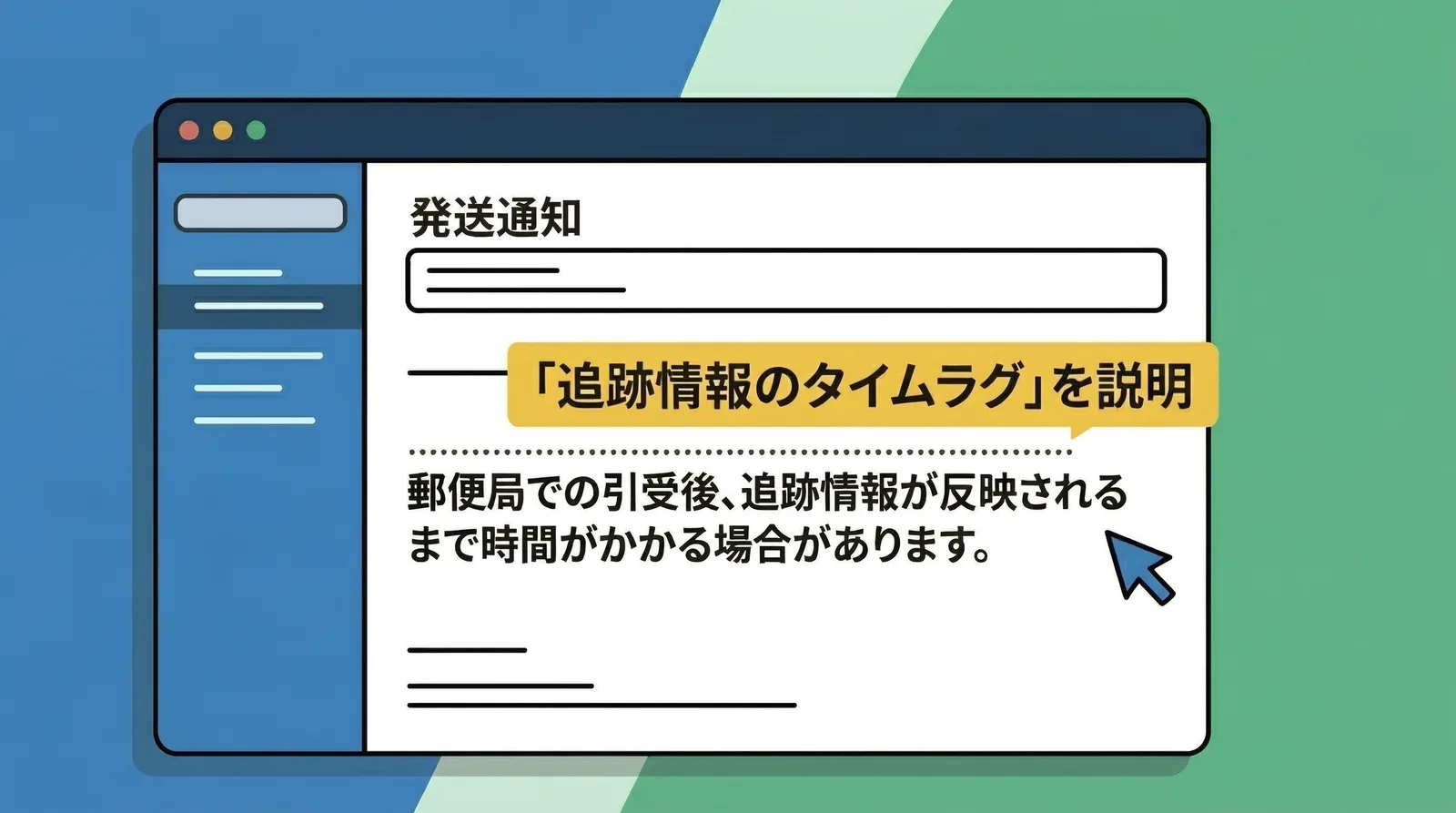
Prevent "tracking number not found" questions before they happen
One of the most common inquiries is, I searched the tracking number and it says it cannot be found.
This happens when the customer checks the tracking page immediately after receiving the shipping email. Click Post tracking information only appears after Japan Post has accepted the package into its system, so there is usually a delay right after the package is dropped off.
In my experience, if you drop packages during the day, tracking details usually appear within about 3 to 6 hours. Simply stating that in the shipping email greatly reduces these inquiries.
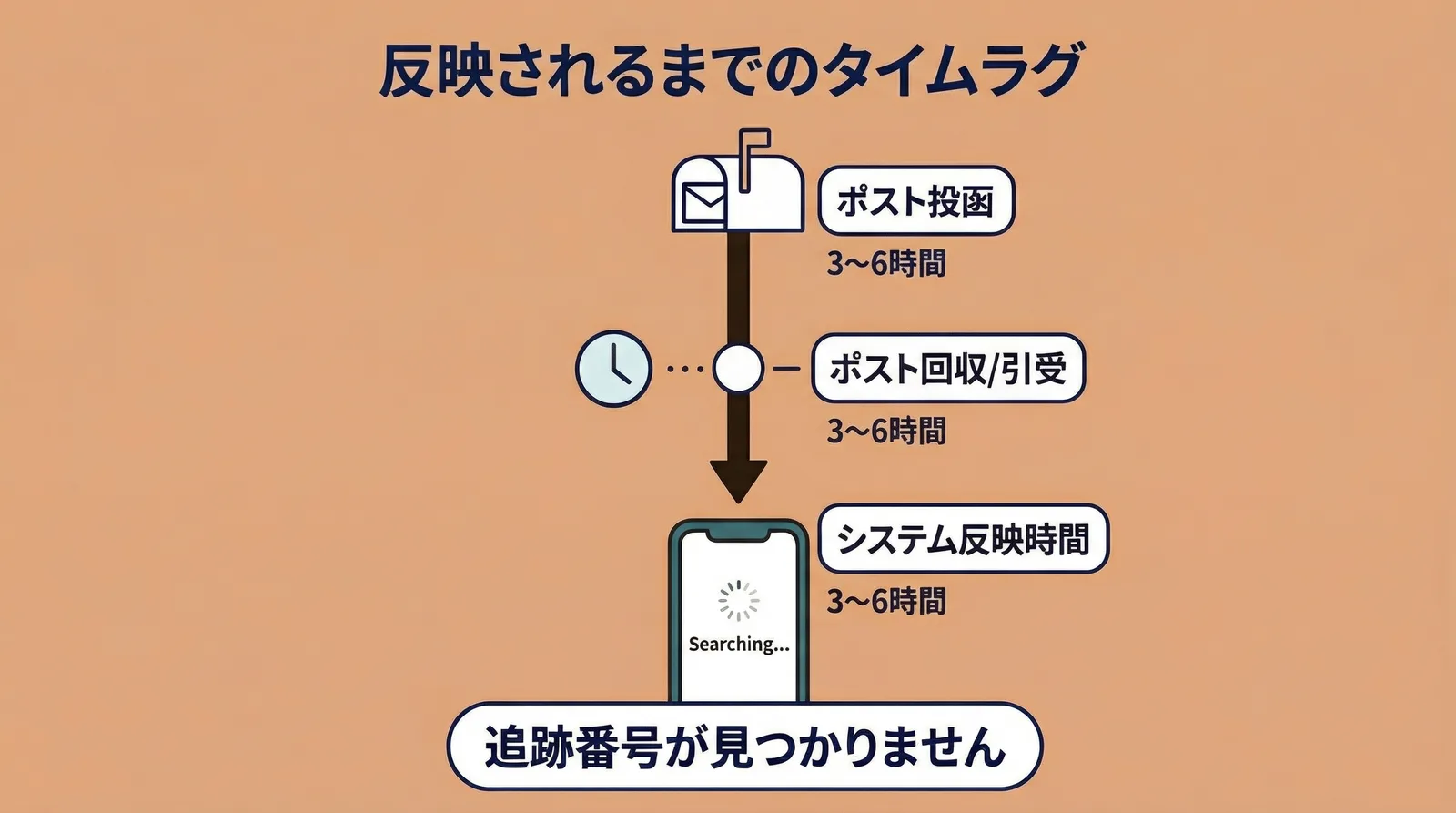
Tracking number not foundis usually not a system failure. It is simply the normal delay before Japan Post reflects the package in the tracking system. One sentence in the email can prevent both anxiety and support requests.
Common Questions
Q. If I fulfilled an order without a tracking number, can I add it later?
Yes. From the order screen in Shopify, you can add tracking information later at any time. If you check the option to notify the customer, Shopify will send a new email that includes the tracking number.
Q. What if a customer says they never received the shipping email?
First, ask them to check their spam folder. Shopify notification emails sometimes end up there. You can also check the order timeline in Shopify to confirm whether the email was actually sent.
Q. What happens if one order is shipped in multiple packages?
Shopify allows multiple tracking numbers on a single order. If you fulfill it partially, the customer can receive a notification for each shipment. That way they can track every package separately.
Conclusion
When you sync a tracking number to Shopify, Shopify automatically sends a shipping notification email that includes a tracking link. Because customers can check the delivery status on their own, inquiries like Has it arrived yet? decrease, and that gives you more time for other work.
If you also add an explanation about the tracking-data delay and a delivery estimate to the email, inquiries drop even further. A clear shipping notification flow improves both customer reassurance and store efficiency.
If you are still reflecting tracking numbers manually, try bulk sync with Instant Shipping! for Click Post.