How to Balance Making Products and Shipping Orders
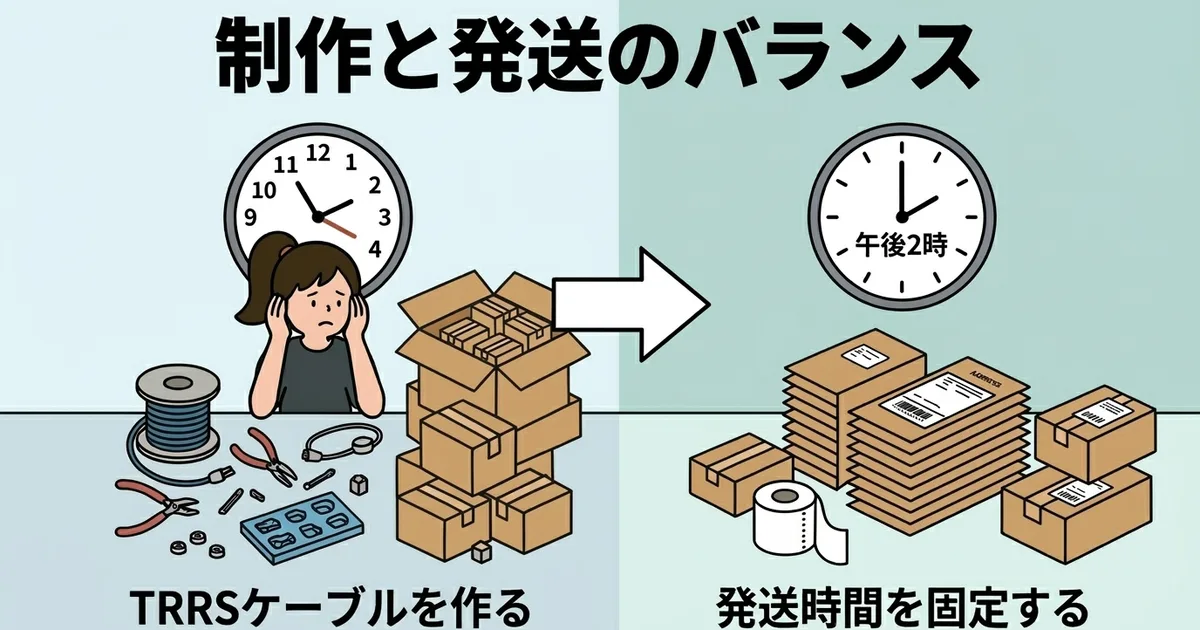
More orders are good news, but they can easily eat into the time you need to make the products in the first place.
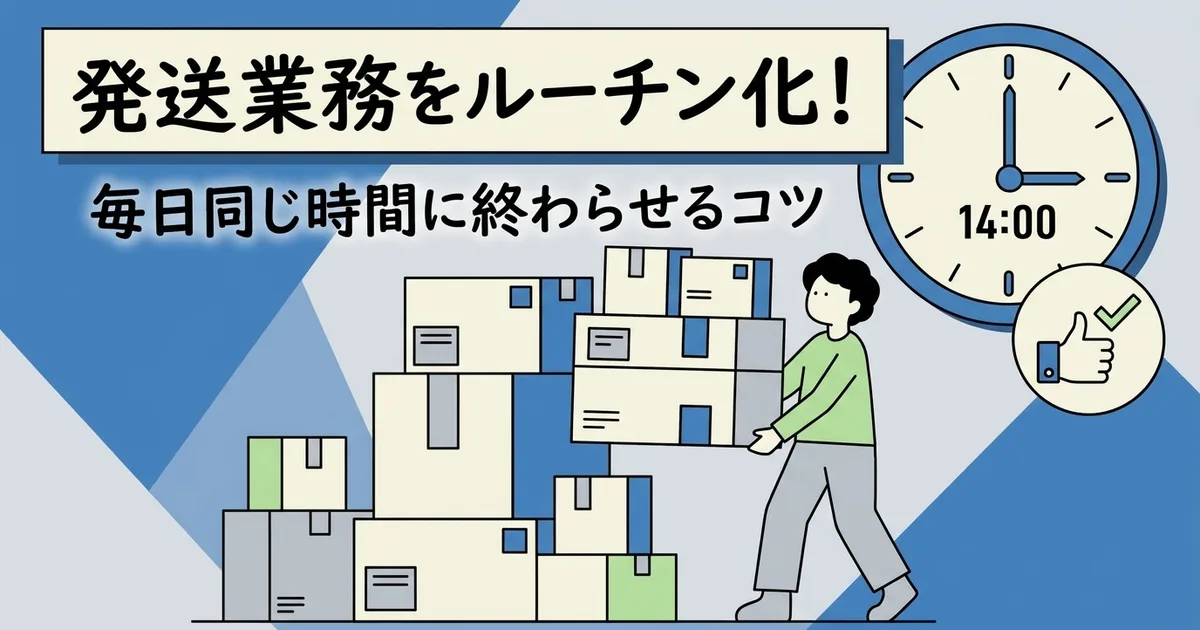
For handmade sellers, this is one of the first real operational bottlenecks. Shipping is important, but if it interrupts production all day, the store becomes harder to sustain. This article explains how to separate the two through fixed shipping windows, batching, and simple workspace rules.
Separate Making Time and Shipping Time
Why I will ship when I have time usually fails
If you switch between making, printing labels, packing, and checking orders throughout the day, you lose concentration in both directions. Creative work especially suffers from that context switching.
Use fixed time blocks instead
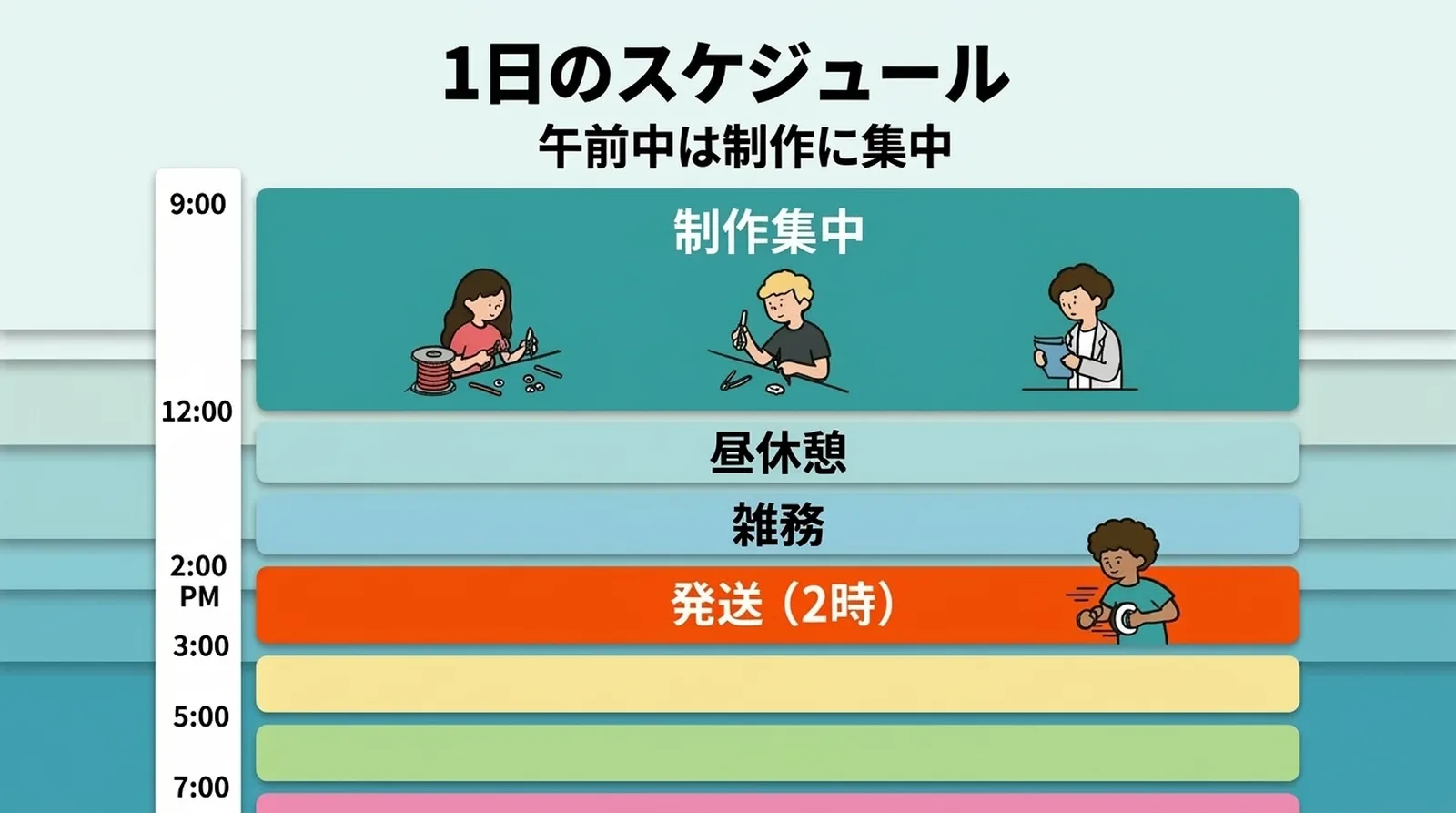
A simple structure works better:
| Time block | Main work |
|---|---|
| Morning | Production and assembly |
| Early afternoon | Customer messages, shop updates |
| Fixed shipping window | CSV export, packing, tracking sync |
| Later afternoon | Return to production |
Once shipping has a defined place in the day, you stop mentally interrupting yourself with I should probably ship that now.
Why a Fixed Shipping Window Helps
It removes daily decision fatigue
You no longer ask:
- Should I pack now?
- Should I wait for more orders?
- Should I do labels first or later?
You already know when shipping happens.
It protects creative focus
If you know shipping always happens later, it becomes easier to stay with detailed production work in the morning.
Time becomes predictable
When you run the same shipping sequence every day, you learn the rough timing. Ten orders might take 15 minutes, twenty might take 25. That makes planning much easier.
Think in Batches
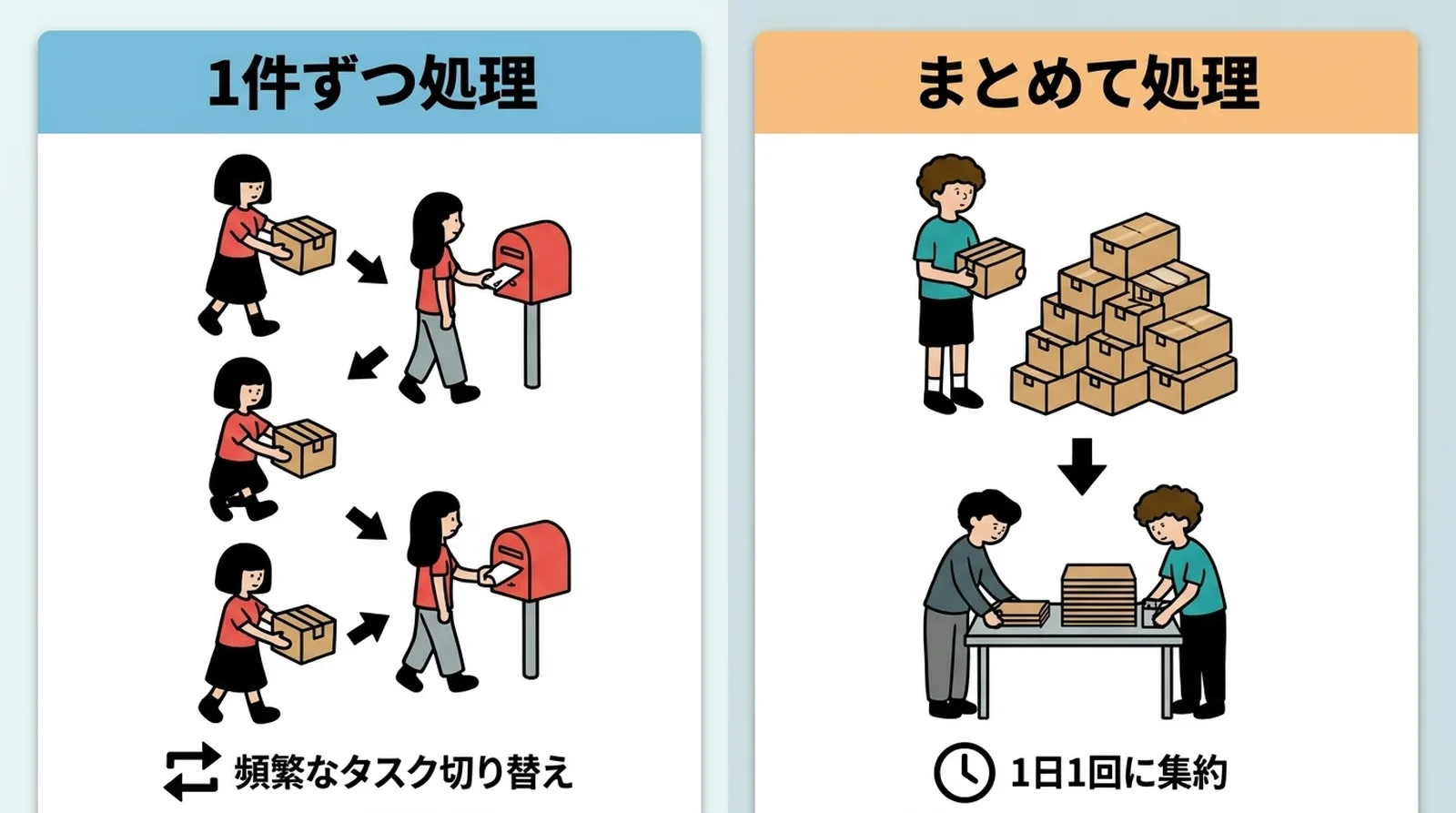
Do not complete shipping one order at a time
Batching means handling the orders collected in a defined period all at once instead of reacting every time one order arrives.
| Method | Switching frequency | Efficiency |
|---|---|---|
| One order at a time | High | Low |
| Daily batch | Low | High |
For example, you might decide:
All orders received by 2 PM are processed at 2 PM. Orders after that go into tomorrow's batch.
If you want to refine the batch workflow itself, How to Finish 10 Daily Shipments in 15 Minutes covers that step by step.
Separate the Workspace Too
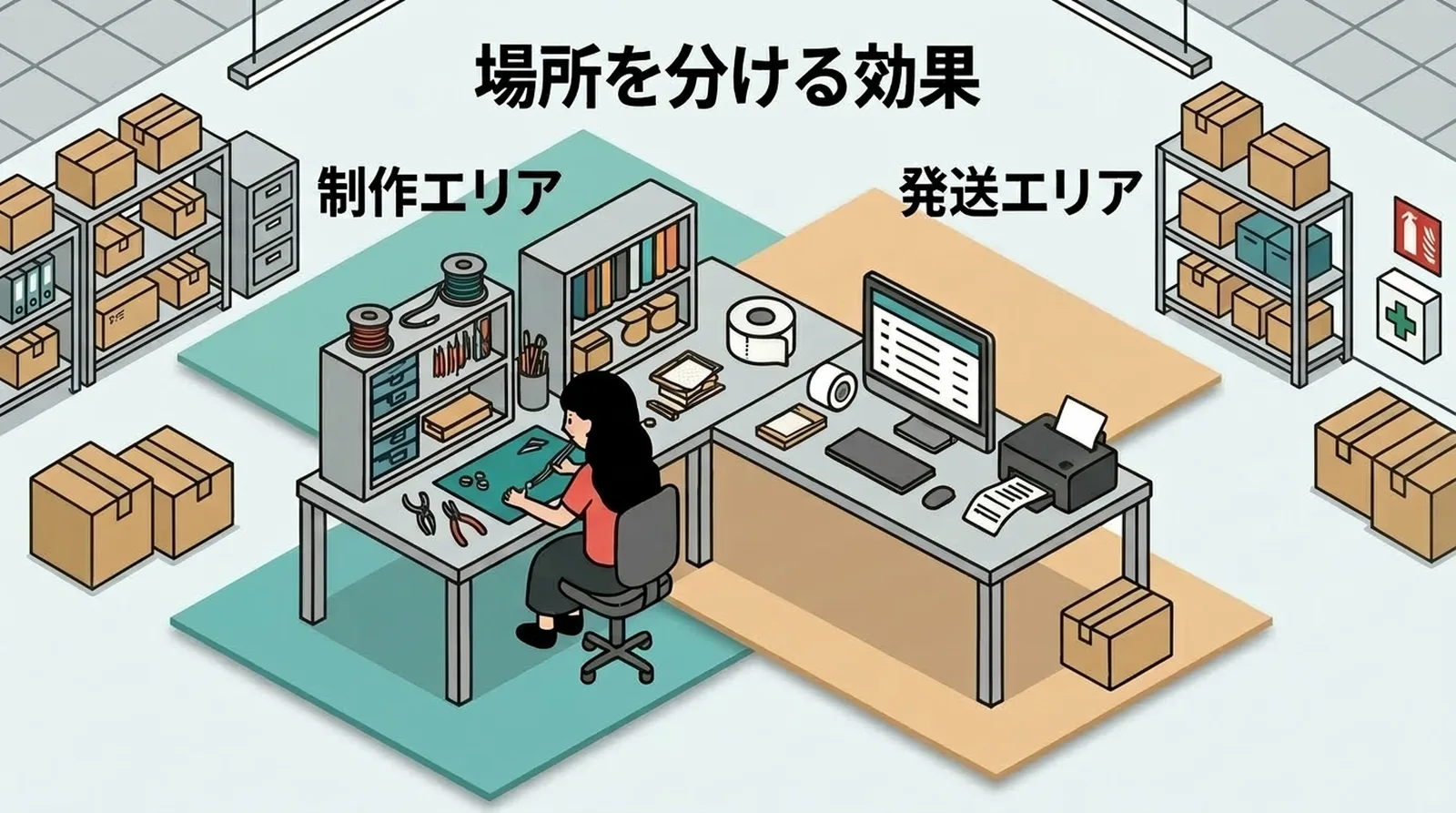
Even a small room benefits from a clear difference between the making area and the shipping area.
- Making area: tools, materials, production setup
- Shipping area: printer, envelopes, tape, scale
The point is not having a large studio. The point is reducing reset time. If the shipping materials live together in one predictable place, shipping becomes a short routine instead of a big setup job.
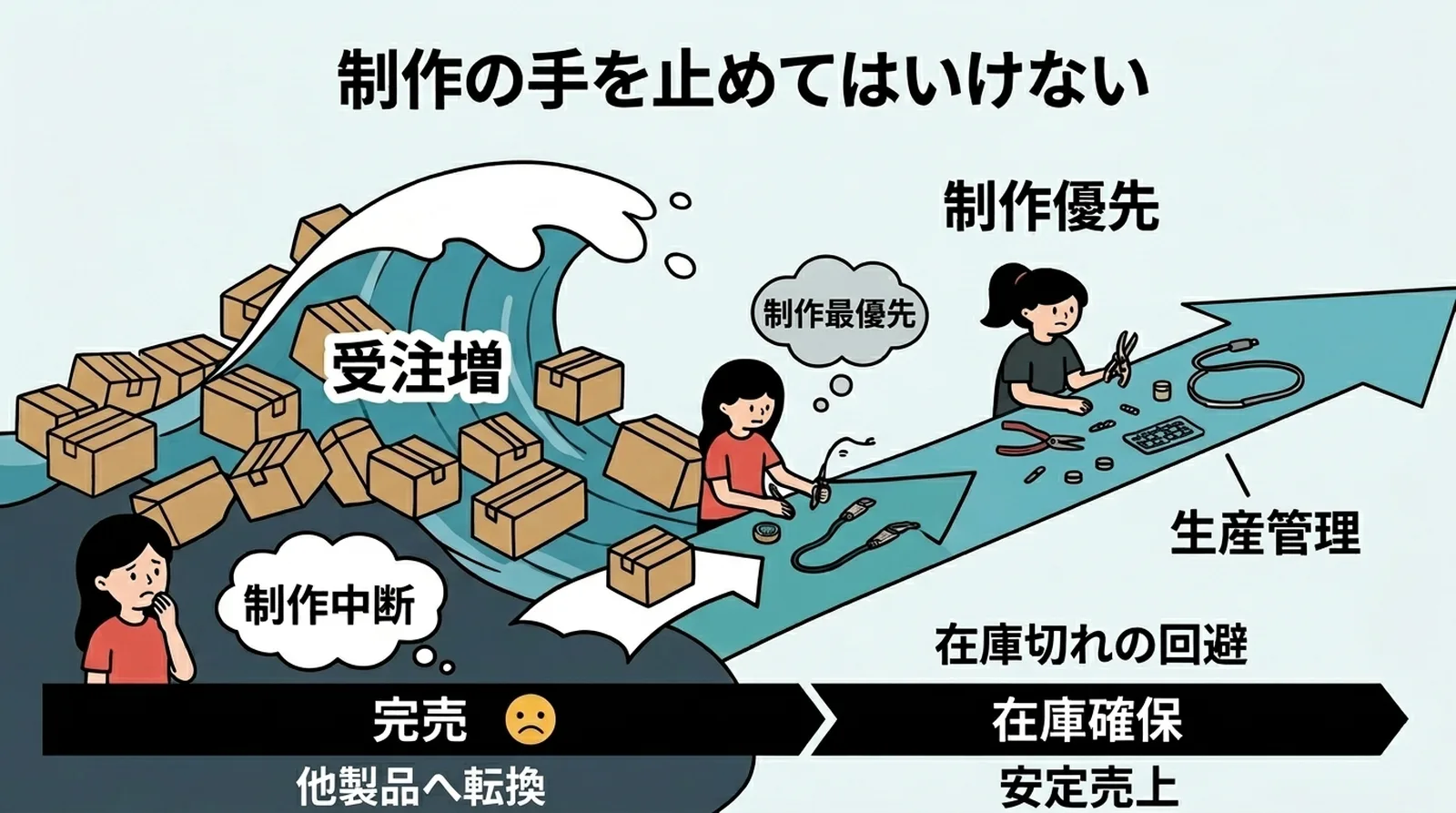
What to Do During Busy Periods
Do not let shipping erase production completely
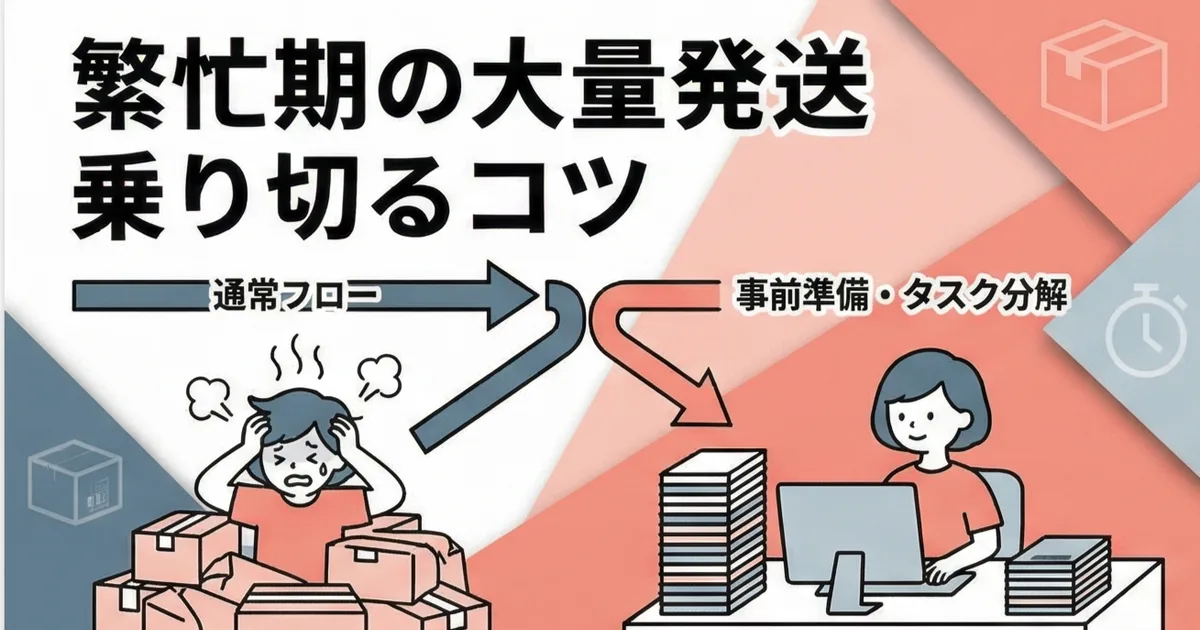
When order volume spikes, it is tempting to spend the whole day shipping. Sometimes that is necessary, but if you stop making for too long, stockouts and future delays follow.
A simple rule of thumb:
| Daily order volume | Recommended response |
|---|---|
| Up to 20 | One normal shipping batch |
| 20 to 50 | Split shipping into two blocks |
| Over 50 | Prioritize shipping and update lead times |
For heavy batches, How to Handle Busy-Season Click Post Shipping is the better playbook.
Common Questions
I only have one or two shipments some days. Should I still batch them?
Yes. Consistency matters more than volume. Exceptions make routines weaker.
I run the store as a side business. Can I still do this?
Absolutely. The fixed shipping window can be evening or weekend-based instead of daytime-based. The principle is the same.
Can I ask family or a partner to help?
Yes, but only after the workflow is written down clearly. How to Create a Shipping Manual for Staff or Partners is useful for that handoff.
Summary
Balancing making and shipping is less about speed and more about boundaries. Give shipping a fixed time, batch it, and keep the physical tools together.
That structure protects the hours that actually create value in a handmade business: the time spent making the products. If you also want to shorten the shipping block itself, you can try Instant Shipping for Click Post.