How to Survive Peak-Season Shipping: Task Splitting and Advance Preparation
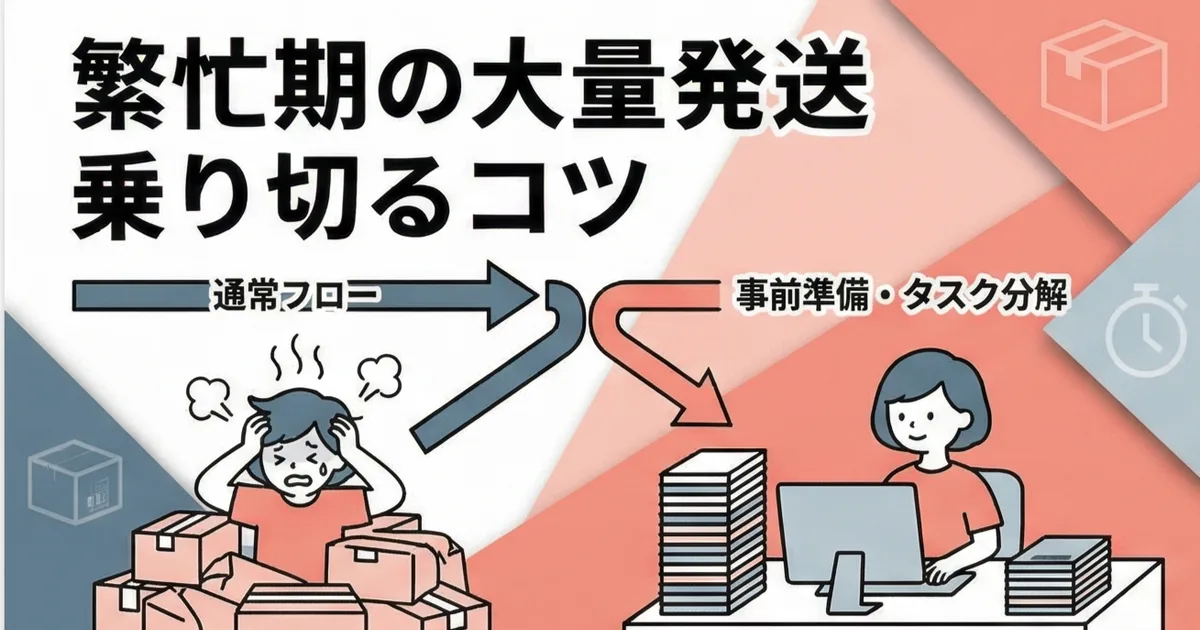
On ordinary days, you might ship around 10 orders. But after an event or a sale, orders can suddenly jump to 50 or even 100. If you try to handle that volume with the same mindset as a normal day, you quickly run out of both time and energy.
In this article, I share the task-splitting approach and preparation I use during peak periods, based on repeated real-world experience as someone who both sells handmade products and builds Shopify apps.
Why Shipping Stops Flowing During Peak Seasons
Your normal workflow is designed for 10 orders
On a typical day, the whole shipping flow from CSV export to packing and tracking sync can be finished in about 15 minutes. That sense of "shipping is a quick task" becomes misleading during peak periods.
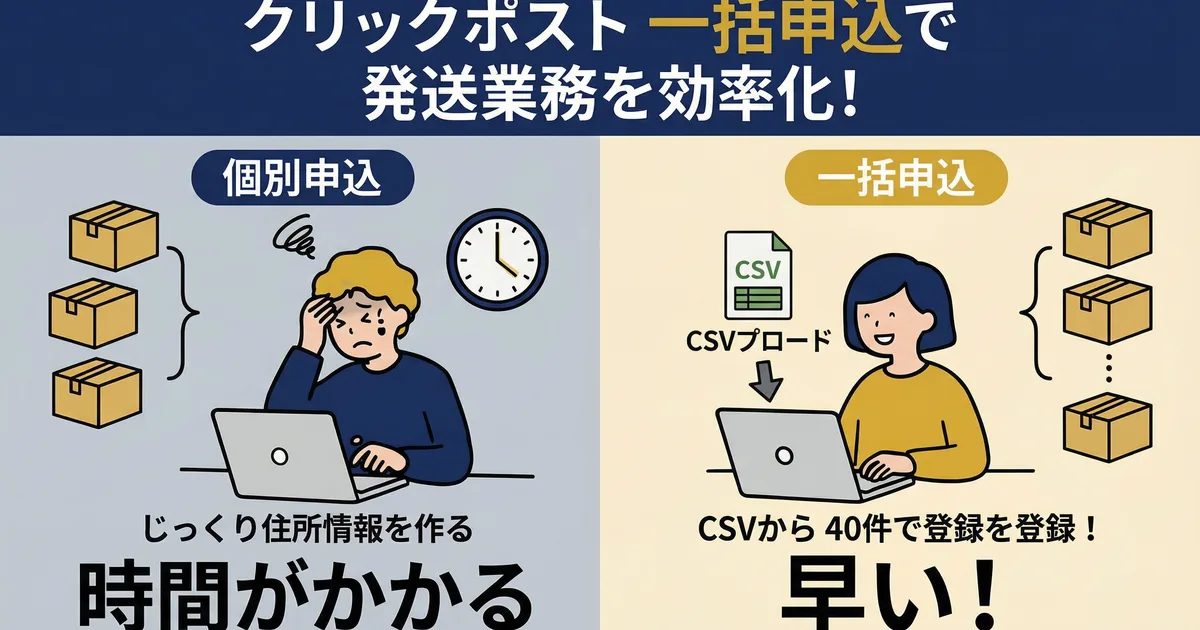
If you try to process 50 orders in exactly the same way, packing alone takes more than 50 minutes. Click Post bulk application also has a limit of 40 orders per batch, so you need to split the CSV. If you start with the assumption that you can just "do the usual thing," you often end up underestimating the time required.
Shipping is not the only task that increases
During busy periods, shipping is only one of the things that pile up. Support inquiries, stock checks, and replenishment decisions also increase. If shipping takes two hours, everything else stops.
The first time I processed 100 orders after an event, the shipping work alone took nearly half a day. Manual tracking-number entry took about 50 minutes by itself, and with packing included the total exceeded three hours. That experience is what pushed me to redesign the workflow.
Advance Preparation: What to Do Before Peak Season Starts
Stock more packing materials than usual
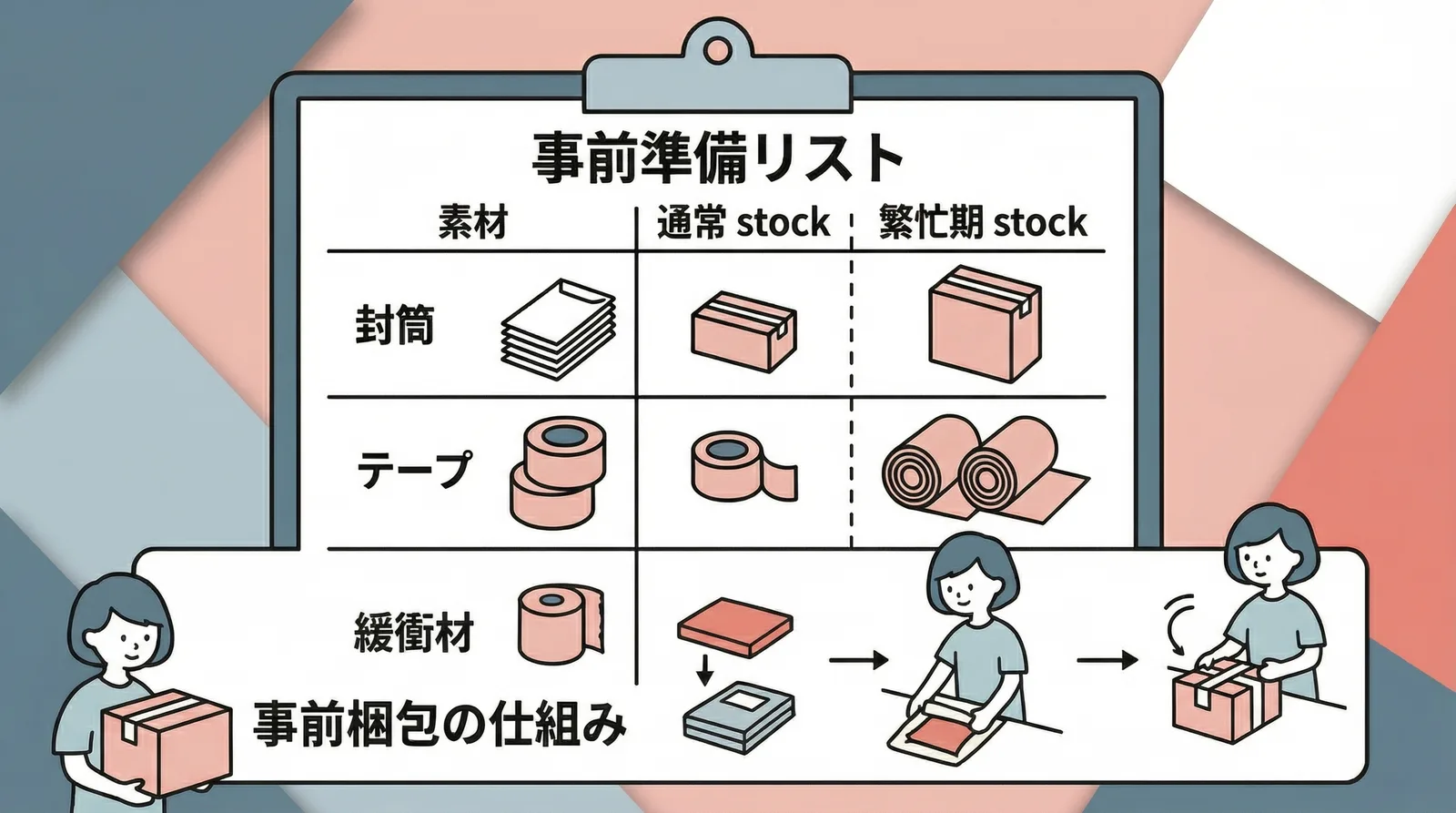
If you run out of envelopes or tape mid-shift during busy season, the entire pace collapses. Before an event or sale, I prepare roughly two to three times the usual amount of packing materials.
| Material | Normal stock target | Peak-season stock target |
|---|---|---|
| Envelopes, A4 / A5 / long 3 | 30 each | 100 each |
| Tape | 1 roll | 3 rolls |
| Cushioning material | 1 roll | 2 to 3 rolls |
Pre-pack products whenever possible
If possible, do some packing work before orders arrive. For example, if you can wrap the product in cushioning and place it in the envelope ahead of time, all you need to do on shipping day is seal it and attach the label.
This is especially effective for standard items with little variation.
Decide your CSV split strategy ahead of time
Click Post bulk application accepts only 40 orders per upload. If you have 100 orders, you know in advance that you will need three CSV batches.
Just deciding beforehand to split into 40-order batches removes a lot of decision-making pressure on the day itself. If your app can export in 40-order chunks, you do not even need to split the file manually.
The three essentials of peak-season preparation are packing materials, partial pre-packing, and a CSV split policy. They all cost time if you think about them on the day, but almost no time if you decide them in advance.
The Day-Of Workflow for Processing 100 Orders
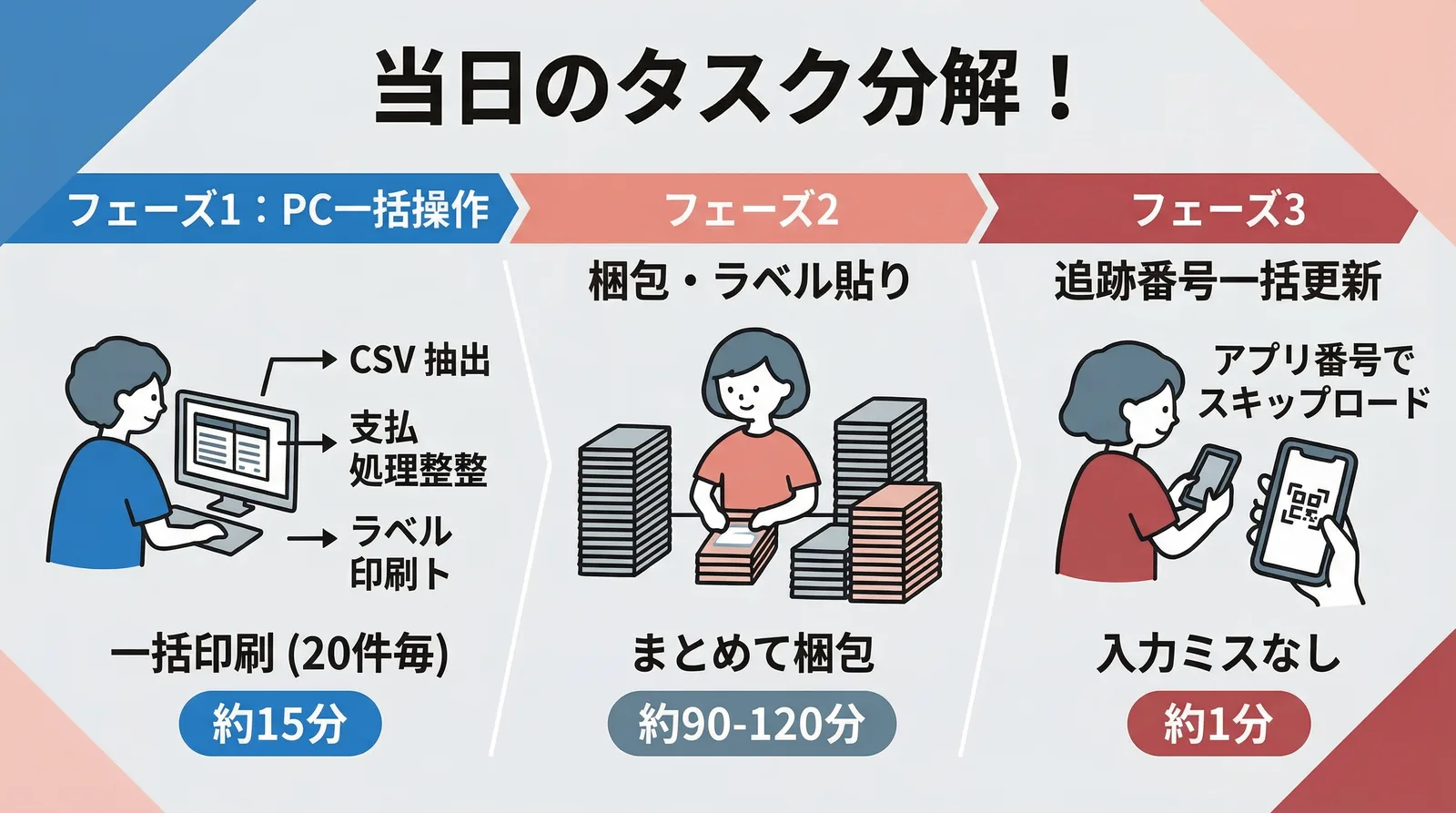
The key to large shipping days is to separate the work into computer tasks and hands-on tasks, then batch each type of work together.
Phase 1: Finish the computer work first, about 15 minutes
- Check unfulfilled orders in the app and export CSV files in 40-order batches
- Upload each CSV into Click Post bulk application and complete payment, three rounds for 100 orders
- Download and print shipping labels, with batch print limited to 20 labels at a time, so five print runs for 100 orders
Even with three bulk applications, the computer work for 100 orders usually takes only around 15 minutes.
Phase 2: Focus only on packing, about 90 to 120 minutes
With the printed labels beside you, move through packing as one uninterrupted block of work. At one minute per package, 100 orders take roughly 100 minutes.
What helps:
- Group products by type before you begin
- Make separate piles by envelope size
- First put all products into envelopes without attaching labels
- Attach labels only after the packaging itself is done
Phase 3: Bulk tracking sync, about 1 minute
After packing is complete, import the downloaded shipping-label files into the app. Even for 100 orders, this is effectively a single final operation. Tracking numbers are synced and shipping notification emails are sent together.
| Phase | Work | Time for 100 orders |
|---|---|---|
| 1 | CSV export, payment, label printing | About 15 minutes |
| 2 | Packing and label attachment | About 90 to 120 minutes |
| 3 | Bulk tracking sync | About 1 minute |
| Total | About 2 hours |
Even for 100 orders, the total computer work is only about 16 minutes. The real bottleneck is packing, so the practical way to improve busy-season shipping is to reduce packing time through preparation and smarter sequencing.
Common Peak-Season Problems and How to Prevent Them
Tracking-number input mistakes
If you enter tracking numbers manually for 100 orders, digit errors and row mismatches become much more likely. Using automatic extraction from shipping labels removes the input step itself.
CSV import errors in bulk application
Address-length problems and full-width postal-code characters become more likely as order volume increases. When an error occurs, you have to inspect and fix the affected row manually, so using automated CSV formatting ahead of time is much safer.
Running out of packing materials halfway through
This usually happens when the estimate for peak-season demand was too optimistic. Using three times the normal amount as a rough target is safer than aiming too low.
Common Questions
Q. Do I have to ship all 100 orders in one day?
Not necessarily. If your shipping lead time allows it, splitting into two days is fine. Fifty orders per day means roughly 50 minutes of packing each day instead of 100. You do, however, need to handle CSV export and tracking sync on each shipping day.
Q. Is it realistic to pack 100 orders alone?
That depends on the size of the product and how complex the packing is. If the work is simply placing items in envelopes and attaching labels, one minute per order is realistic. If every item needs protective wrapping, it may take closer to two minutes each, which pushes the total well beyond three hours.
Q. Should I hire temporary help only for peak season?
If the help is limited to packing work, that can be realistic even without prior experience, as long as the packing steps are standardized. Even delegating only label attachment and packing can save a lot of time. I still recommend keeping CSV export and tracking sync under your control.
Conclusion
Large shipping volume during peak periods can be handled if you prepare in advance and split tasks well. Secure enough packing materials, decide your CSV split policy, and divide the work into computer operations and hands-on work before the rush begins.
Even for 100 shipments, computer work is only about 16 minutes in total. Packing is what consumes time, so improving the packing setup is the most realistic place to save time.
If you get used to processing in 40-order batches during ordinary operations, busy-season shipping becomes much less stressful. If you want to streamline the whole flow, try Instant Shipping! for Click Post.