Building a Shipping Routine | Tips for Finishing at the Same Time Every Day
"How many packages do I need to ship today?" "Should I reply to those customer emails first?" Do you find yourself pausing to make these decisions every single day before you start fulfillment?
Every decision costs you time. Because shipping tasks are virtually identical from day to day, fulfillment is the perfect candidate for a structured routine. Once you lock in your schedule and steps, your hands will move automatically without needing to stop and think.
In this article, having overhauled my own shipping workflow multiple times before arriving at my current setup, I'll share the core principles and practical steps I use to wrap up shipping at the exact same time every day.
Why Building a Routine Works
Every Decision Costs You Time
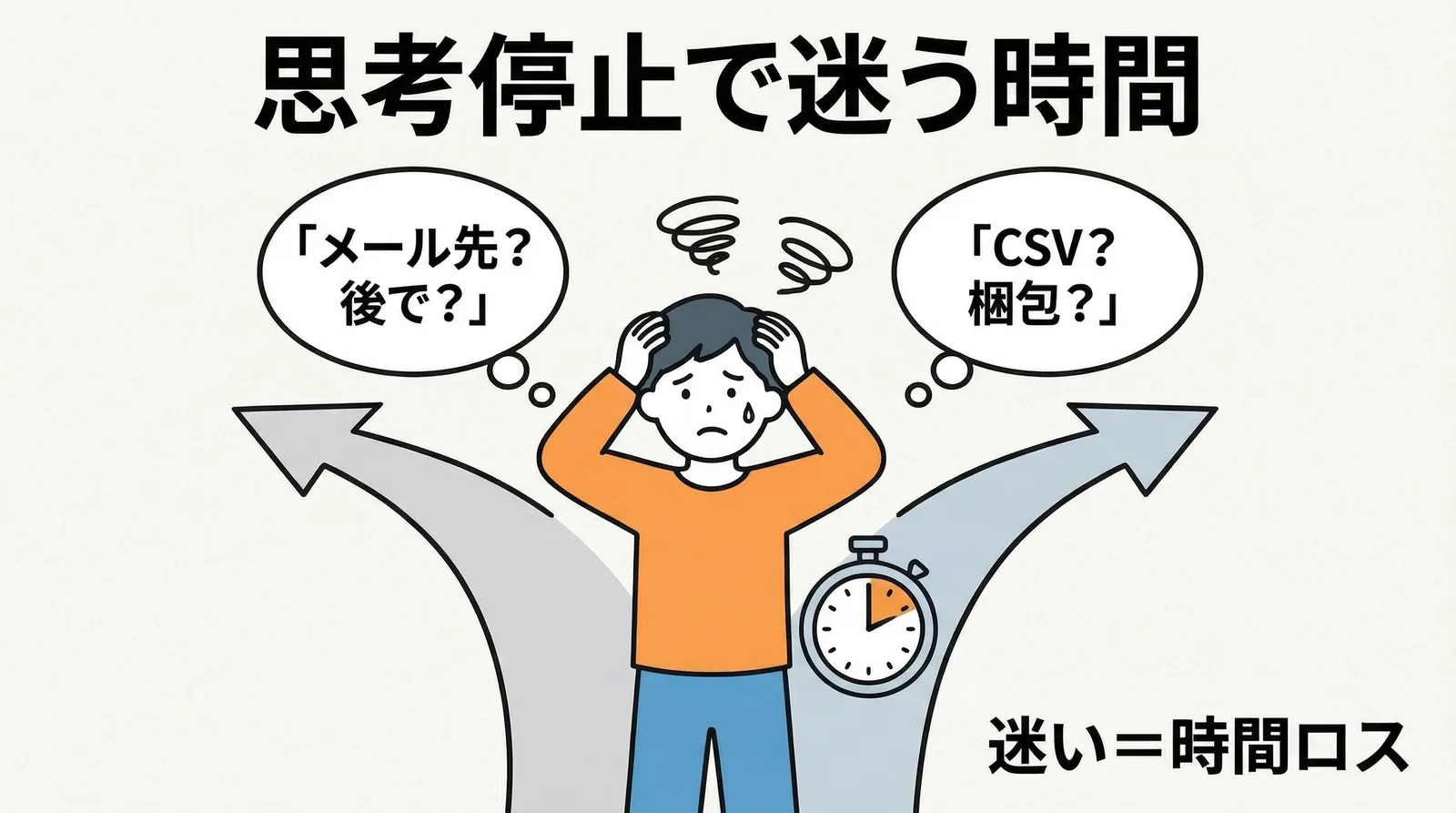
The physical shipping tasks themselves take only about 15 minutes for 10 orders. However, when mental hesitations creep in—such as deciding whether to do it now or later, or whether to pack first or export the CSV first—you lose an additional 5 to 10 minutes on top of your actual working time.
Constantly deciding how to tackle a task you do every day is inherently inefficient. Once you establish a single workflow and simply execute the exact same steps each time, this wasted time disappears completely.
Your Fulfillment Time Becomes Predictable
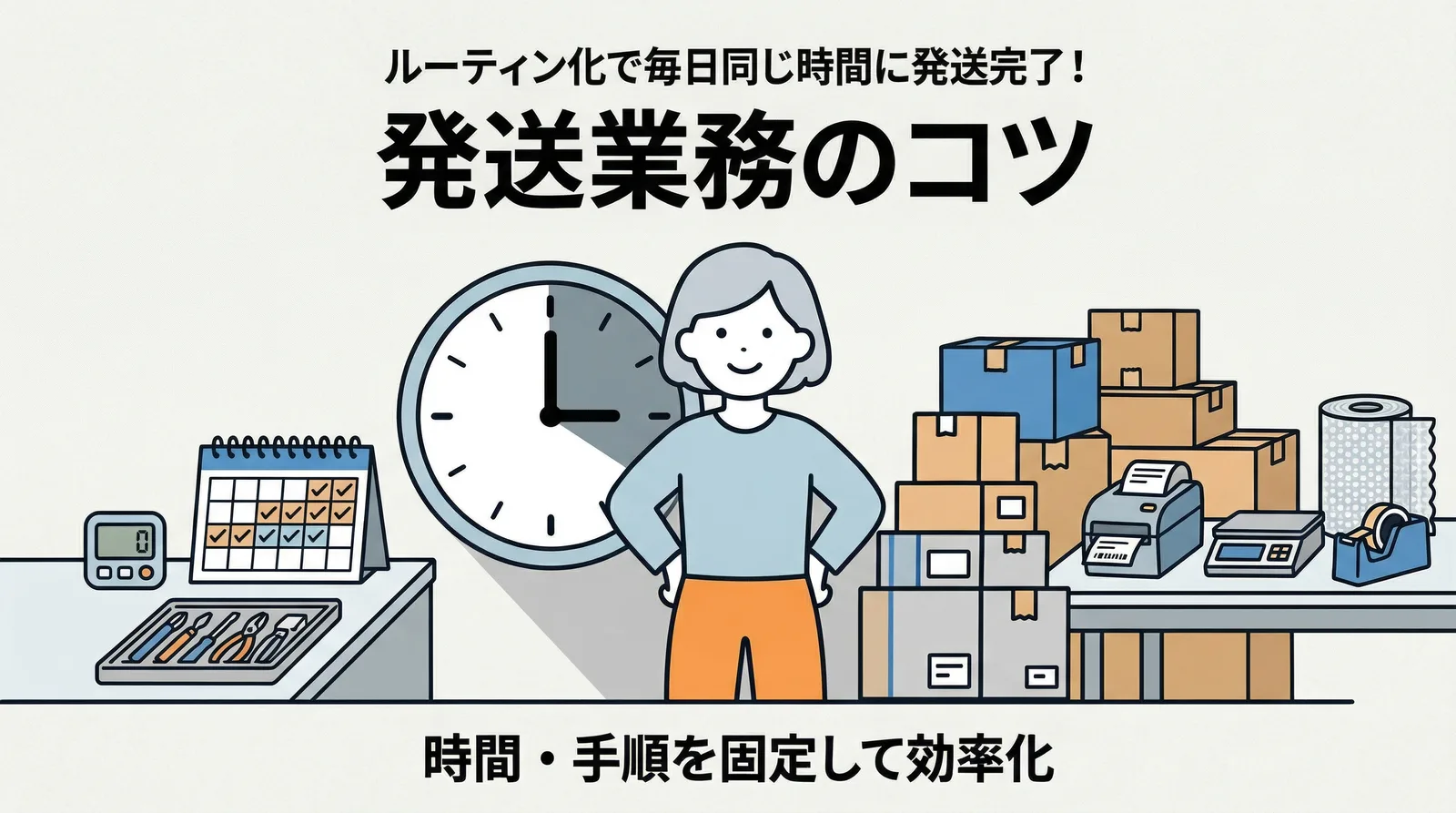
Establishing a routine locks fulfillment into a dedicated time block, such as "15 minutes starting at 14:00." This makes it much easier to plan tasks before and after, preventing situations where unfinished shipping holds up the rest of your work.
| Status | Time Required for Shipping | Impact on Other Operations |
|---|---|---|
| Deciding how to do it every time | 15–40 minutes (fluctuates) | Completion time is unpredictable, making scheduling difficult |
| Routinized workflow | Around 15 minutes (consistent) | Fixed time slot allows seamless scheduling of other tasks |
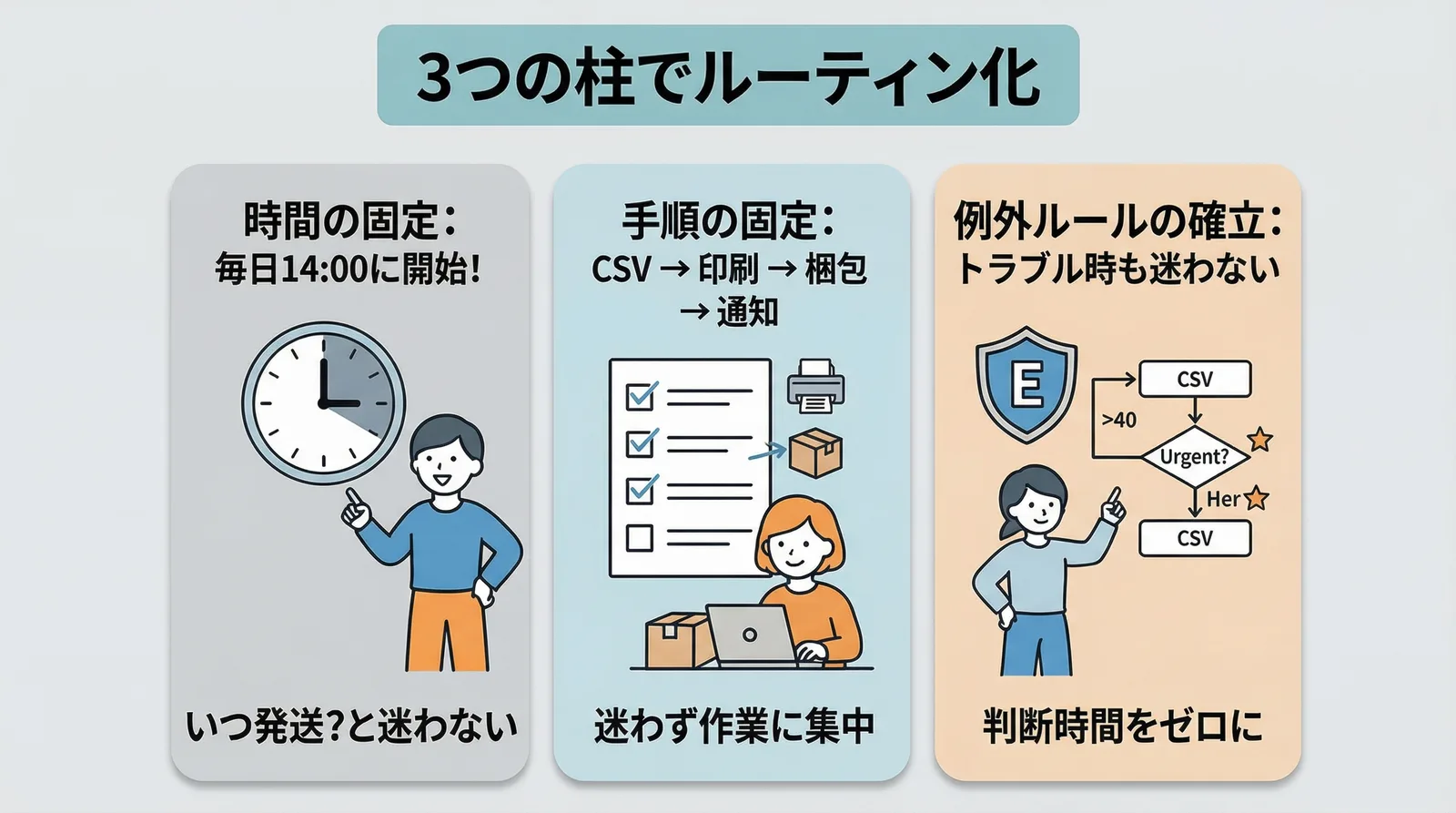
The Three Pillars of a Shipping Routine
1. Fix Your Schedule
Start your shipping tasks at the exact same time every day. In my case, that is 14:00.
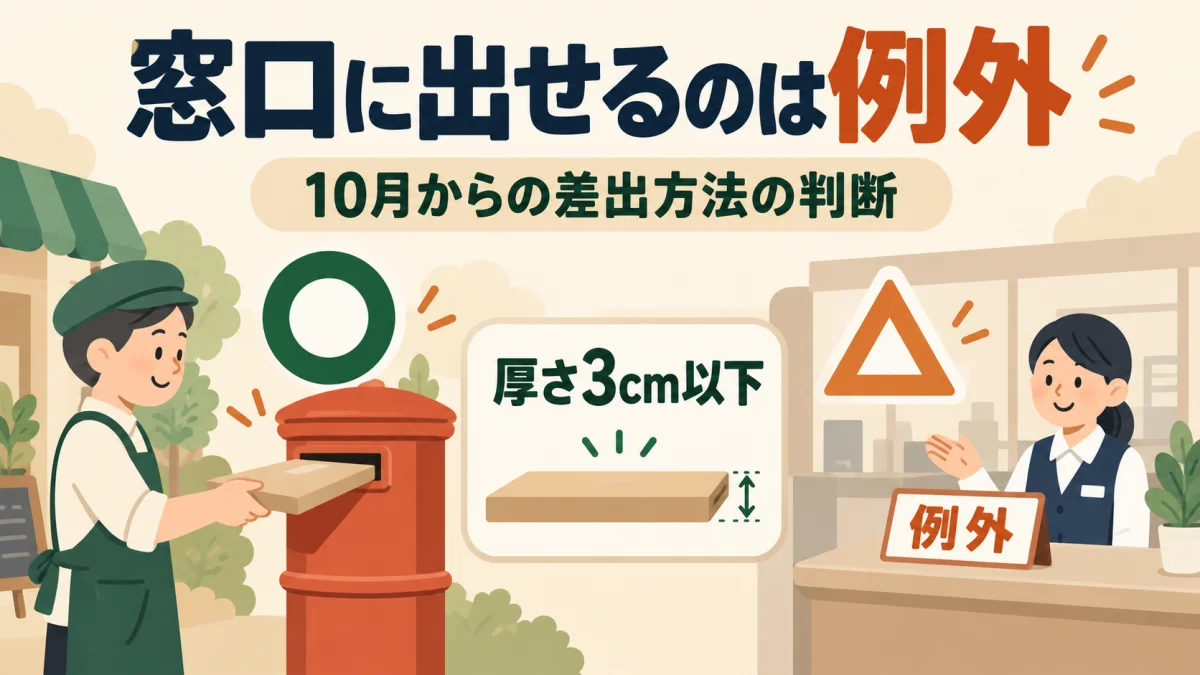
I chose 14:00 for two main reasons. First, because orders tend to cluster during the morning, a 14:00 batch covers the vast majority of them. Second, it leaves plenty of time to drop packages into a postbox or at the post office immediately after packing (note that starting October 1, 2026, Click Post mailings must in principle be deposited in postboxes, with post office counter drop-off restricted to exceptional conditions).
You can pick whatever time fits your personal work rhythm. The essential part is to start at the exact same time every single day.
Fixing your schedule eliminates the decision of "When should I handle shipping today?" When 14:00 rolls around, you begin. That's all there is to it.
2. Standardize Your Steps
The steps in shipping fulfillment are identical every time. Because there are no moving targets or ambiguous choices, it is an easy process to standardize.
- Check unfulfilled orders in the app and export the CSV
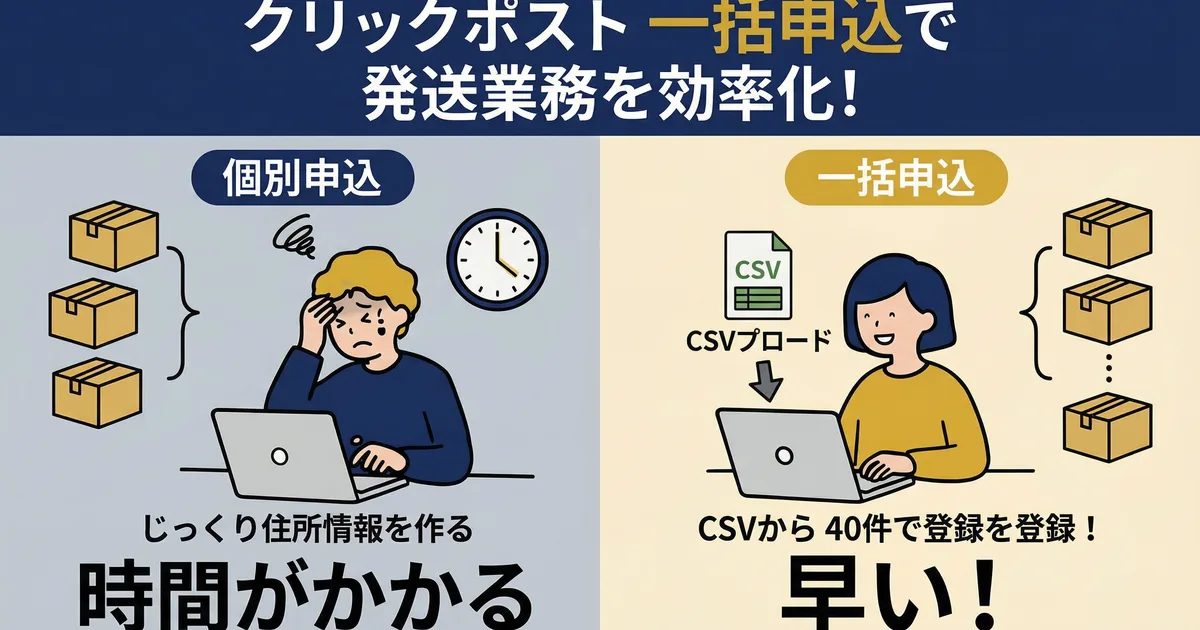
- Upload the CSV to Click Post batch registration → complete payment
- Print shipping labels
- Pack items → attach labels
- Import shipping labels into the app → bulk-sync tracking numbers
- Drop into a postbox (taking packages to a post office counter is also permitted until September 30, 2026; starting October 1, counter drop-off is restricted to exceptional conditions only)
The key is to never alter this order. Shuffling steps—such as starting to pack boxes before exporting the CSV—disrupts your workflow and breaks momentum.
3. Establish Exception Rules
Most broken routines are caused by unexpected exceptions. Setting predefined rules for these situations prevents confusion and indecision when they arise.
| Exception | Rule |
|---|---|
| 0 orders by 14:00 | Skip shipping for the day. Process them together the next day. |
| More than 40 orders | Split the CSV into batches and process. The workflow remains identical. |
| Urgent orders (requesting same-day dispatch) | Handle individually during the morning. Do not include them in the 14:00 routine. |
| Illness or away from office | Process together the following day. A one-day delay is acceptable if you have set an estimated shipping timeline. |
The purpose of setting exception rules is so you don't have to think when an exception occurs. Because you simply follow the rule, your routine never falls apart.
Tips for Making Your Routine Stick
Commit Conscientiously for the First Two Weeks
Until a routine becomes a solid habit, you need an initial period where you consciously decide: "When it's 14:00, I start shipping." After sticking with this for about two weeks, your body will begin moving automatically without even glancing at the clock.
Avoid Distractions During Fulfillment
Pausing in the middle of shipping to check email or browse social media can easily stretch a 15-minute job past 30 minutes. Make a strict rule to focus solely on fulfillment until every package is ready.
Follow the Same Workflow Even on Slow Days
Making exceptions on days with only 2 or 3 orders—such as thinking "I'll just enter these manually"—disrupts workflow consistency. Processing orders through the exact same flow regardless of volume keeps your routine rock-solid.
A Sample Daily Shipping Routine
Here is my daily shipping routine as a reference.
| Time | Tasks |
|---|---|
| 9:00–12:00 | Product creation, procurement, customer support |
| 12:00–13:00 | Lunch break |
| 13:00–14:00 | Product photography, social media posting, store updates |
| 14:00–14:15 | Shipping fulfillment (CSV export → packaging → tracking number sync) |
| 14:15–14:30 | Drop off at postbox (post office counter drop-off also allowed until September 30) |
| 14:30–17:00 | Product creation, new product planning |
Because fulfillment is contained within a fixed 15-minute window, it never encroaches on surrounding tasks. You won't have to deal with shipping overrunning and throwing off your afternoon schedule.
Frequently Asked Questions
Q. What if I want to ship twice a day?
You can set up split routines for the morning and afternoon. For example, scheduling "10:00 for the morning batch and 15:00 for the afternoon batch" enables same-day dispatch. However, having more fulfillment sessions increases operational overhead. If your order volume can easily be handled in a single batch, sticking to once a day is much simpler.
Q. Orders arrive at irregular times, making them hard to batch together
Setting a clear cutoff—such as "process all orders received by 14:00 at 14:00"—prevents you from being tossed around by unpredictable order timing. Any orders placed after 14:00 are simply processed at 14:00 the following day. Specifying an estimated shipping timeline in your Shopify delivery settings also prevents any mismatch with customer expectations.
Q. What should I do during travel or extended absences?
Announce your store's shipping schedule in advance. While there are several ways in the Shopify admin to notify customers about fulfillment blackout dates, the simplest approach is stating them clearly in your shipping policy.
Conclusion
Building an effective shipping routine comes down to three pillars: fixing your schedule, standardizing your workflow, and setting clear exception rules.
Processing orders at the same time and following the same steps every day eliminates decision fatigue and stabilizes fulfillment time. When you can accurately predict how long shipping will take, setting aside dedicated time for product development and marketing becomes much easier.
If you want to turn shipping into a consistent routine, start simply by committing to one fixed daily time slot. To streamline your routine even further, Instant Shipping! for Click Post handles the entire process end-to-end—from CSV export to tracking number sync.
Related Articles
- Streamlining Shopify and Click Post Shipping — A step-by-step workflow from CSV export to tracking number sync
- How to Build a Workflow to Ship 10 Orders in 15 Minutes a Day — Handling fulfillment through "CSV export → Click Post payment → label printing → tracking number sync..."
- How to Create a Shipping SOP to Delegate Fulfillment to Staff or Partners — Shipping SOPs cover "CSV export → Click Post payment → packaging → tracking number sync"...