How to Create a Shipping Manual to Delegate Fulfillment to Staff and Partners
As order volume increases, handling all shipping operations on your own quickly becomes unsustainable. Many store owners want to ask family, partners, or part-time staff to help out, yet hesitate because they worry whether anyone else can really do it properly.
Because shipping follows a fixed routine, anyone can handle it without prior experience as long as there is a clear manual. In this article, as the developer of an app that I rely on daily for my own shipping operations, I will explain how to create an effective manual based on my firsthand experience handing off fulfillment to my partner.
Why You Need a Shipping Manual
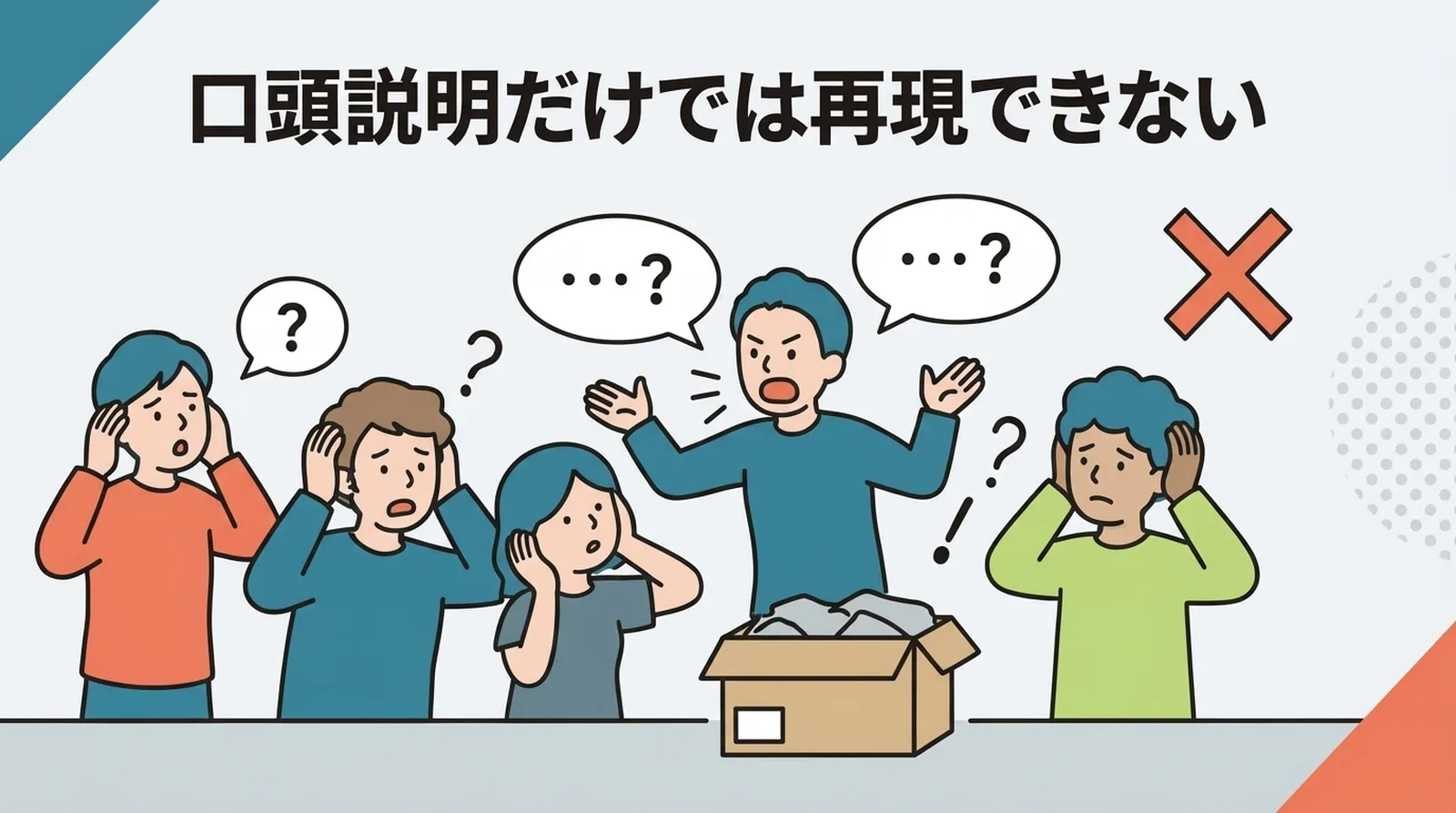
Verbal Explanations Alone Can't Be Replicated Reliably
When asking someone to help with shipping, most people start by sitting beside them and explaining the process verbally. However, nobody remembers everything from a single spoken explanation. If your own work halts every time they ask, "What did you say to do here again?", delegating the work defeats its own purpose.
A Written Manual Lets Them Work Autonomously
With a written manual in hand, workers can verify steps on their own whenever they are unsure. Because you won't be fielding constant questions, you can stay focused on your other work.
| Hand-off Method | When the Worker Is Unsure | Burden on You |
|---|---|---|
| Verbal only | Asks you every time | Your work halts |
| With a manual | Checks the manual and resolves it | Questions drop significantly |
A manual is essentially a system designed to eliminate questions. While it takes some upfront effort to create, once it's done, you can reuse it indefinitely.
What to Include in the Manual
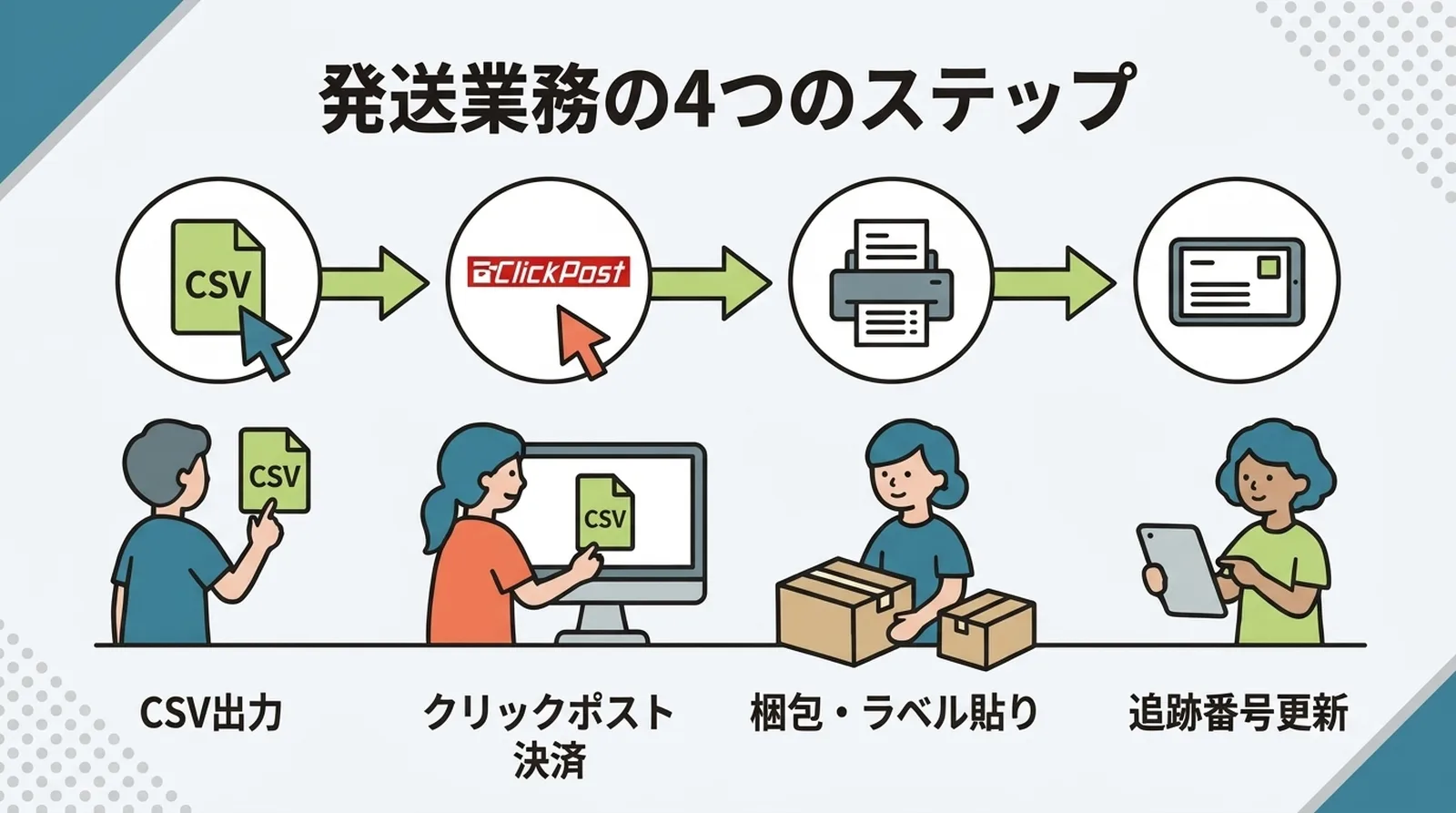
Document the Four Stages of Your Shipping Routine As They Are
The core framework of your manual should simply mirror your regular shipping flow. There is no need to invent a complicated structure.
- CSV Export: Select unfulfilled orders in the app and export the CSV.
- Click Post Payment: Upload the CSV to Click Post Bulk Application and complete the payment process.
- Packing & Labeling: Print the shipping labels, pack the products, and attach the labels.
- Tracking Number Sync: Import the shipping labels into the app and bulk-update the tracking numbers.
For each stage, write down exactly what to click and what to check on each screen.
Include Screen Captures
With text-only instructions, it can be difficult to explain exactly where to click on a given screen. Taking screenshots of the app and Click Post screens and embedding them in the manual ensures that even a first-timer can proceed without hesitation.
Capturing screenshots at the following three points is especially effective:
- The CSV export screen (order selection and the export button)
- The Click Post Bulk Application screen (CSV upload and the payment button)
- The bulk tracking number registration screen (label import and the register button)
Clearly Specify Points Requiring Judgment
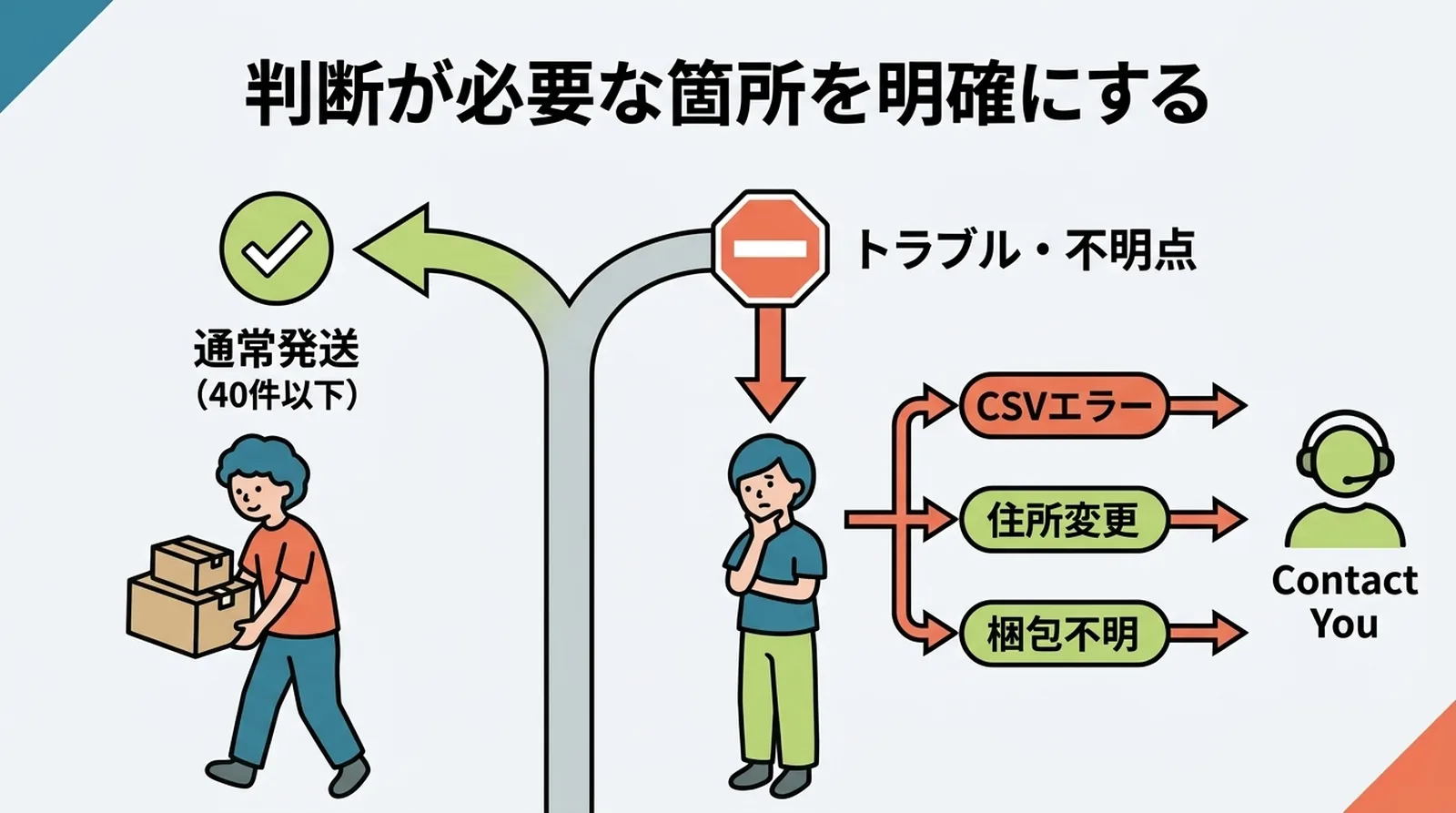
The most crucial part of any manual is explicitly outlining points that require judgment. Clearly separate the situations where workers can decide on their own from those where they must check with you.
| Situation | Handling Rule |
|---|---|
| Routine shipments (up to 40 items) | Follow the manual as written |
| Orders exceeding 40 items | Split the CSV and process; the steps remain the same |
| CSV upload returns an error | Stop processing and report to you |
| Customer requests an address change | Report to you; exclude from fulfillment |
| Unsure how to pack an item | Check with you before packing |
Simply having a rule like "stop and report if an error occurs" gives workers the peace of mind to move forward. The fewer situations that call for subjective judgment, the easier it becomes to delegate.
How Much Work Should You Hand Off?
Delegating Only Packing
The lowest barrier to entry is delegating only the packing work. You handle the CSV export, Click Post payment, and tracking number updates yourself, asking them only to pack items and attach labels after the labels are printed.
Because there is no need for them to learn how to operate the app or Click Post, you can get started right away.
Delegating Packing and Label Printing
In this model, you complete the Click Post payment yourself, then hand off label printing, packing, and attaching labels. Since computer operations are limited to downloading the label PDF and printing it, no complex decisions are required.
Delegating the Entire Process
In this setup, you delegate everything from CSV export to Click Post payment, packing, and tracking number sync. While entirely achievable with a well-structured manual, it involves handing off payment operations in Click Post, so it should be reserved for someone you thoroughly trust.
| Pattern | Scope Delegated | Required Preparation |
|---|---|---|
| Packing only | Labeling and packing | Explain packing guidelines |
| Packing + printing | Label printing, packing, and labeling | Add printing instructions |
| Full process | CSV export to tracking number sync | Manual + account sharing |
Sample Manual Template
Below is a template outline for delegating the entire workflow. In actual use, be sure to include screenshots from your app.
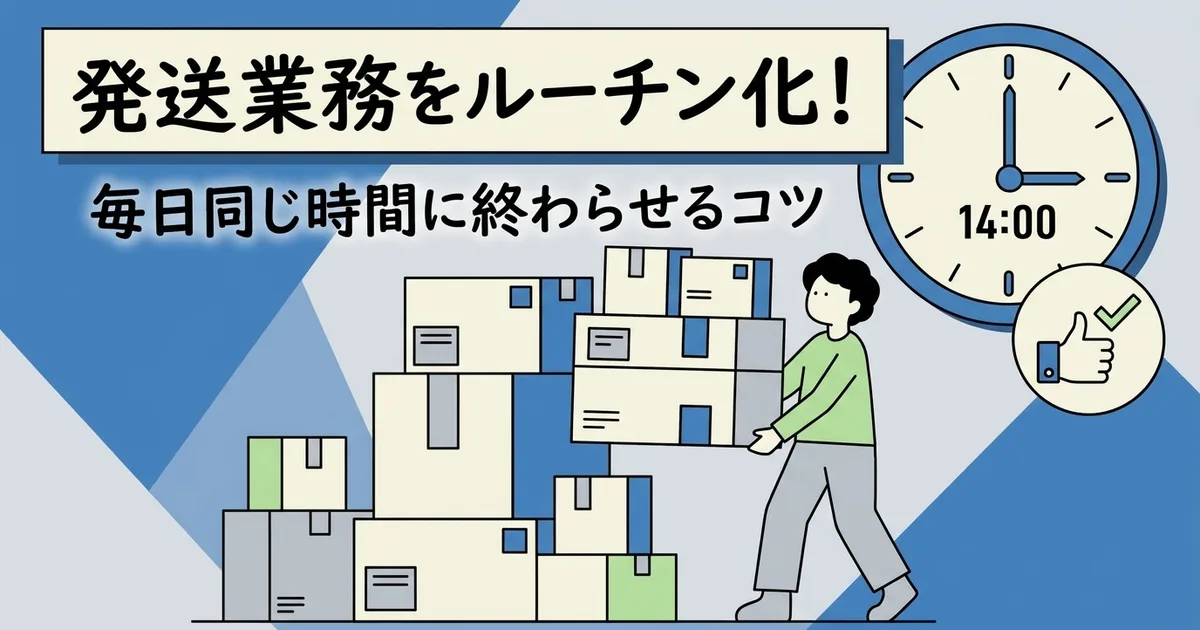
■ Shipping Manual (Run daily at 14:00)

[Preparation]
- Turn on your computer and log in to Shopify
- Open the "Instant Shipping! for Click Post" app

[Step 1: CSV Export]
- Select all "Unfulfilled" orders
- Click "Export CSV"
- Confirm that the file has downloaded

[Step 2: Click Post Payment Process]
- Log in to Click Post (clickpost.jp)
- Go to "Bulk Application" → "Choose File" → Select the CSV from Step 1
- Review the details and complete the payment process (processed one by one)
- Download the shipping labels (PDF) (bulk printing allows up to 20 labels at a time)

[Step 3: Label Printing & Packing]
- Print the PDF using "Bulk Print" (run multiple times if exceeding 20 items)
- Pack the products and attach the labels
- *Refer to the separate sheet for packing guidelines

[Step 4: Tracking Number Sync]
- Open the "Import Labels" screen in the app
- Import the shipping labels downloaded in Step 2
- Review the details and click "Register All"

[Completion]
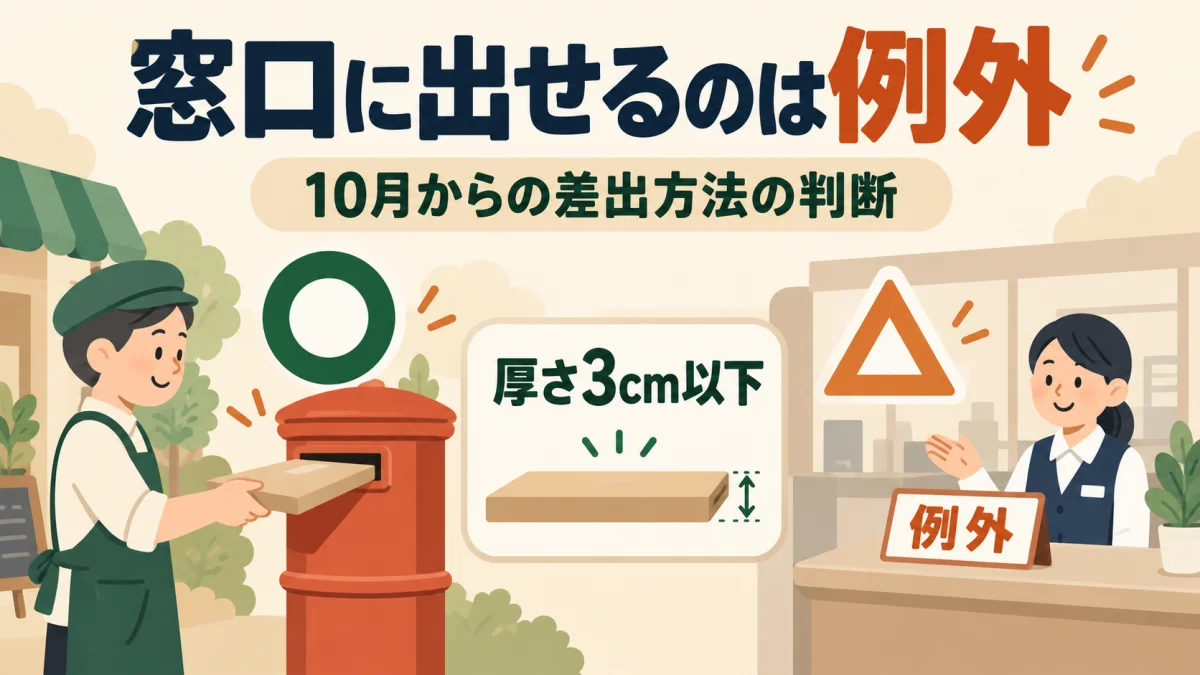
- Drop packages into a postbox (Dropping off at a post office counter is permitted through September 30, 2026. Starting October 1, counter drop-off is allowed only under exceptional conditions)
- Report that tasks are complete

[Troubleshooting]
- Error during CSV upload → Stop processing and report
- Notice of address change → Report; do not ship the affected order
- Unsure how to pack an item → Confirm before packing
Frequently Asked Questions
Q. Isn't Creating a Manual a Waste of Time?
While it takes one to two hours initially, you can use it indefinitely once it's created. If you delegate shipping 10 times a month, shaving just 5 minutes off each hand-off saves you 10 hours a year.
Q. Do I Need to Update the Manual if the App's UI Changes?
Yes. However, simply swapping out the screenshots is usually enough. Because the overall sequence of steps rarely changes, major revisions are seldom required.
Q. Is It Safe to Share a Click Post Account?
Click Post requires logging in with a Yahoo! JAPAN ID or Amazon account. Sharing the account means the credit card information used for payments will also be shared. Only share access with someone you thoroughly trust. If you prefer not to share card information, consider handling just the payment step yourself.
Conclusion
Because shipping follows a fixed routine, it is one of the easiest tasks to delegate once you have a written manual. Rather than relying on verbal explanations, preparing a manual with screenshots and clearly defining judgment rules establishes a self-sustaining system that runs without constant questions.
Starting by delegating only the packing work and gradually expanding the scope as your helper gets comfortable is a practical, stress-free approach.
If you want to streamline your shipping workflow, give Instant Shipping! for Click Post a try. The simpler your process is, the easier it becomes to hand off to others. You can learn more about the app's features and setup process on this page.
Related Articles
- Streamlining Shopify × Click Post Shipping — Practical Workflow from CSV Export to Tracking Number Updates
- How to Eliminate Manual Tracking Number Entry — Further streamline the "Tracking Number Sync" step in your manual
- How to Export CSVs from Shopify to Click Post — CSV export steps and key considerations