Which Shipping Services Work from Convenience Stores: FamilyMart, Lawson, 7-Eleven Matrix
The short version: shipping from a Japanese convenience store mainly runs through Yamato services (Nekopos, Takkyubin Compact, Yamato Takkyubin) and Japan Post marketplace integrations (Yu-Packet and Yu-Pack via Mercari). Click Post does not accept convenience-store drop-off. For Click Post, your only options are a mailbox or the post office counter.
Convenience-store × service matrix
| Service | FamilyMart | Lawson | 7-Eleven | MiniStop | Notes |
|---|---|---|---|---|---|
| Nekopos (Yamato) | Yes | — | Yes | — | Yamato contract or marketplace integration |
| Takkyubin Compact | Yes | — | Yes | — | From 600 yen, requires official box |
| Yamato Takkyubin | Yes | — | Yes | — | From size 60 |
| Yu-Packet (Mercari integration) | — | Yes | — | Yes | Yu-Yu Mercari-bin |
| Yu-Pack (Mercari integration) | — | Yes | — | Yes | Face-to-face delivery and pickup available |
| Click Post | No | No | No | No | Mailbox or post office only |
"I want to use the convenience store because it feels easier" only works if the carrier actually supports it. Click Post has a strong balance of price and tracking (see our small-parcel shipping comparison), but its drop-off points are limited to mailboxes and post offices.
This article organizes which services work from which chains, the actual drop-off flow, and how to split usage with Click Post's home shipping from a Shopify owner's point of view.
Why the Choice Feels Hard
Each shipping service supports different drop-off locations
Before deciding between home and convenience store, the first thing to confirm is which locations your shipping service actually supports.
For Click Post, the only options are mailbox drop-off or handing the package over at the post office. You cannot send Click Post shipments from a convenience store. Other services, such as Yamato Nekopos or Yu-Yu Mercari-bin, do support convenience-store drop-off.
That means you cannot choose a convenience store just because it feels easier. The carrier determines the available options first.
The best answer changes depending on your neighborhood
The convenience of home shipping depends heavily on your surroundings. If there is a mailbox one minute away, home shipping is extremely easy. If the nearest mailbox is 10 minutes away, a convenience store you already visit during errands may feel more natural.
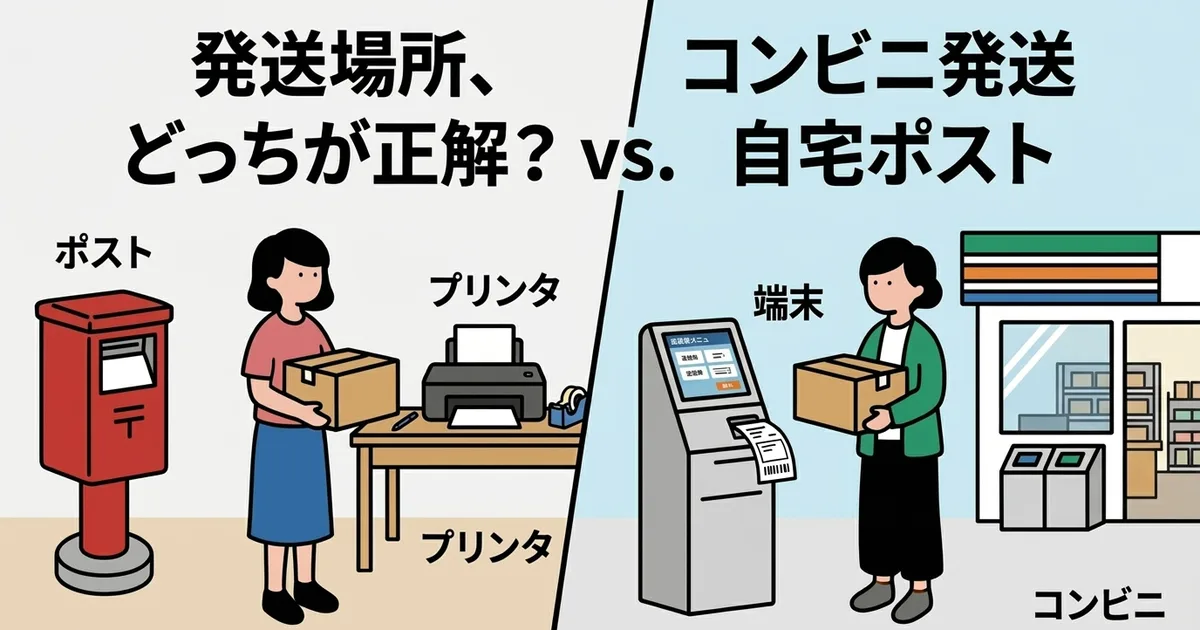
Comparing Home Shipping and Convenience-Store Shipping
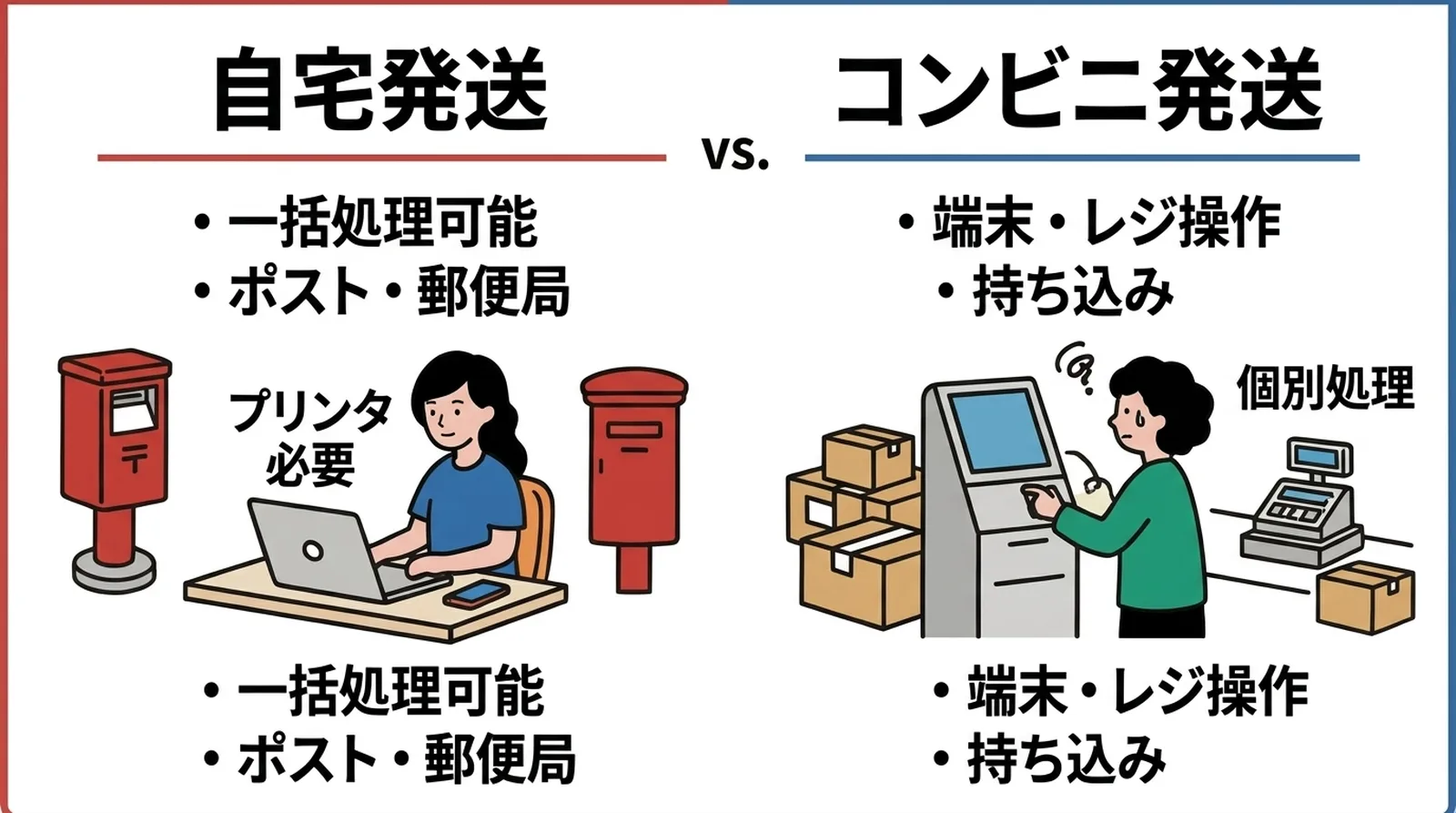
Here is a simple comparison between home-oriented shipping methods such as Click Post and services that support convenience-store drop-off.
| Item | Home shipping, mailbox or post office | Convenience-store shipping |
|---|---|---|
| Typical services | Click Post, non-standard mail, Letter Pack | Nekopos (Yamato), Yu-Packet via marketplace integrations |
| Label creation | Print at home | Print at the store terminal or sometimes at home |
| Time flexibility | Mailbox drop-off can be 24 hours | Limited by store hours, usually 24 hours |
| Volume handling | Limited by what fits in the mailbox or what you can bring | Limited by what you can carry into the store |
| Compatibility with CSV batch processing | High | Usually low because store-side handling is often one by one |
| Pickup service | Click Post does not support pickup. Yu-Pack does | No, it is bring-in only |
Click Post does not support convenience-store shipping. If you use Click Post, your options are mailbox drop-off or the post office counter.
Click Post Shipping Locations and Things to Watch For
If Click Post is your main shipping service, you realistically have two drop-off choices.
Mailbox drop-off
This means placing the shipment in a nearby mailbox. The main advantage is time flexibility, because you can usually drop off packages whenever it suits you.
There are limits, though. Click Post allows packages up to 3 cm thick and 34 cm on the longest side. If the package does not fit through the mailbox slot, you have to bring it to the post office. Also, mailboxes are collected only once or twice per day, so depending on timing, the actual acceptance may happen the next day.
Post office counter
For packages that are close to the size limit or when you have a larger number of shipments, bringing them to the post office counter is often the safer choice. You also gain peace of mind because the package is clearly accepted in front of you.
In my own case, I usually use a nearby mailbox on normal days. But once I go beyond 10 shipments, or when I have packages that barely fit, I go straight to the post office instead. If a packed mailbox gets blocked by one of my parcels, other people are inconvenienced too, so on high-volume days I default to the post office.
Pickup service is not available for Click Post. Unlike services such as Yu-Pack, you need to plan around bringing the shipments out yourself.
The Workflow When You Use Convenience-Store Shipping
If you use a different service that does support convenience-store drop-off, the flow looks different.
Common services that support convenience-store drop-off
- Yamato's Takkyubin Compact and Nekopos (FamilyMart and similar)
- Japan Post-linked marketplace services (Lawson and similar)
Supported chains differ by service, so always confirm before relying on it.
The general convenience-store flow
- Register the shipping information in the carrier's system or app
- Save the issued QR code or barcode on your phone
- Use the store terminal (FamilyMart's Fami-port, Lawson's Smari, and so on) to print the label
- Hand over the package at the register or designated drop-off box
The biggest advantage is that you do not need a home printer, and you can drop off packages while running other errands. The downside is that store terminals usually require one-by-one handling, which is not ideal for larger batches.
How to Think About Splitting Usage
I used to run a mixed setup myself. Lightweight, thin TRRS cables went out by Click Post, while slightly thicker items used a different service through a convenience store.
However, the more shipping methods you combine, the more management complexity grows. Label creation differs, tracking-number management becomes fragmented, and the daily routine becomes harder to keep stable. That may be fine at very low order volume, but once I started shipping more than five orders a day, consolidating as much as possible around one primary service made the workflow much more stable.
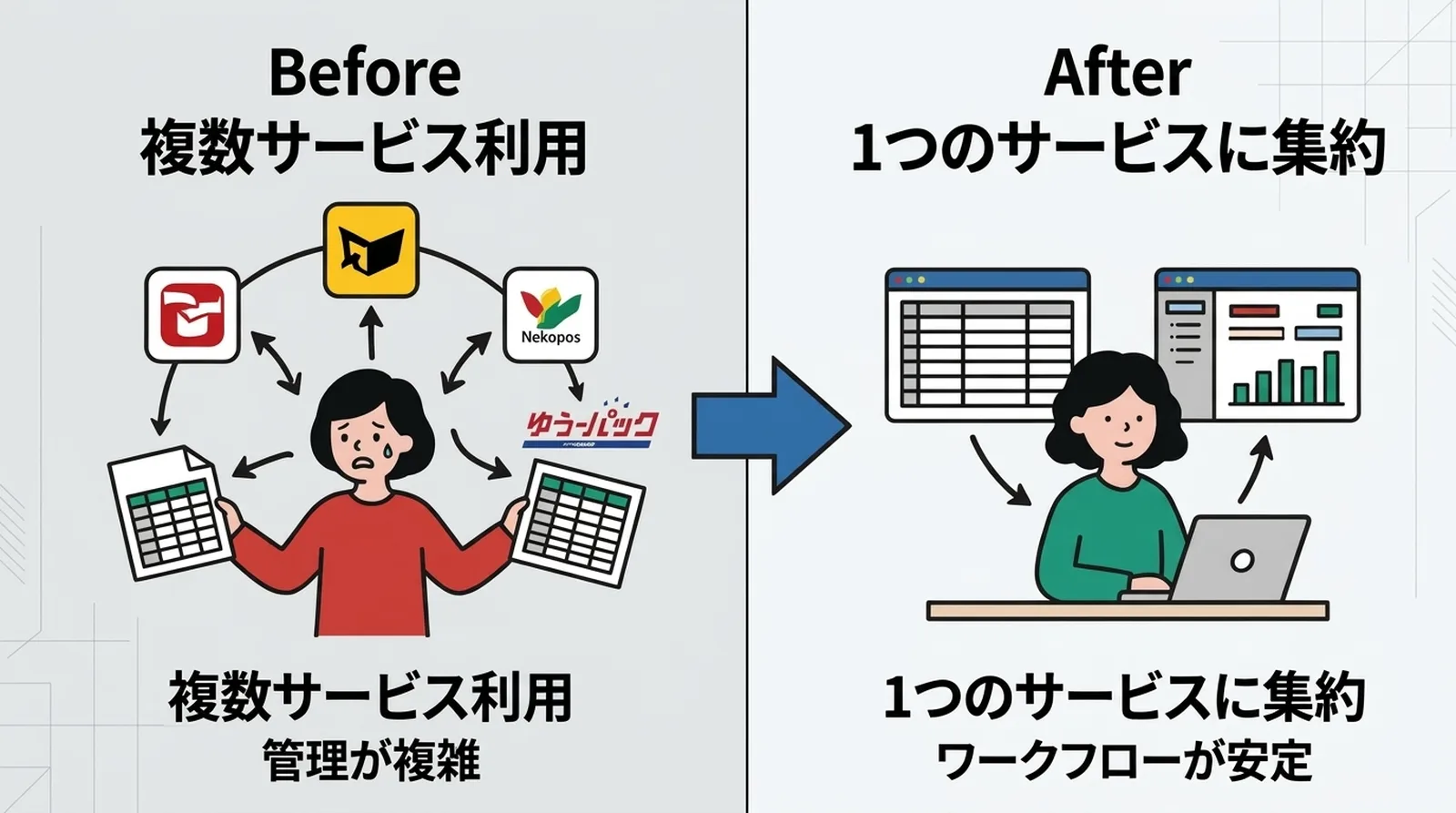
Choose based on product characteristics
| Product characteristic | Recommended shipping method |
|---|---|
| Within 3 cm thickness and 1 kg | Click Post with mailbox drop-off |
| Close to 3 cm thickness and uncertain | Bring it to the post office |
| Over 3 cm or heavy | Yu-Pack, Yamato Takkyubin, etc. (convenience-store drop-off also possible) |
| No printer at home | A service that supports convenience-store shipping |
Choose based on your daily routine
If you can go to a mailbox or post office at a fixed time each day, home shipping is efficient. If stopping by a convenience store during your commute or shopping trip fits your life better, convenience-store shipping may feel more natural.
You do not need to force everything into one method. What matters most is that you stop having to decide from scratch every day.
A Typical Home Shipping Workflow with Click Post
If Click Post is your main method, a daily workflow looks like this:
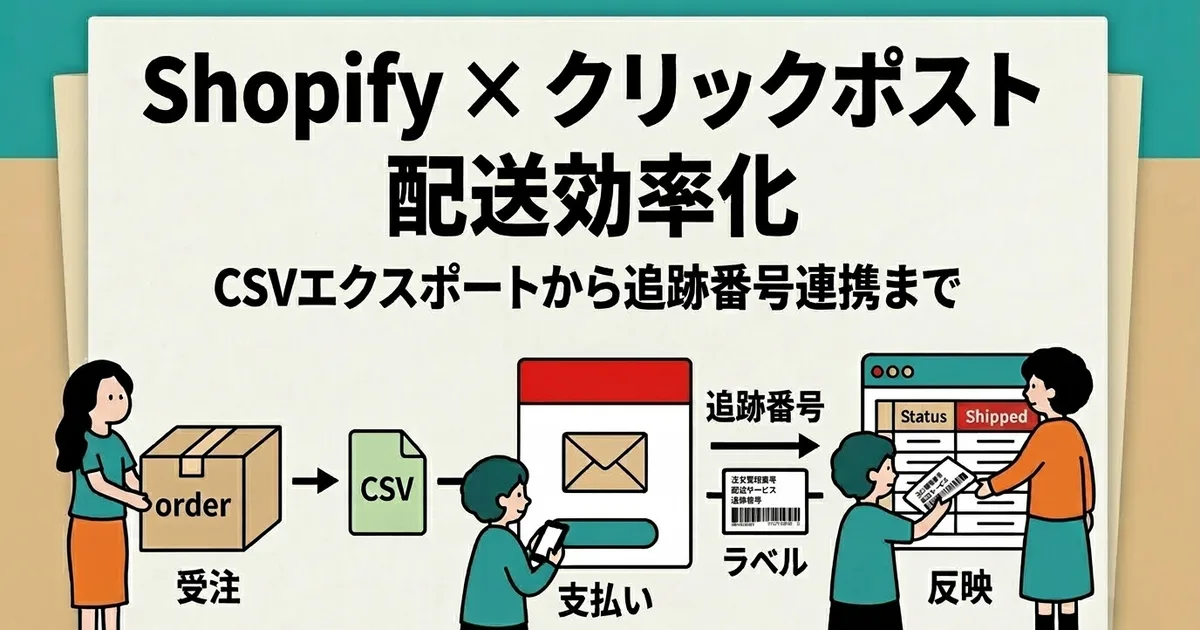
- Check unfulfilled orders in the app and export the CSV
- Upload the CSV into Click Post bulk application and complete payment
- Batch-print the labels, up to 20 at a time, four per A4 sheet
- Cut the labels, pack the products, and attach them
- Import the shipping-label file into the app and sync tracking numbers in bulk
- Drop the packages in a mailbox or bring them to the post office
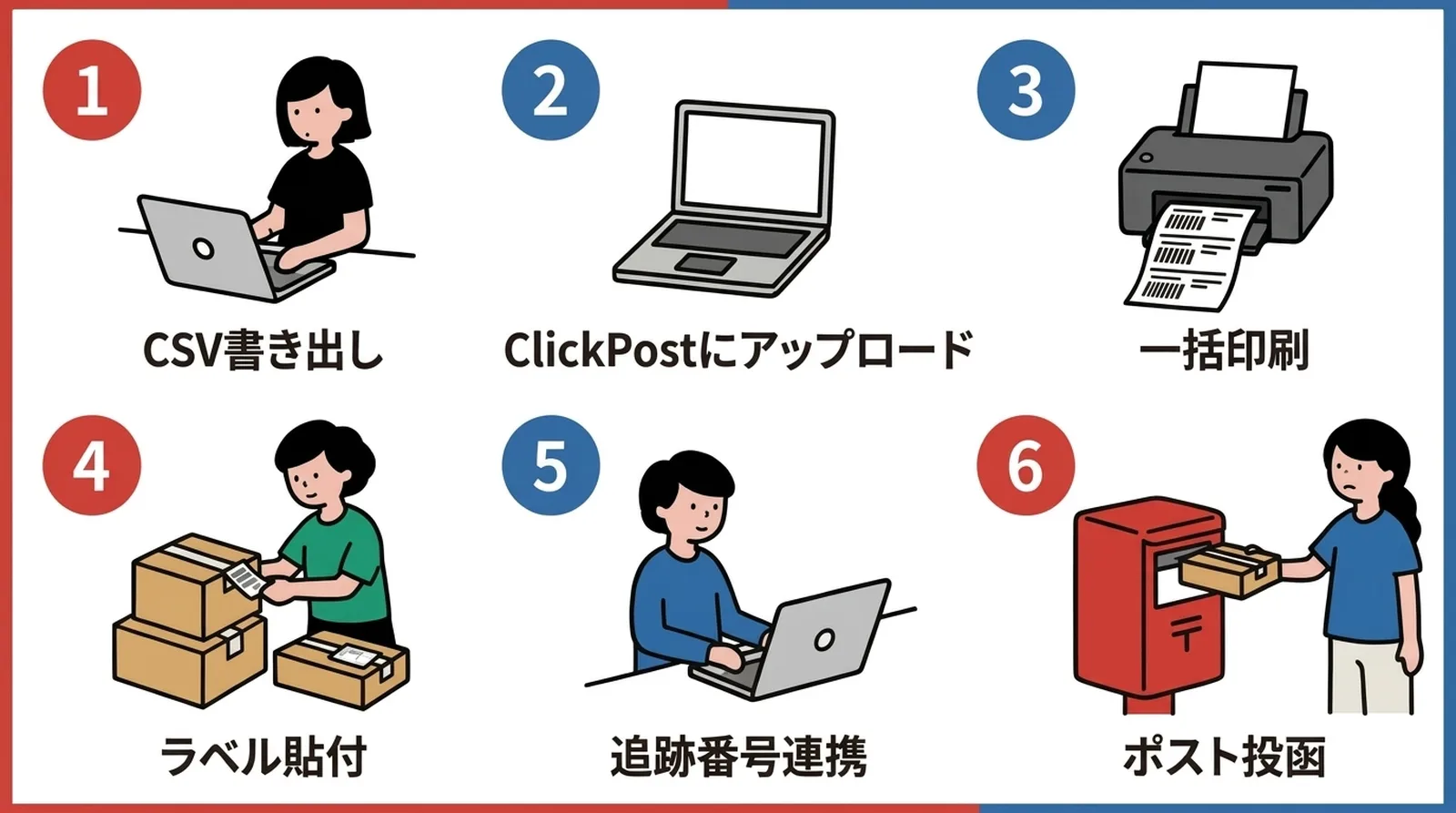
With this flow, about 10 shipments can usually be completed in around 15 minutes. Combining CSV batch processing with mailbox drop-off takes advantage of what home shipping does best.
Common Questions
Q. Can Click Post shipments be sent from a convenience store?
No. Click Post shipments can only be dropped into a mailbox or brought to the post office counter. If you want convenience-store drop-off, you need a different carrier that supports it.
Q. Is mailbox drop-off or post-office drop-off faster?
There is usually no major difference in delivery speed. A mailbox drop-off can be reflected a few hours later depending on the collection time, but both ultimately follow the same delivery standard. For same-day delivery, neither option will help; look at express mail or Yu-Pack instead.
Q. Is it okay to use both home shipping and convenience-store shipping?
Yes, but once you rely on multiple carriers, tracking-number management and workflow complexity both increase. In most cases it is easier to choose one main shipping method and use another only as an exception.
Conclusion
Home shipping and convenience-store shipping are not matters of right or wrong. The best choice depends on the shipping service you use and on how your day is structured.
If you use Click Post, home shipping by mailbox or post office is the base case. When combined with CSV batch processing and home label printing, it creates a very efficient workflow. Convenience-store shipping can be convenient for some other carriers, but it is usually less suited to handling larger batches.
Once you fix your drop-off method, you no longer waste time deciding where to ship from each day. If you want to handle everything from CSV export to tracking sync from home, take a look at Instant Shipping! for Click Post.