Shipping Methods and Key Considerations When Starting International Shipping
At some point, a Shopify store may receive a message from an overseas customer asking whether you can ship from Japan. For handmade goods and Japanese-made products, international demand can be very real.
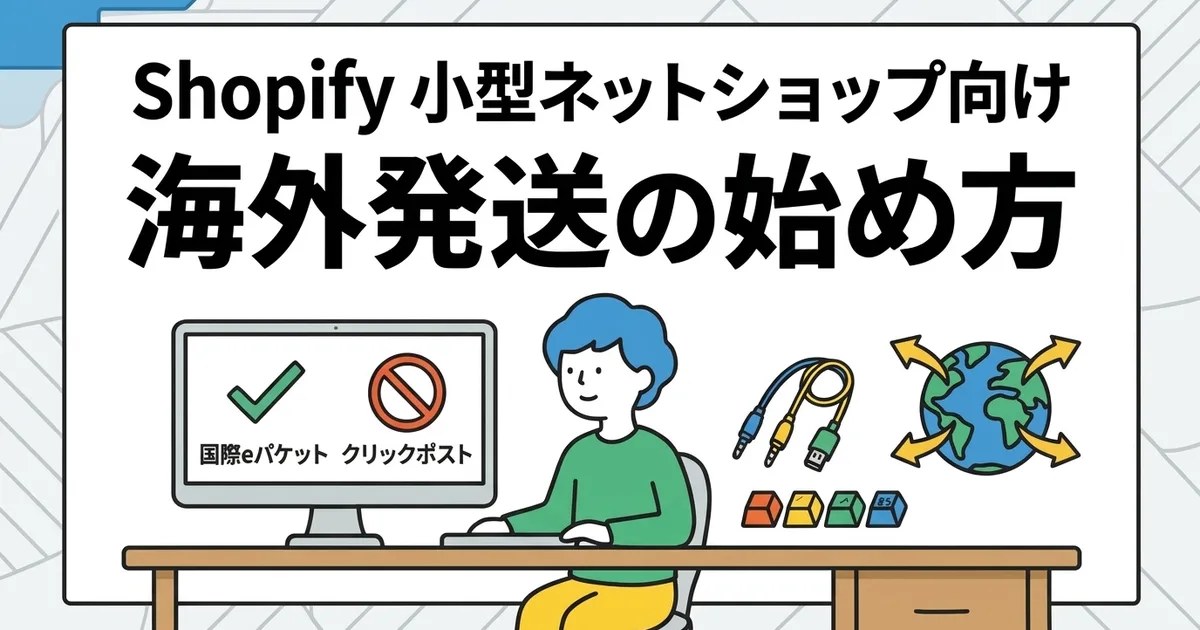
But international shipping is fundamentally different from domestic shipping. The first important point is simple: Click Post is a domestic-only service and cannot be used for international destinations.
This article organizes the basics that a small store should understand before starting international shipping.
Click Post Cannot Be Used for International Shipping
Click Post is a domestic Japan Post service. Its strengths, flat nationwide pricing, simple size rules, and easy daily use, apply only inside Japan.
If you want to ship overseas, you need to switch to an international mailing or courier option such as EMS or ePacket.
Main Shipping Options for International Orders
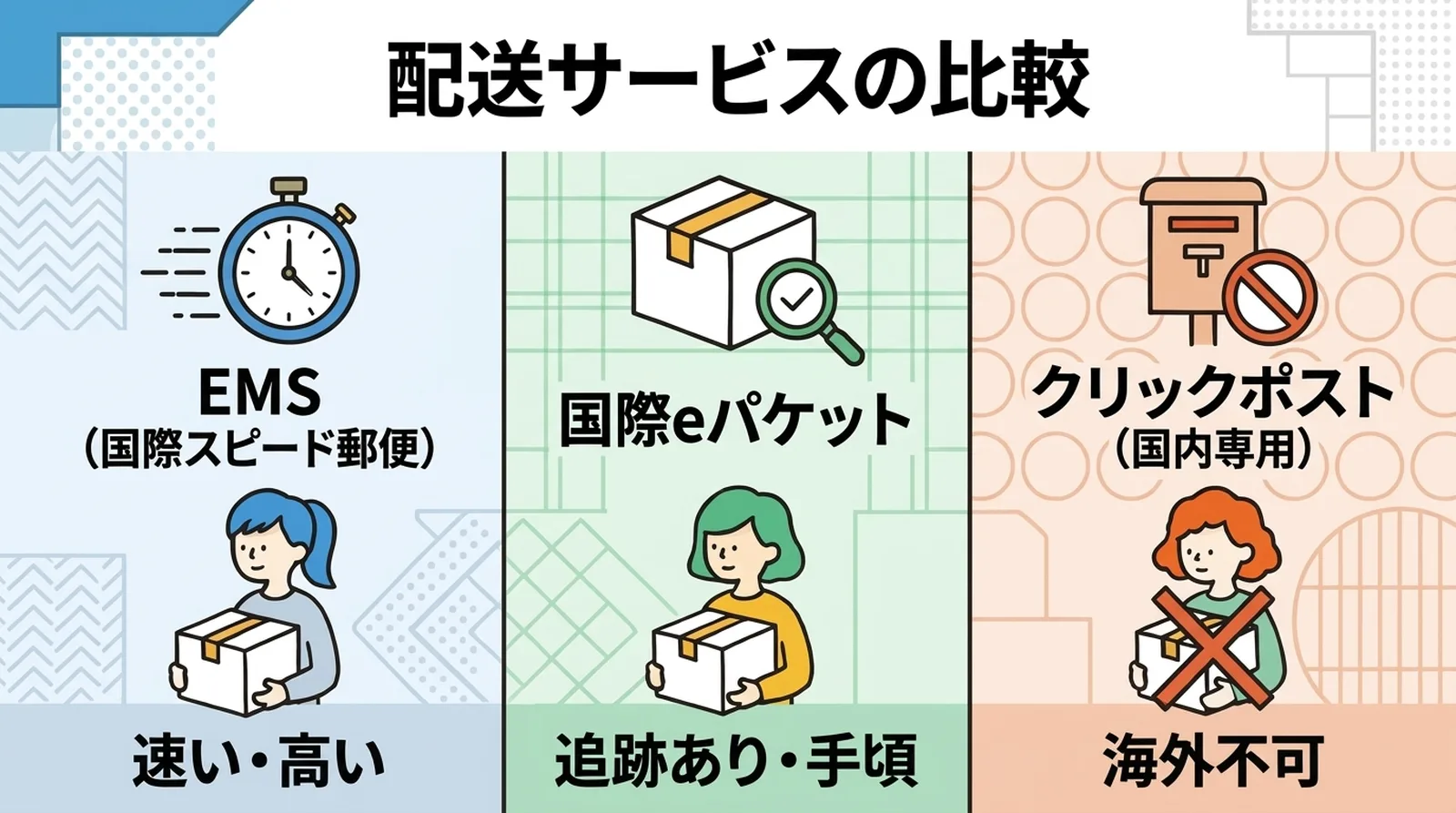
| Service | Approximate cost, Asia, 500 g | Delivery time | Tracking | Compensation | Main characteristic |
|---|---|---|---|---|---|
| EMS | From about 1,400 yen | 2 to 4 days | Yes | Yes | Fast and reliable |
| International ePacket | From about 745 yen | 1 to 2 weeks | Yes | Yes, limited | Good balance for small and light items |
| International ePacket Light | From about 620 yen | 2 to 3 weeks | Partial | No | Lower cost, weaker protection |
| SAL small packet | From about 480 yen | 2 to 3 weeks | Usually no | No | Lower cost, less reliable |
| Small packet by air | From about 510 yen | 1 to 2 weeks | Usually no | No | Faster than surface methods |
These are only approximate reference levels. Actual rates depend on destination and weight.
For many small stores, international ePacket is the most realistic starting point
If your products are small and lightweight, international ePacket is often a practical choice. It supports items up to 2 kg, includes tracking, and is more affordable than EMS.
EMS is faster and often more secure, but for products worth only a few thousand yen, its shipping cost can easily feel too high.
For the general logic of why tracking matters, see why tracked shipping matters for ecommerce. International orders make that issue even more important.
The Main Procedures You Need to Know
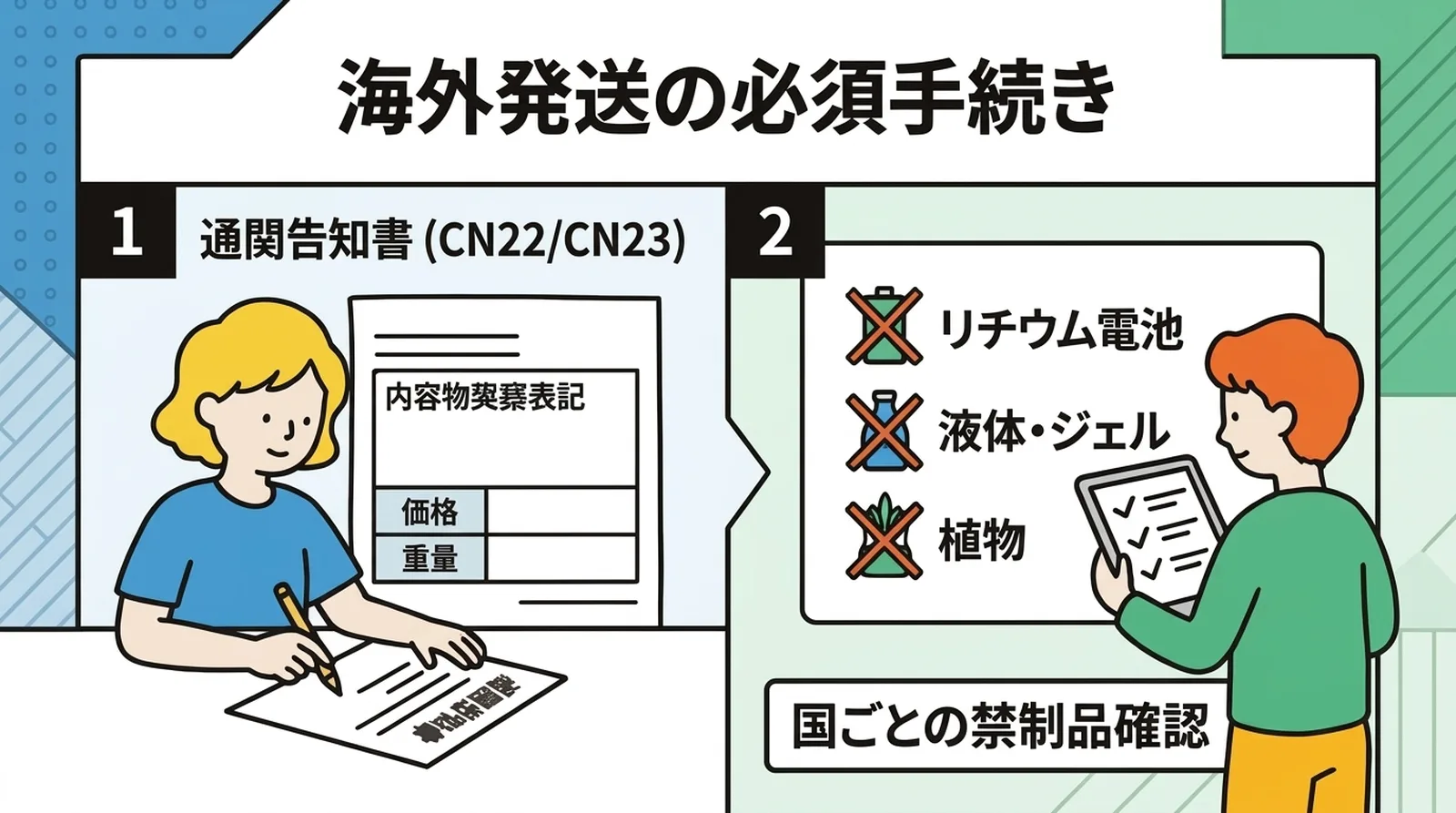
Customs declarations
International shipments require customs declaration information. Typical items include:
- Product name in English
- Quantity
- Weight
- Declared value
- Shipment category, such as merchandise or gift
You can handle this manually at first, but using Japan Post’s online tools becomes much easier once you do this more than a few times.
Check prohibited and restricted items
Each country has its own restrictions. Items that commonly require attention include:
- Products with lithium batteries
- Liquids and gels
- Plants and food
- Bladed or hazardous items
Always check destination-specific restrictions before shipping, because a returned international shipment is expensive and time-consuming.
Shopify Setup for International Shipping
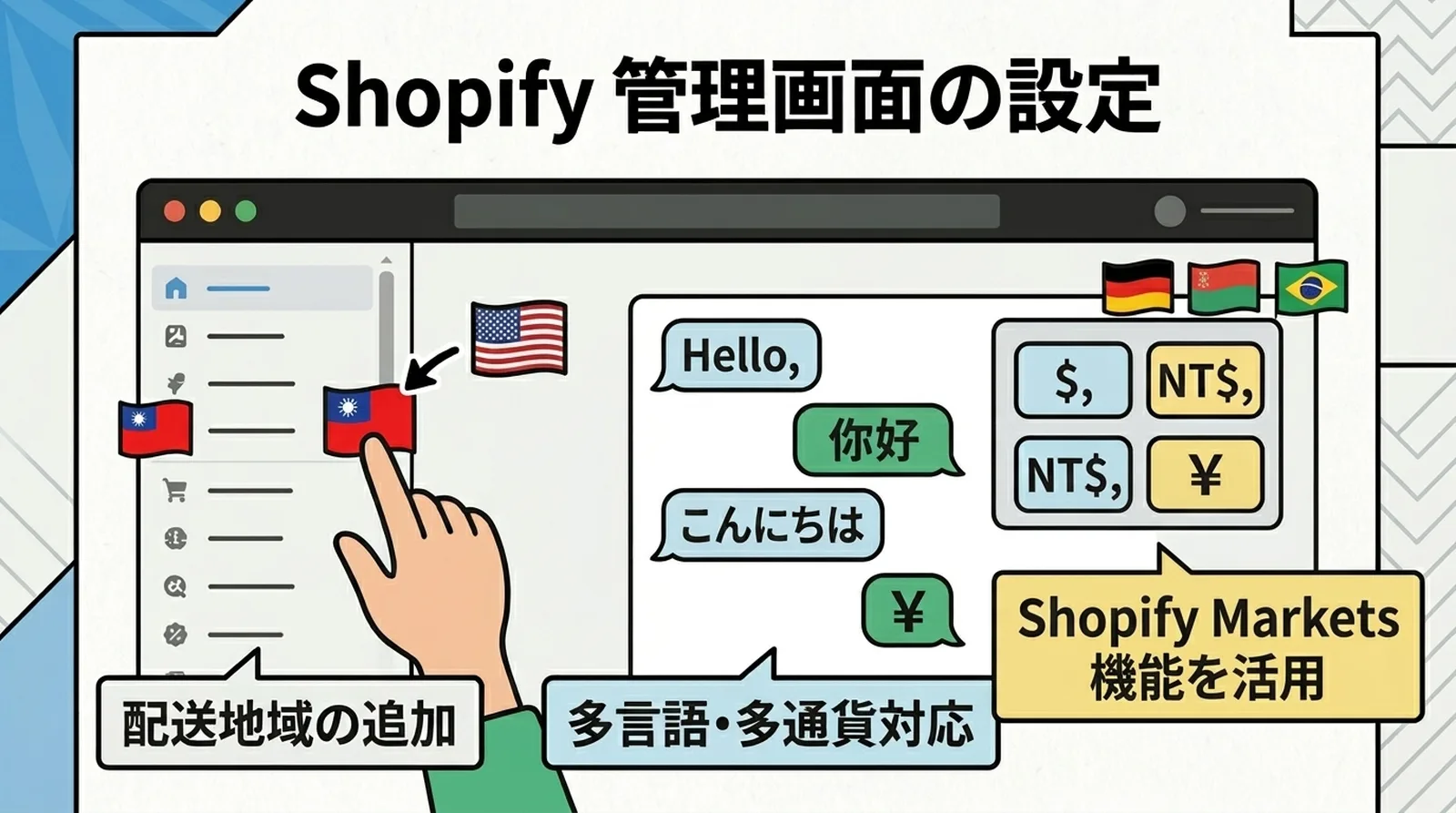
Add destination countries
In Shopify, go to Settings -> Shipping and delivery and add the countries or regions you want to ship to.
Decide how to structure shipping rates
There are three common approaches:
| Method | Characteristic | Best for |
|---|---|---|
| Flat rate | Simple to manage | Similar products with similar weight |
| Weight-based rate | Closer to actual cost | Product weights vary a lot |
| Region-based rate | Better reflects real cost differences | Significant differences between Asia, North America, and Europe |
For many small stores, starting with broad regional flat rates is the easiest way to begin.
Consider English product information
If overseas customers are going to order smoothly, at least the product name and key product details should be available in English. Shopify Markets and related translation tools can help with this over time.
Should a Small Store Start International Shipping Right Away?
Benefits
- You open access to a larger market
- Handmade goods and Japanese products often have international interest
- Shopify already has many features that support international sales
Things to think about first
- Shipping cost is much higher than domestic shipping
- Customs work adds procedural overhead
- Delivery takes longer and problem resolution can take longer too
- Customer support may need to be handled in English
For many small stores, the most realistic starting point is not aggressive international expansion. It is simply being ready to accept overseas orders when they come in.
That means enabling the settings, knowing your shipping options, and being prepared to respond when an order appears.
Common Questions
Q. Do customers usually pay for international shipping?
Yes. In most cases, the customer pays it. International shipping varies too much by destination to make universal free shipping easy to offer.
Q. Who pays customs duties and import tax?
Usually the recipient. It helps to state this clearly in your FAQ or policy so customers are not surprised.
Q. Which countries are easiest to start with?
Nearby Asian destinations are often easier first steps because shipping is generally cheaper and delivery times are shorter than to North America or Europe.
Conclusion
Click Post cannot be used for international shipments. If you want to ship overseas, you need a separate international service such as EMS or international ePacket.
That means preparing for customs paperwork, different delivery-time expectations, and different support needs. For a small store, a sensible first step is simply to enable the option and be ready to respond when overseas interest appears rather than trying to scale international sales all at once.
If your domestic shipping workflow still takes too much time, it often makes sense to improve that first. For streamlining Click Post-based domestic shipping from Shopify, try Instant Shipping! for Click Post.