You wait with the admin screen open for the launch time of a new product. When it sells out, you rewrite the product page, and when it is back in stock, you contact customers one by one. SellRules is a Shopify app that helps reduce this cycle of manual work.
SellRules is now available on the Shopify App Store. You can manage pre-orders, made-to-order sales, back-in-stock notifications, and purchase limits according to each product's situation.
Here are three situations that show which shop tasks you can hand over first.
For shops switching the purchase button every time they launch
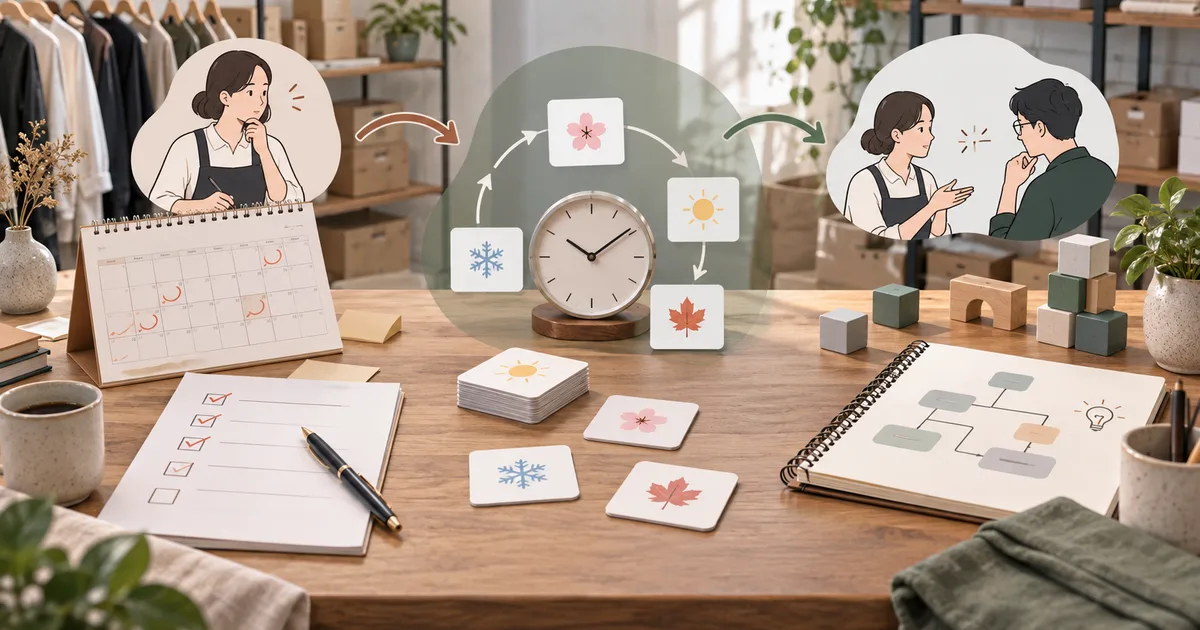
Imagine that you want to introduce a new product arriving next month, take pre-orders, and switch to regular sales after it arrives. Remembering what to change every time the schedule moves is time-consuming.
With SellRules, you can set the dates for pre-orders and the switch to regular sales for each product. You can show an email signup to people who want launch news, then show a pre-order purchase button while pre-orders are open.
The idea is to prepare the planned changes in advance instead of asking someone to remember and operate every switch. Before working through the detailed settings, choose one thing you want to change for your next launch so it is easier to try.
For shops that want to change the post-stockout message for each product
Do you show the same “sold out” message for products whose restock timing is known and products whose timing is still unknown?
If you can share an expected arrival time, you can take pre-orders. If there is no schedule yet, you can show only an email signup for a restock notification. SellRules lets you choose what happens after stock runs out for each product.

Settings created automatically by a stockout rule are removed when inventory is replenished, and the product returns to regular sales. Customers who signed up for a restock notification receive an email telling them that the product is back in stock.
Stockout rules have conditions such as requiring Shopify to track the inventory, and a manual sales schedule takes priority when one is set. Start by checking the behavior with a test product.
For shops that want to set how many can be made or purchased
For products made after an order is received, you need to decide when to stop accepting orders and when you expect to ship them. SellRules includes features for managing made-to-order sales and the progress of those orders.
It also offers purchase limits for shops that want to say “one per customer” for a limited product. Check whether the limit applies to one order or how purchases by the same customer are counted, according to the way your shop sells.
This is not an app that makes or packs products for you. It helps you handle the way your shop has decided to sell products through the product page and order management.
Work after orders come in stays in Shopify
Orders received through SellRules are handled as regular Shopify orders. You do not need to move to a separate order management screen to check them.
Payments follow your shop's Shopify settings. Your shop prepares and ships products and handles cancellations and refunds. For a pre-order product, write the expected shipping date clearly on the product page.
If you need a special payment method, such as collecting only part of the payment upfront, confirm before installing whether it can be handled as you expect.
Start with one product on the Free plan
You can start for free on the Free plan, with no time limit. Paid plans are Standard and Pro. Check the latest prices and limits on the SellRules pricing page.
When you try it, you do not need to configure every feature at once. Start by choosing one problem you are dealing with now, such as “I want to hand over the opening of pre-orders for my next product” or “I want to add an email signup to a sold-out product.”
Choose one product, configure it, and open the product page that customers see to check the result. Screen-by-screen instructions are collected in the SellRules setup guide.
If you already know which feature you want, you can try it on the Free plan in the Shopify App Store. Check whether SellRules can take over the changes you make by hand each time, in a way that fits how your shop sells.
Feature and pricing reference: SellRules official site · official guide · Shopify App Store. Checked: September 14, 2026.